-
Unbox the Switch
-
Open the box and remove the TP-Link TL-SG1008D and all its accessories.
-
Ensure you have the switch, power adapter, and installation guide.
-
-
Position the Switch
-
Place the switch on a flat, stable surface, such as a desk or shelf.
-
Optionally, mount it on the wall using the included mounting kit.
-
-
Connect Power
-
Plug the power adapter into the switch and connect it to an electrical outlet.
-
The switch will power up automatically once plugged in.
-
-
Connect Ethernet Devices
-
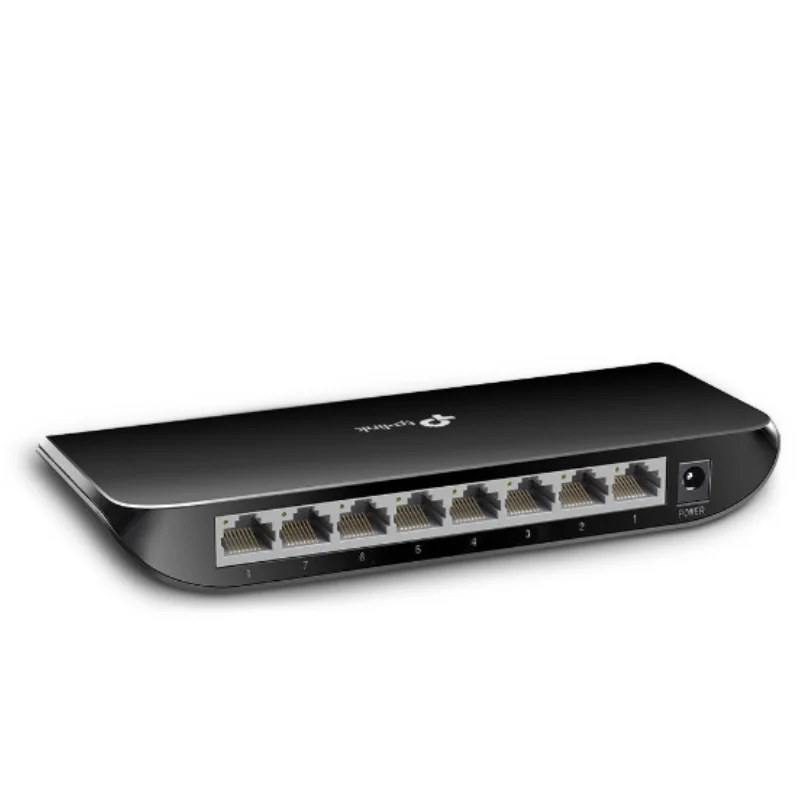
Use Ethernet cables to connect your devices (computers, printers, or routers) to the 8 available ports on the switch.
-
Ensure each Ethernet cable is firmly plugged into the switch and the connected device.
-
-
Verify Connection
-
Check the LED indicators next to each port. A green or amber LED shows an active connection, and blinking lights indicate data transfer.
-
-
Maintenance
-
Keep the switch in a well-ventilated area to prevent overheating.
-
Regularly check the Ethernet cables and switch for any issues or damage.
-
Electronics, Wifi
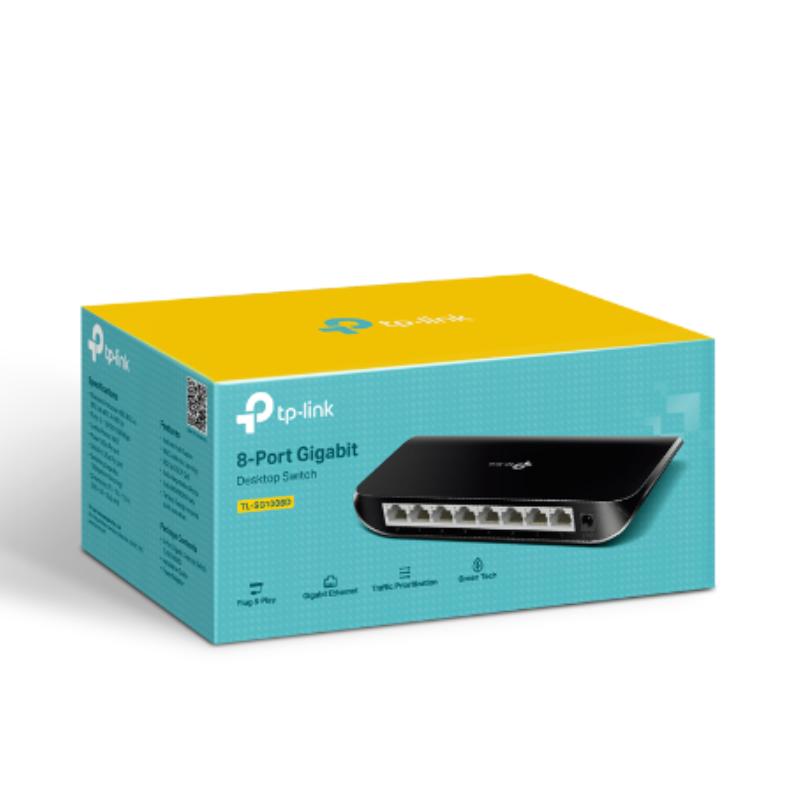
Tp-Link Networking Switch 8 Port Gigabit SG1008D
SKU: 0306000154
Availability:
In stock
Here’s the short description for the TP-Link 8-Port Gigabit Desktop Switch TL-SG1008D:
The TP-Link TL-SG1008D is an 8-port Gigabit desktop switch that offers high-speed, reliable connectivity for home or office networks. It’s plug-and-play, energy-efficient, and easy to set up with no configuration required.
6.900 OMR
In stock
Philips OneBlade 360 Shaver QP2734/23
Philips 1000 Series Body Groomer BG1025/15
Cleo-EL Portable Power Station 300W ZHY-CN01
Sony Ps 5 Spider Man Miles Morales CD
Canon GI-41 Ink Bottle, Magenta
Telionix Electric Air Fryer 9L TAF4424
Ahuja Utp30 Wired Tie Clip Mic
Cle Usb Fridge
Behringer Gb3002a Acoustic Guitar Stand
Panasonic rf 2400d fm-am-radio
PlayX Ps 3 Controller
Welly Metal Car Mercedes Benz 600 Size 1.24 WL-24121W
BBurago Metal Car Ferrari 499P Size 1.18
D-link Ip Wifi Camera Dcs 8300Lh Hd
ROCK W24 Double side Quick CHARGER
New Arrivals
Offers
Service & Repair


There are no reviews yet.