-
Unbox the Switch
-
Open the box and remove the TP-Link TL-SG1008D and all its accessories.
-
Ensure you have the switch, power adapter, and installation guide.
-
-
Position the Switch
-
Place the switch on a flat, stable surface, such as a desk or shelf.
-
Optionally, mount it on the wall using the included mounting kit.
-
-
Connect Power
-
Plug the power adapter into the switch and connect it to an electrical outlet.
-
The switch will power up automatically once plugged in.
-
-
Connect Ethernet Devices
-
Use Ethernet cables to connect your devices (computers, printers, or routers) to the 8 available ports on the switch.
-
Ensure each Ethernet cable is firmly plugged into the switch and the connected device.
-
-
Verify Connection
-
Check the LED indicators next to each port. A green or amber LED shows an active connection, and blinking lights indicate data transfer.
-
-
Maintenance
-
Keep the switch in a well-ventilated area to prevent overheating.
-
Regularly check the Ethernet cables and switch for any issues or damage.
-
Electronics, Wifi
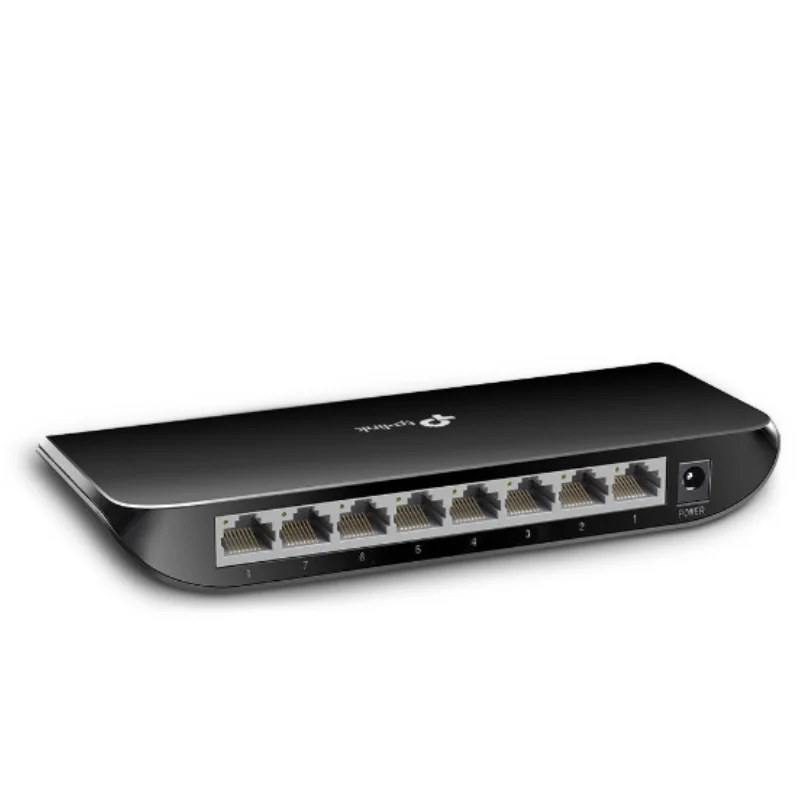
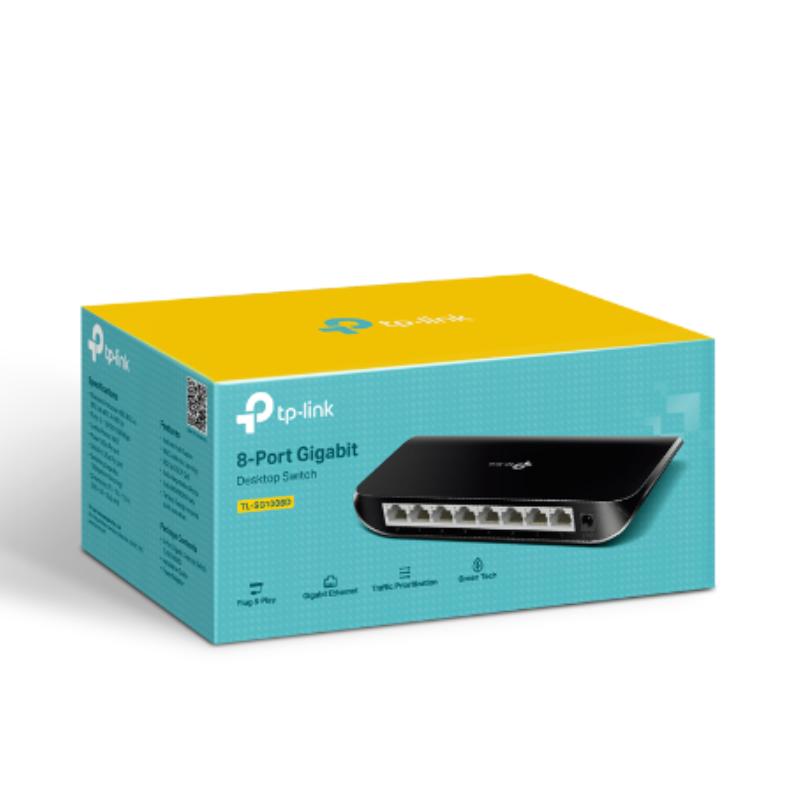
Tp-Link Networking Switch 8 Port Gigabit SG1008D
SKU: 0306000154
Availability:
In stock
Here’s the short description for the TP-Link 8-Port Gigabit Desktop Switch TL-SG1008D:
The TP-Link TL-SG1008D is an 8-port Gigabit desktop switch that offers high-speed, reliable connectivity for home or office networks. It’s plug-and-play, energy-efficient, and easy to set up with no configuration required.
6.900 OMR
In stock
Canon Cartridge Maxify 1400 Magenta
BOYA BY MM1 MICROPHONE
SONY PS4 TOM CLANCY'S RAINBOW SIX SIEGE GAME CD
Biba Flute Deluxe
Toa A2060 Amplifier
SONY PS4 Toukiden2 GAME CD
Philips 1000 Series Body Groomer BG1025/15
Welly Metal Car Mercedes Benz 600 Size 1.24 WL-24121W
Cpt Guitar 3713c
MiLi iData Air Flash Drive 32Gb
WAHL HOME PRO 300 SERIES HAIRCUT KIT
Sandisk Flash Drive i-xpand Dual Luxe 64GB Type-C to Lightning
Mebashi Espresso Coffee Machine With Grinder ME-CCM2069
DOBE PS4 TP4 023B Charging STAND
New Arrivals
Offers
Service & Repair


There are no reviews yet.