✅ What You’ll Need:
-
PS5 console (Disc or Digital Edition)
-
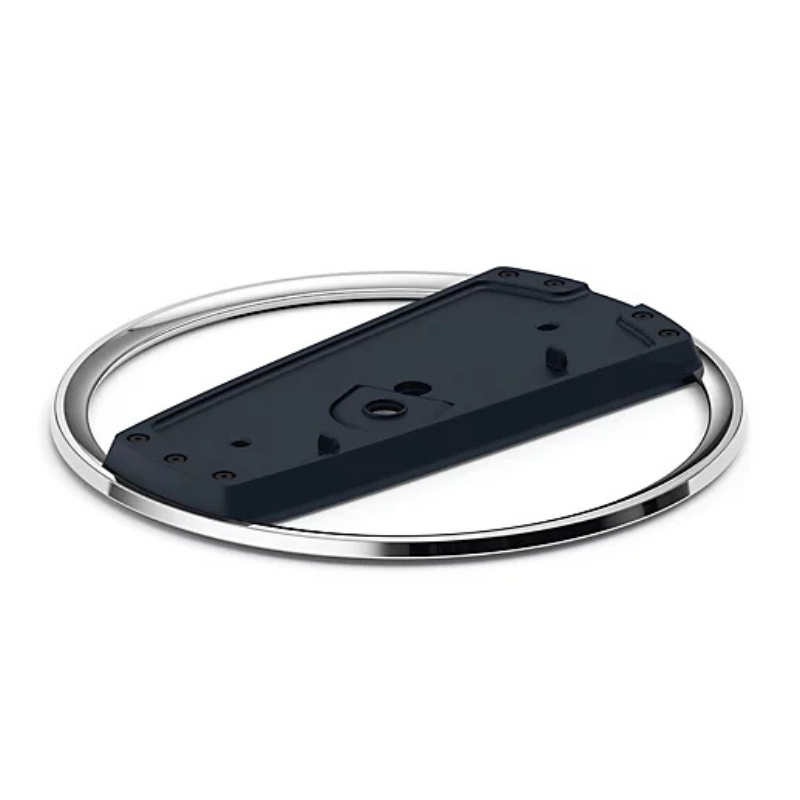
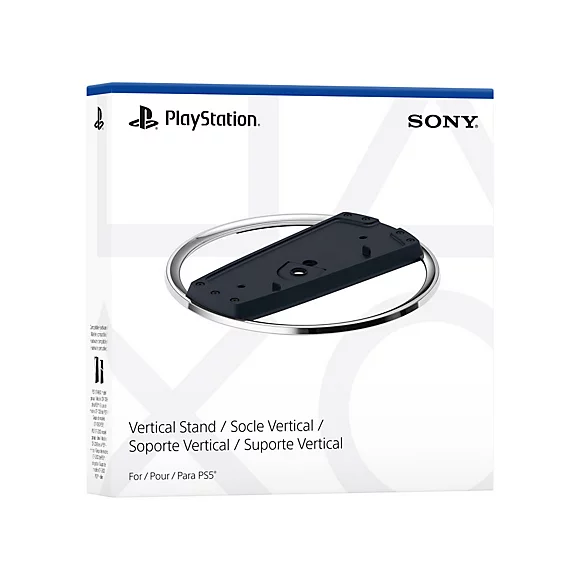
Sony PS5 Vertical Stand (official or compatible)
-
A coin or flathead screwdriver (optional, for screw)
🪛 For PS5 Disc Edition (with a disc drive):
-
Power Off & Unplug
Ensure your PS5 is turned off and unplugged from any cables. -
Locate the Stand & Screw
The stand comes with a screw hidden in the base. Remove it by turning the base to open the hidden compartment. -
Remove the Cap
On the bottom of the PS5 (where the stand goes), you’ll see a circular cap—remove it carefully. -
Align the Stand
Line up the stand with the base of the PS5 where the cap was removed. -
Insert the Screw
Use a coin or flathead screwdriver to secure the stand to the PS5 with the screw. -
Place the Console Upright
Stand the console vertically on a flat surface. Make sure it’s stable.
🪛 For PS5 Digital Edition (no disc drive):
-
No Screw Needed
The stand clips onto the base—no screw required for the Digital Edition. -
Align the Stand
Snap the stand onto the bottom curved part of the console. It should click into place. -
Double-Check Stability
Gently wiggle to ensure it’s securely attached. -
Stand the Console Up
Place it upright in a safe location with room for airflow.
Hoco M80 Type C Head Phone
Cleo-MA Wireless Selfie Stick Magic Q03
Candc DC C9 Cardioid Microphone
Cle Usb Fridge
Cleo-GA Wireless Controller Game GS5 Pro
Panasonic Nose & Facial Hair Trimmer ER GN30K
SONY PS4 Rocket Arena Game CD
DUDAO AUX 3.5 mm Cable Connector
Neostar 15ft Telephone Curly Cable
Bm 13k Bee Melodica
Canon 446 cartridge
X-Box Series X 1TB SSD Console RRT-00013
New Arrivals
Offers
Service & Repair


There are no reviews yet.