
-
×
 Logitech H340 Headset
1 × 8.400 OMR
-
×
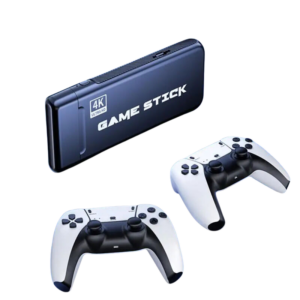
 4 In 1 Mobile Game Combo Pack
2 × 8.900 OMR
-
×
 Used NOKIA 9300
1 × 55.000 OMR
-
×
 Ahuja Utp30 Wired Tie Clip Mic
1 × 10.000 OMR
-
×
 Boya By Wm4 Pro K3 2.4ghz Wireless Microphone System
1 × 49.900 OMR
-
×
 Tasker C276bk 2x2.5mm Speaker Cable
1 × 0.800 OMR
-
×
 Max Speaker Box Spare Grill 12''
1 × 6.000 OMR
-
×
 Samsung LS27C310EAMXUE 27Inch Mainstream Monitor
1 × 44.800 OMR
-
×
 used Nokia 3109
1 × 17.900 OMR
-
×
 Bm 13k Bee Melodica
1 × 5.900 OMR
-
×
 Tovaste Vh3500 Vhf Double Wireless Microphone
1 × 12.000 OMR
-
×
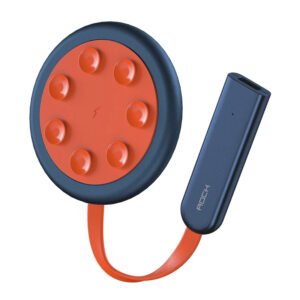 ROCK W24 Double side Quick CHARGER
1 × 5.200 OMR
-
×
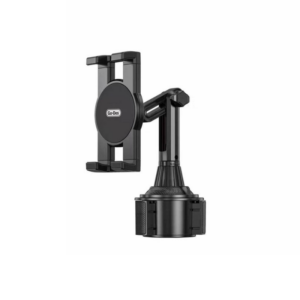 Go-des GD HD313 Car Cup Tablet Holder
1 × 4.500 OMR
-
×
 Cleo Plastic Recorder
2 × 0.700 OMR
-
×
 Tovaste Taxx10 Cable 1 Xlr Male 3 Pin To 1 Xlr Female 3 Pin 10 Mtr
1 × 5.000 OMR
-
×
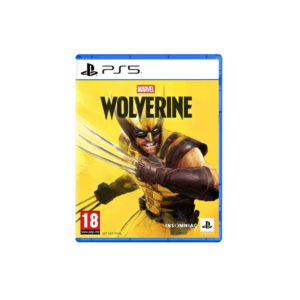
 SONY PS4 MX VS ATV ALL OUT GAME CD
1 × 18.800 OMR
-
×
 Boya Lavalier Microphone By M40d
1 × 20.000 OMR
-
×
 Cle Usb Fridge
2 × 5.900 OMR
-
×
 Jacobs Aj154 Xlr Panel
1 × 7.000 OMR
-
×
 Lavalier Microphone Lj02
1 × 1.800 OMR
-
×
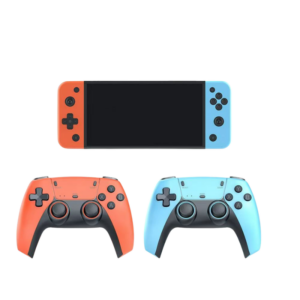
 Cleo-GA Handheld Video Game Console M25
1 × 25.900 OMR
Subtotal: 329.900 OMR
 New Arrivals
 Offers
 Service & Repair


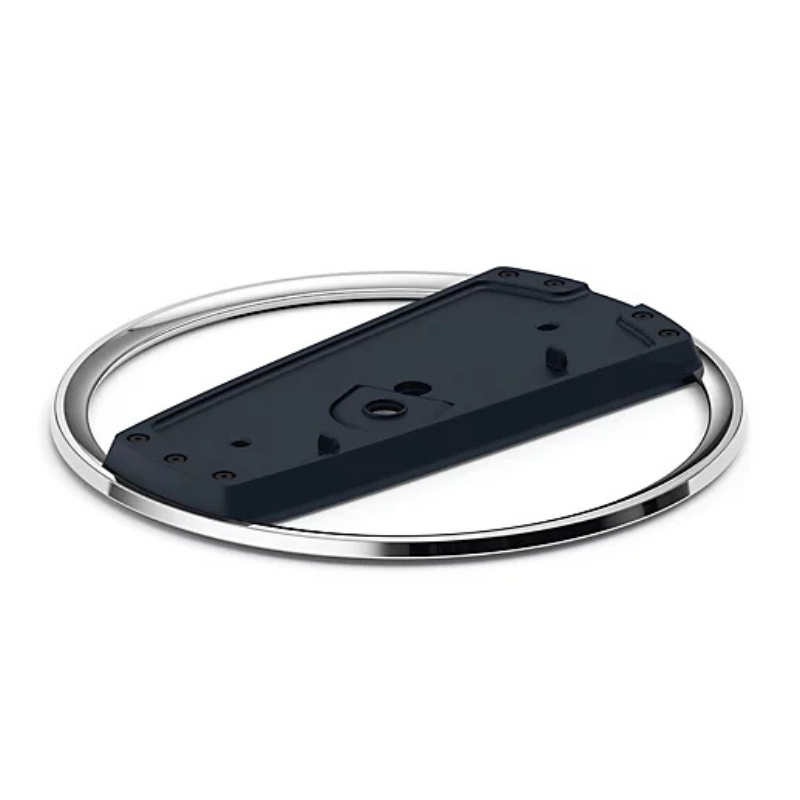
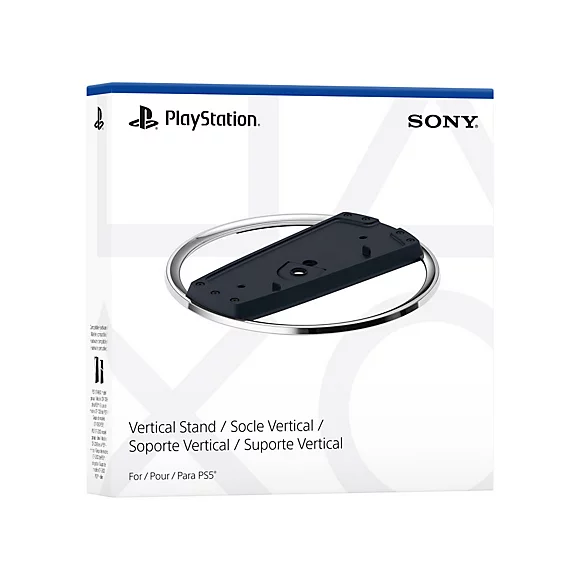
There are no reviews yet.