
-
×
 YH 25 PS4 Multifunctional Heat Dissipation Charging Bracket
1 × 12.900 OMR
-
×
 Boya Wireless Microphone By Wm4 Pro
1 × 47.900 OMR
-
×
 NEWSTAR 35 505K UNIVERSAL CAR HOME LAPTOP ADAPTER
1 × 5.000 OMR
-
×
 DOBE PS4 TP4 023B Charging STAND
3 × 6.900 OMR
-
×
 Bm 13k Bee Melodica
1 × 5.900 OMR
-
×
 DOBE PS4 TP4 016 Mobile Phone CLAMP
2 × 1.900 OMR
-
×
 Logitech Stereo Headset H390 Usb Connector
1 × 10.200 OMR
-
×
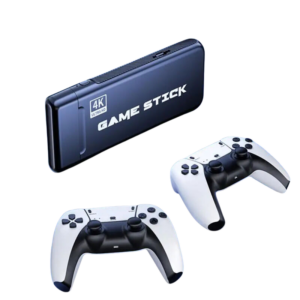
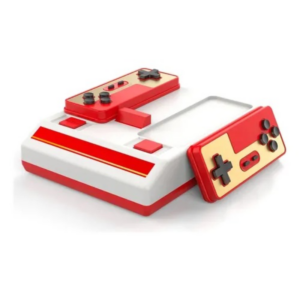 Cleo-GA Retro Video Game Console D-101
1 × 7.900 OMR
-
×
 Biba Flute Deluxe
1 × 6.500 OMR
-
×
 Max Bms 135 Boom Mic Stand
1 × 9.500 OMR
-
×
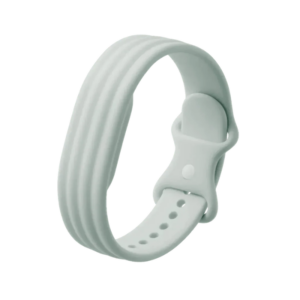 Google Fitbit Air Active Band Fog Silicon Strap
1 × 20.900 OMR
-
×
 OMNIKEY 3121 CARD READER
1 × 7.900 OMR
-
×
 Used Sony Ericsson T39
1 × 31.500 OMR
-
×
 Used Nokia 6124
1 × 24.500 OMR
-
×
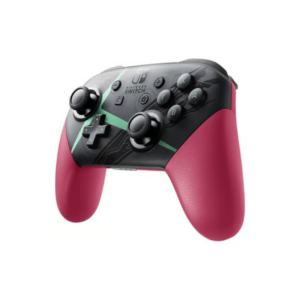
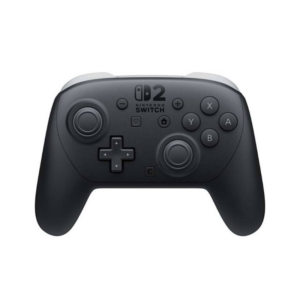 Nintendo Switch 2 Pro Controller
1 × 25.900 OMR
Subtotal: 241.000 OMR
 New Arrivals
 Offers
 Service & Repair



There are no reviews yet.