
-
×
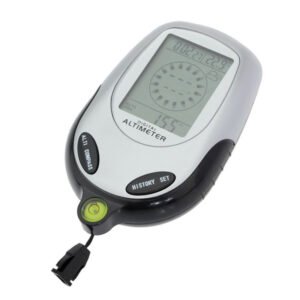 Multifunctional Digital Altimeter
1 × 6.400 OMR
-
×
 ANNKE DVR DN41R
1 × 10.300 OMR
-
×
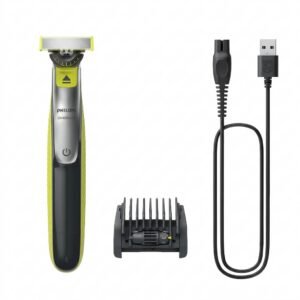 Philips OneBlade 360 Shaver QP2734/23
1 × 22.900 OMR
-
×
 Kalimba 17 Keys Finger Piano
1 × 13.800 OMR
-
×
 USAMS Iphone 11 Pro Metal Camera Lens Glass Film
1 × 1.900 OMR
-
×
 Sony PS5 Village Resident Evil Game CD
1 × 12.900 OMR
-
×
 NEWSTAR 3464 24V 12V 10amps TRANSFORMER
1 × 5.000 OMR
-
×
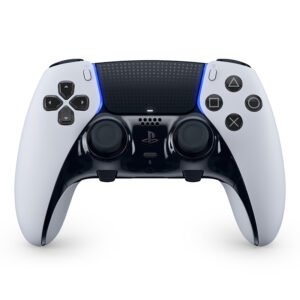 Sony PS5-CFI-ZCP1WY Controle Sem Fio DualSense Edge
1 × 79.900 OMR
-
×
 Sunglass Police ORIGINS 44 SPLD43 0302 145
1 × 65.000 OMR
-
×
 LEOSTAR LCD/LED/Plasma Wall Bracket Tilt Style LSWBM 9039
1 × 7.800 OMR
-
×
 Sony PS 5 DualSense Wireless Controller Limited Edition Alpine Green
1 × 25.900 OMR
-
×
 Sony Ps 4 Mdievil CD
1 × 11.000 OMR
-
×
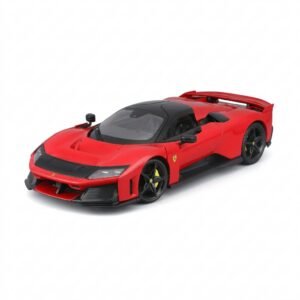 BBurago Metal Car Ferrari F80 Size 1.18 18-16022
1 × 42.900 OMR
-
×
 SONY PS4 TONY HAWKS PRO SKATER 1+2 GAME CD
1 × 13.900 OMR
-
×
 TY Scoring Pinball Game
1 × 7.800 OMR
-
×
 DOBE PS4 TP4 023B Charging STAND
1 × 6.900 OMR
-
×
 Bm 13k Bee Melodica
1 × 5.900 OMR
Subtotal: 340.200 OMR
 New Arrivals
 Offers
 Service & Repair



There are no reviews yet.