
-
×
 BBurago Metal Car Ferrari 296 GTB Size 1.18 18-16018
2 × 42.900 OMR
-
×
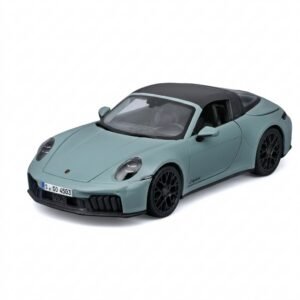 Maisto Metal Car Porsche 911 Targa 4 GTS Size 1.18 31470
5 × 42.885 OMR
-
×
 Hot Wheels Deutschland Design
2 × 4.900 OMR
-
×
 Maisto Metal Car Porsche 911 GT3 Size 1.18 36458
1 × 42.885 OMR
-
×
 Max Mu 40 Xt Driver Unit
1 × 18.000 OMR
-
×
 Ahuja Au 40xt 40w White Driver Unit
1 × 20.000 OMR
-
×
 OTVO P4 USB DATA CABLE (For P4 Host & Handle)
2 × 1.900 OMR
-
×
 Candc DC C9 Cardioid Microphone
1 × 3.500 OMR
-
×
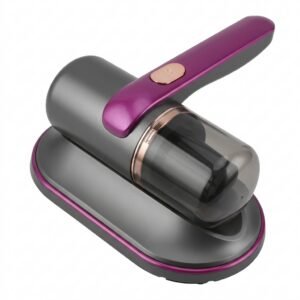 Cleo-CG Dust Mite Remover NGB105
1 × 7.900 OMR
-
×
 SONY PS4 Rock of Ages 3 Game CD
1 × 13.800 OMR
-
×
 SONY PS4 TONY HAWKS PRO SKATER 1+2 GAME CD
1 × 13.900 OMR
-
×
 Used Sony Ericsson U10i (Only Mobiles)
1 × 26.500 OMR
-
×
 Cleo-EL Round Panel Heater AYK-066
1 × 12.900 OMR
-
×
 WAHL HOME PRO 300 SERIES HAIRCUT KIT
2 × 15.800 OMR
-
×
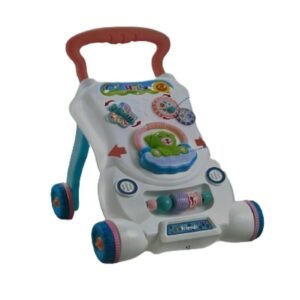 CPT HT-696-R15 BABY WALKER
1 × 7.800 OMR
-
×
 INSTA 360 GO 3 Action Camera with code
1 × 159.900 OMR
-
×
 Cleo-EL Andowl Digital Camera NO C13
1 × 12.900 OMR
-
×
 DigitPlus DP-868 GaN Pro 268W (3USB-A / 4USB-C) 7-Port FAST CHARGER
1 × 12.900 OMR
-
×
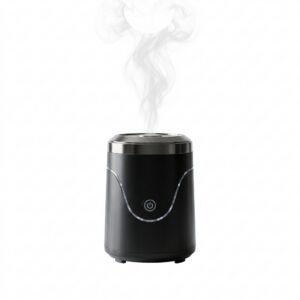 Cleo-EL Portable Electronic Bakhoor BQ-19
1 × 3.900 OMR
-
×
 OMNIKEY 3121 CARD READER
1 × 7.900 OMR
-
×
 Cleo-TY Chevy Pull Back Car 73355
1 × 7.900 OMR
-
×
 Philips Dry Iron HD1172/27
1 × 5.800 OMR
-
×
 Google Fitbit Edge Fitness & Health Tracking Smart Band Green
1 × 86.900 OMR
-
×
 ROCK W24 Double side Quick CHARGER
1 × 5.200 OMR
-
×
 Cleo-EL Manual Coffee Grinder With Adjustable Settings
1 × 2.900 OMR
-
×
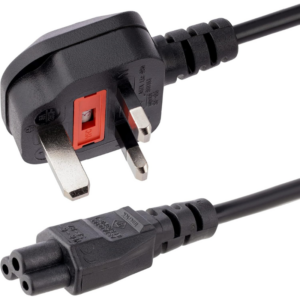 Cleo-EL Power Cable 3 Pin
1 × 1.500 OMR
-
×
 Dlc Electric Kettle 35240 4L 1800W
1 × 8.900 OMR
-
×
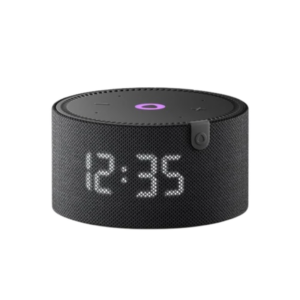 Yasmina Mini Smart Portable Bluetooth Speaker Black
1 × 29.900 OMR
-
×
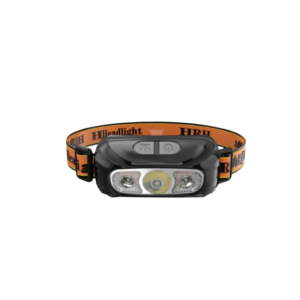 Krawn Head Light KW 52812
1 × 0.900 OMR
-
×
 Kaku Apple Ipad Pro 11" 2024 Leather Case
1 × 4.900 OMR
-
×
 SUPER STAR ESSENTIAL VLOGGING KIT
1 × 23.900 OMR
-
×
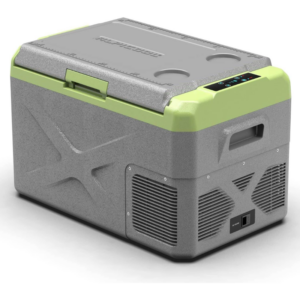 Dlc Car Electric Refrigerator 40L DLC 33540
1 × 85.900 OMR
Subtotal: 974.710 OMR
 New Arrivals
 Offers
 Service & Repair



There are no reviews yet.