
 New Arrivals
 Offers
 Service & Repair

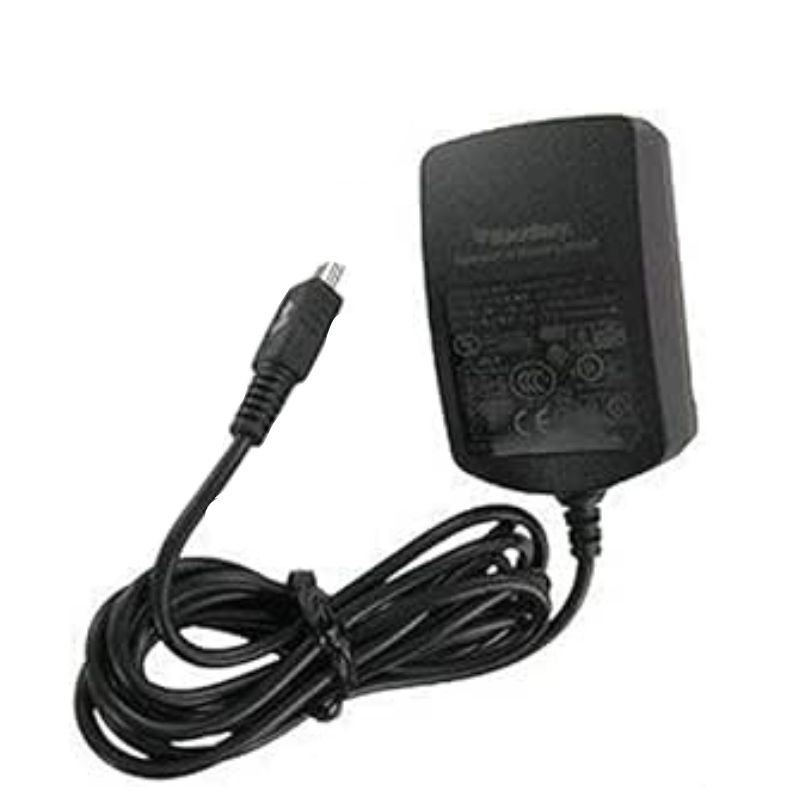
BLACKBERRY B/b 8900/8520 Original Home Charger
SKU: 020313000352
In stock
The BLACKBERRY B/b 8900/8520 Original Home Charger is a reliable and efficient charging solution designed specifically for BlackBerry models 8900 and 8520. With its compact design and sturdy construction, this original home charger ensures quick and safe charging for your device, keeping you connected throughout the day. Simply plug it into a standard power outlet and connect your BlackBerry device for hassle-free charging at home or in the office.
4.900 OMR
In stock
1. Locate Power Outlet: Identify a standard power outlet in your home or office where you intend to charge your BlackBerry B/b 8900/8520 device.
2. Plug in Charger: Insert the BLACKBERRY B/b 8900/8520 Original Home Charger into the power outlet securely. Ensure that the charger is fully inserted and that there are no obstructions preventing a proper connection.
3. Connect Charger to Device: Take the charging cable attached to the charger and connect the appropriate end to your BlackBerry B/b 8900/8520 device. The connector should fit snugly into the charging port on your device.
4. Power On: Switch on the power outlet to begin charging your BlackBerry device. You may see an indicator light on the charger to confirm that it’s receiving power.
5. Monitor Charging: Keep an eye on your device’s battery icon to monitor the charging progress. Once fully charged, disconnect the charger from both the power outlet and your BlackBerry device to avoid overcharging.
There are no reviews yet.