
-
×
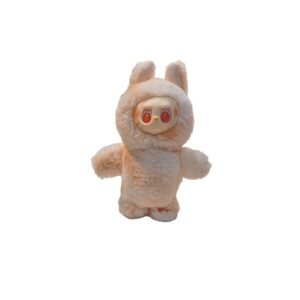 Cleo-TY Dancing Labubu
1 × 0.600 OMR
-
×
 Cleo-TY Car Racing Adventure Toy
1 × 8.900 OMR
-
×
 OMNIKEY 3121 CARD READER
1 × 7.900 OMR
-
×
 Cleo Plastic Recorder
1 × 0.700 OMR
-
×
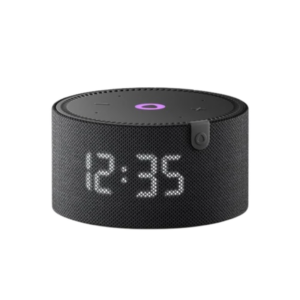 Yasmina Mini Smart Portable Bluetooth Speaker Black
1 × 29.900 OMR
-
×
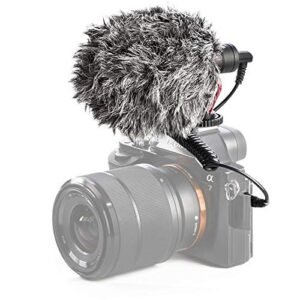 Candc DC C9 Cardioid Microphone
1 × 3.500 OMR
-
×
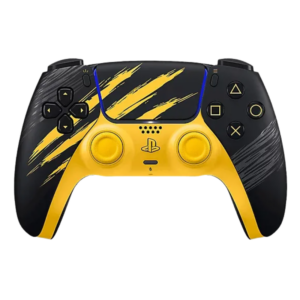 Sony Ps 5 Controller Marvel Wolverine Limited Edition
1 × 42.900 OMR
-
×
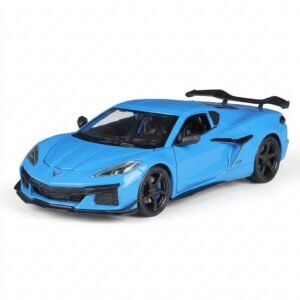 Welly Metal Car Chevrolet Corvette Z06 Size 1.24 WL-24120W
1 × 13.500 OMR
-
×
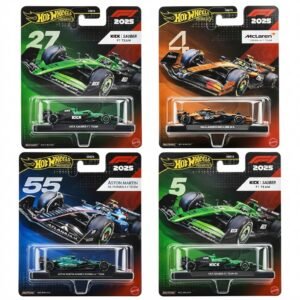 Hot Wheels Formula 1
1 × 7.900 OMR
-
×
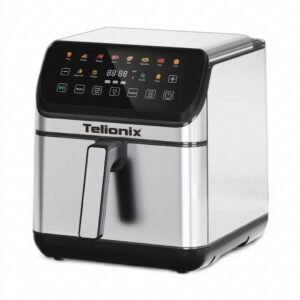 Telionix Electric Air Fryer 9L TAF4424
2 × 34.900 OMR
-
×
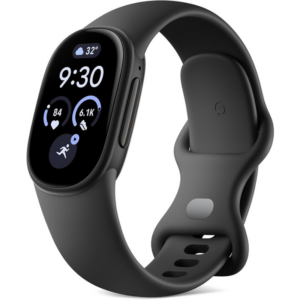 Google Fitbit Edge Fitness & Health Tracking Smart Band Black
5 × 86.900 OMR
-
×
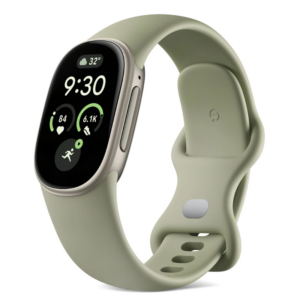 Google Fitbit Edge Fitness & Health Tracking Smart Band Green
5 × 86.900 OMR
-
×
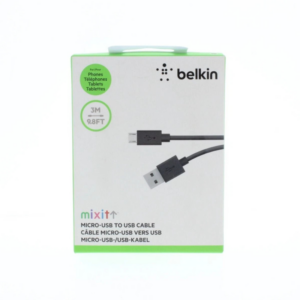 Belkin F2CU012bt Mixit Cable Usb A to Micro 3mtr
1 × 1.900 OMR
-
×
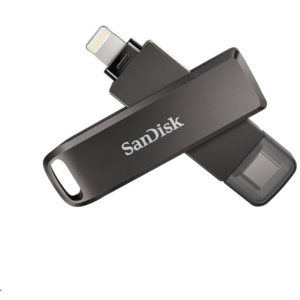 Sandisk Flash Drive i-xpand Dual Luxe 64GB Type-C to Lightning
3 × 11.500 OMR
-
×
 Hot Wheels Deutschland Design
1 × 4.900 OMR
-
×
 Apple Ipad Pro 12.9" 4th Gen Smart Keyboard Folio
1 × 94.900 OMR
Subtotal: 1,190.800 OMR
 New Arrivals
 Offers
 Service & Repair


There are no reviews yet.