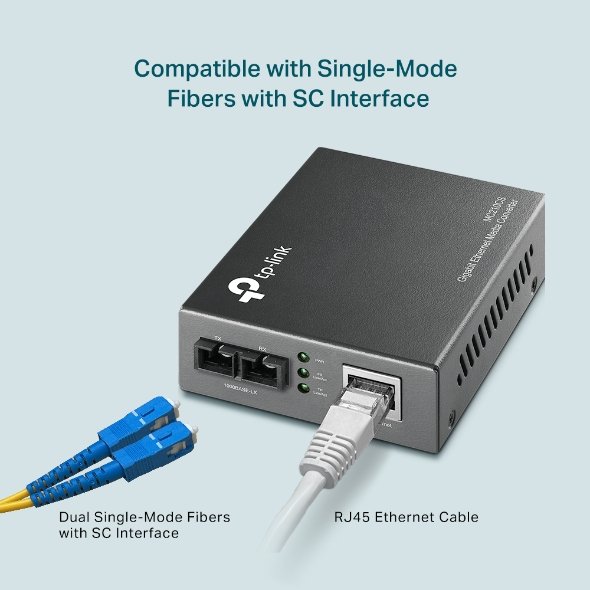
1. Unboxing & Inspection
-
Remove the media converter and accessories from the packaging.
-
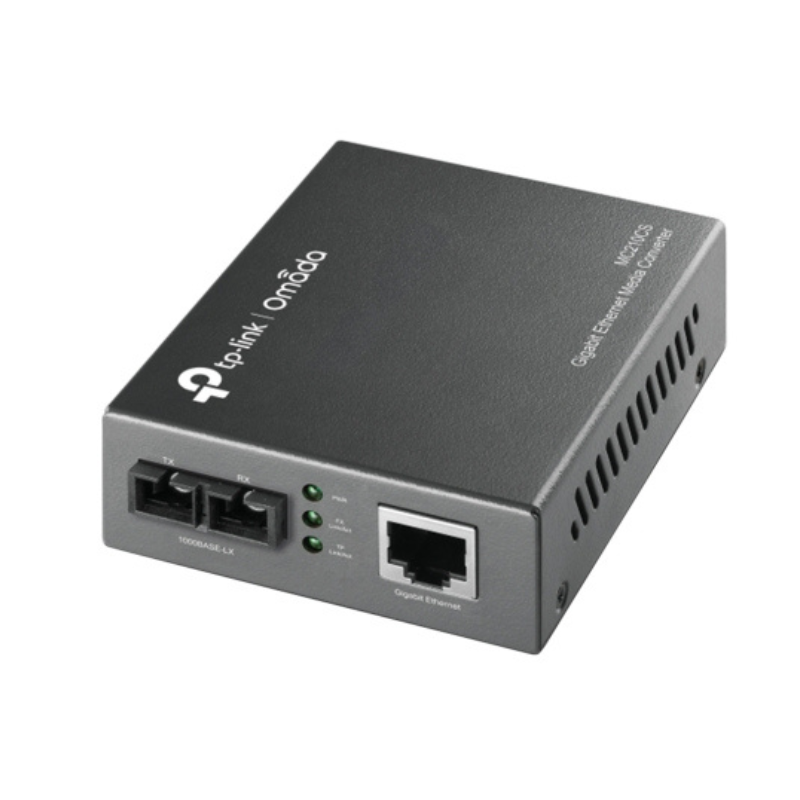
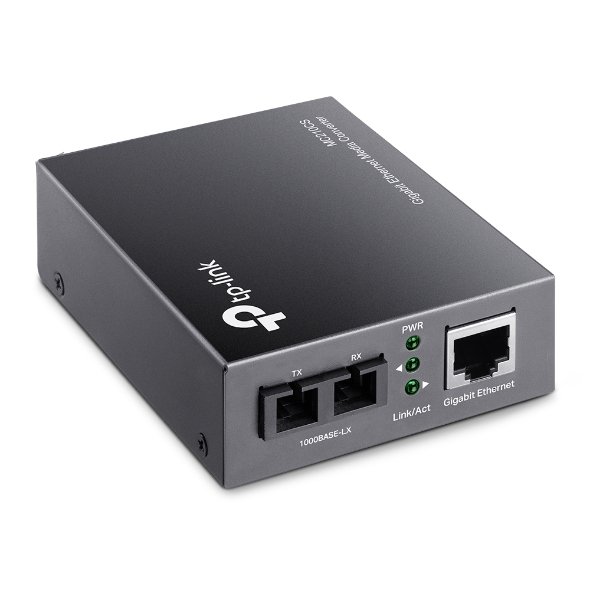
Ensure all parts are present: MC210CS Media Converter, power adapter, and quick installation guide.
2. Connect the Fiber Optic Cable
-
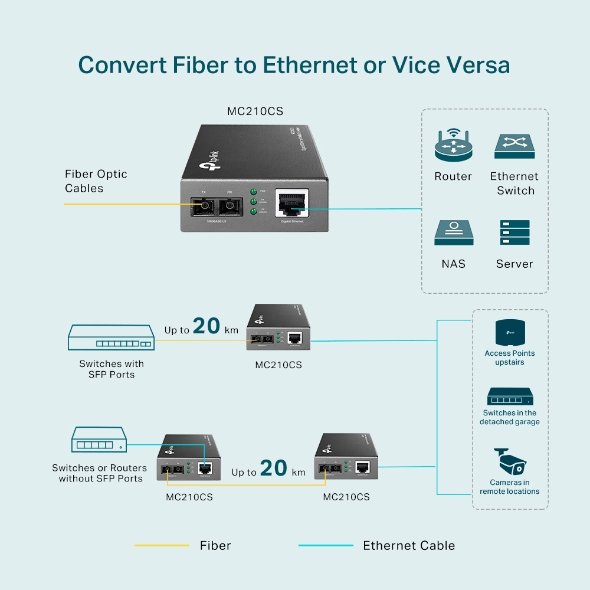
Take the single-mode fiber optic cable and connect one end to the fiber port (SFP) on the MC210CS.
-
Ensure the cable is securely plugged into the converter’s SFP port.
3. Connect the Ethernet Cable
-
Connect one end of an Ethernet cable to the RJ45 port of the media converter.
-
Plug the other end of the Ethernet cable into your network device (e.g., switch, router, or computer).
4. Power On the Device
-
Plug the power adapter into the media converter and connect it to a power outlet.
-
The device should power on automatically once connected to a power source.
5. Verify LED Indicators
-
Check the LED lights on the media converter to ensure proper functioning.
-
Power LED should be solid green when powered on.
-
Link/Act LED should blink or remain solid depending on the connection status.
-
Fiber LED should indicate connectivity when the fiber link is properly established.
-
6. Test the Connection
-
Verify the network connection by checking the device connected to the Ethernet port.
-
You should now have a stable network connection between the fiber optic cable and Ethernet network.
7. Placement & Final Setup
-
Place the media converter in a location that allows for proper cable management.
-
Ensure all cables are securely connected to avoid accidental disconnections.
8. Troubleshooting (if necessary)
-
If no connection is established, check the fiber optic cable for damage or ensure it’s properly plugged into both the media converter and the network device.
-
Double-check the SFP module type for compatibility if the media converter fails to recognize the fiber connection.
ثلاجة كلي أوسب
قارئ بطاقات أومنيكي 3121
Yesido Magnetic Holder 360 Rotation C82
شاحن ابل ماج سيف 20 وات
XP-PEN AD02 PA2 Stylus for Artist 12 Pro, Artist 13.3 Pro
PHILIPS HD 1172 Dry Iron
ميكروفون كاندك DC C9 كارديويد ميكروفون
BIBA Flute Deluxe
Sayona Stand Fan 16Inch SF-2298
أقل سعر
الخدمة والإصلاح
أحدث


لا توجد مراجعات حتى الآن.