
-
×
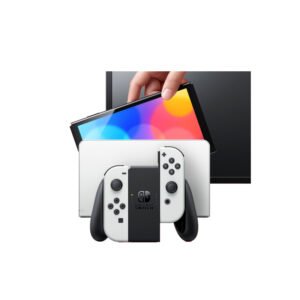 NINTENDO SWITCH OLED MODEL HEG-001 HANDHELD 64GB CONSOLE - WHITE
1 × 120.900 OMR
-
×
 كبل بيانات OTVO P4 USB (لمضيف ومقبض P4)
1 × 1.900 OMR
-
×
 YH 25 PS4 Multifunctional Heat Dissipation Charging Bracket
1 × 12.900 OMR
-
×
 Cleo-GA Wireless Controller Game GS5 Pro
1 × 15.900 OMR
-
×
 فيلم زجاجي لعدسة كاميرا آي فون 11 برو المعدني من USAMS
1 × 1.900 OMR
-
×
 ثلاجة كلي أوسب
2 × 5.900 OMR
-
×
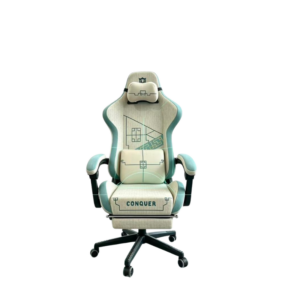 كرسي الألعاب المريح Cleo-GA Lxradeo
2 × 49.900 OMR
-
×
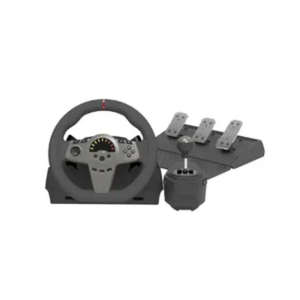 عجلة قيادة السباق Cleo-GA بزاوية دوران 270 درجة
1 × 34.900 OMR
-
×
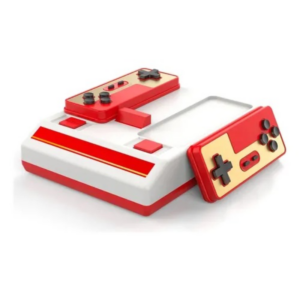 جهاز ألعاب الفيديو الكلاسيكي Cleo-GA D-101
1 × 7.900 OMR
-
×
 ميلوديكا ميلوديكا النحلة Bm 13k
1 × 5.900 OMR
-
×
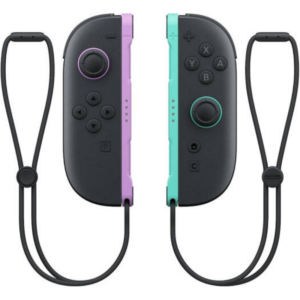 وحدة تحكم Joy-Con 2 لجهاز Nintendo Switch 2
1 × 32.900 OMR
-
×
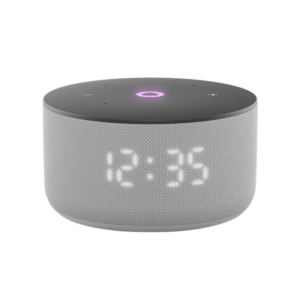 مكبر صوت ياسمين الصغير الذكي المحمول بتقنية بلوتوث، رمادي اللون
1 × 24.900 OMR
-
×
 TOLAYE KS06 KEYBOARD STAND
1 × 14.000 OMR
المجموع: 385.600 OMR
 أقل سعر
 الخدمة والإصلاح


 أحدث


لا توجد مراجعات حتى الآن.