1. Setup: Choose an appropriate location for the TOA MX6224D Amplifier, ensuring proper ventilation and accessibility to power sources and audio inputs.
2. Connection: Connect your audio sources, such as microphones, instruments, or audio players, to the corresponding input ports on the MX6224D Amplifier. Use balanced XLR or 1/4-inch TRS cables for optimal signal quality.
3. Output Configuration: Determine the output configuration based on your setup requirements. Utilize the various output options available on the MX6224D, including speaker outputs, auxiliary outputs, and line outputs, to connect to speakers, monitors, or additional amplifiers as needed.
4. Power On: Plug the MX6224D Amplifier into a suitable power source and switch it on. Verify that all connected devices are powered and functioning correctly.
5. Adjustment: Adjust the volume levels, tone controls, and other settings on the MX6224D Amplifier to achieve the desired sound quality and volume levels. Test the system with your audio sources and make further adjustments as necessary for optimal performance.
ميلوديكا ميلوديكا النحلة Bm 13k
AHUJA UTP30 WIRED TIE CLIP MIC
شاحن سريع مزدوج الجانب ROCK W24 مزدوج الجانب
نوكيا 6800 مستعملة
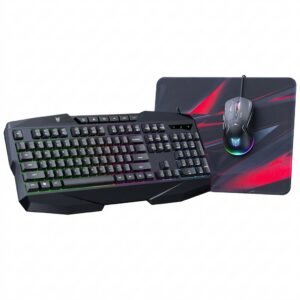
Onikuma 3-in-1 Professional Gaming Combo TZ3006
Logitech H390 USB STEREO HEADSET Black
USB DATA CABLE PS4
Welly Metal Car Jeep Jeepster Commando Station Wagon Size 1.24 WL-24117H-W
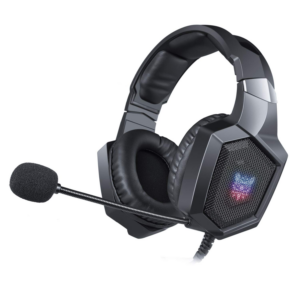
Onikuma Professional Gaming Headset K8
BOYA WIRELESS MICROPHONE BY WM4 PRO
أقل سعر
الخدمة والإصلاح
أحدث


لا توجد مراجعات حتى الآن.