
-
×
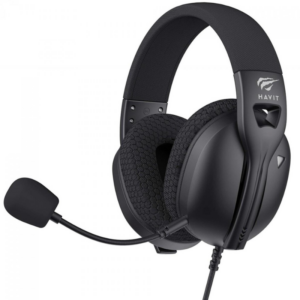 سماعة ألعاب سلكية Havit HVGMH-Fuxi-H5d مقاس 3.5 ملم
1 × 9.900 OMR
-
×
 Sony PS5 DualSense Charging Station
1 × 12.900 OMR
-
×
 CPT Headphone HZ-BT760 Wireless Headphones
1 × 3.500 OMR
-
×
 ميلوديكا ميلوديكا النحلة Bm 13k
1 × 5.900 OMR
-
×
 LAVALIER MICROPHONE LJ02
1 × 1.800 OMR
-
×
 400W Disinfection Mini Fogger Machine
1 × 8.900 OMR
-
×
 كبل بيانات OTVO P4 USB (لمضيف ومقبض P4)
1 × 1.900 OMR
-
×
 نوكيا 7370
1 × 25.000 OMR
-
×
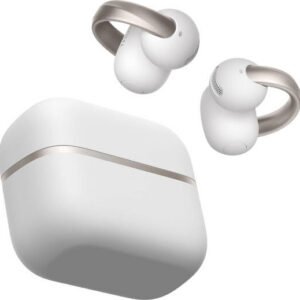 Anker D1105 Earbuds Aero Clip-2 Soundcore White
1 × 59.900 OMR
-
×
 DLC-37181 BBQ Heat Resistant Gloves
1 × 2.900 OMR
-
×
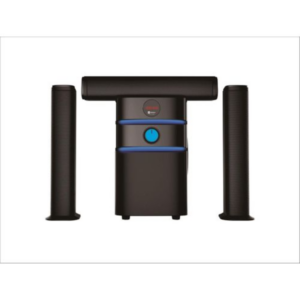 نظام مكبرات الصوت سايونا متعدد الوسائط SHT-1319BT
1 × 28.900 OMR
-
×
 شاحن سريع مزدوج الجانب ROCK W24 مزدوج الجانب
1 × 5.200 OMR
-
×
 BOYA BY WM8 PRO K2 UHF DUAL CHANNEL WIRELESS MICROPHONE
1 × 76.800 OMR
المجموع: 243.500 OMR
 أقل سعر
 الخدمة والإصلاح


 أحدث


لا توجد مراجعات حتى الآن.