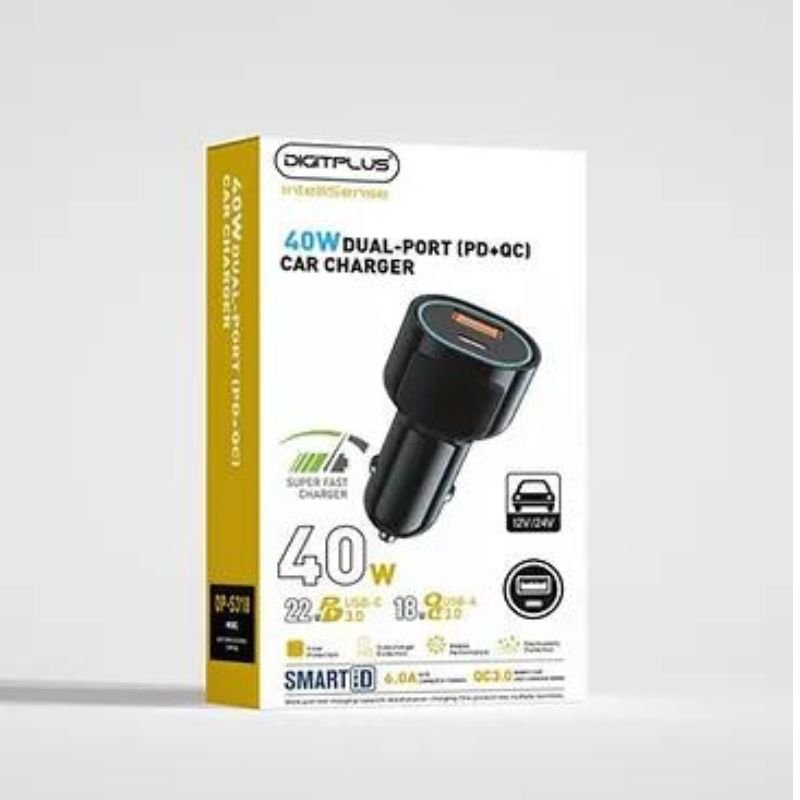
1. **Plug into Car’s Power Outlet:** Insert the DigitPlus DP-S320 charger into your car’s power outlet, typically located near the dashboard or center console. Ensure it is securely inserted to establish a connection.
2. **Identify the Charging Ports:** Locate the two USB-C ports on the charger. These ports support Power Delivery (PD) technology, allowing for fast and efficient charging of compatible devices.
3. **Connect Your Devices:** Plug your devices into the USB-C ports using compatible charging cables. Ensure that the cables are securely connected to both the charger and your devices.
4. **Start Charging:** Once your devices are connected, the charger will automatically start delivering power. The advanced PD technology enables rapid charging, providing up to 40W of total power output shared between the two ports.
5. **Monitor Charging Status:** Keep an eye on the charging status of your devices. Many devices display a charging indicator, and you can also check the battery level on their screens. Once your devices are fully charged, you can safely unplug them from the charger.
With these steps, you can effectively use the DigitPlus DP-S320 40W Dual-Port PD Fast Car Charger to keep your devices powered up while on the road.
TAC TOOL 18 IN 1 HAMMER (HARD ROCK TOOLS)
NEWSTAR 91 LDT07C048 13" 27" FULL MOTION MONITER DEST MOUNT
GO-DES GD HD609 CAR MAGNETIC HOLDER
Hot Wheels Formula 1
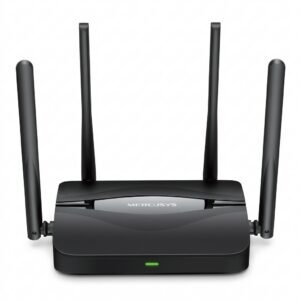
Mercusys BE3600 Dual Band Wi-Fi 7 Router MR25BE
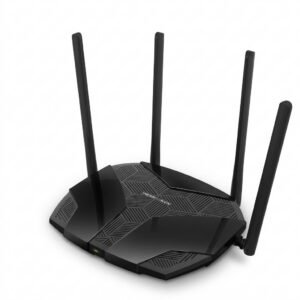
Mercusys AX3000 Dual-Band Wi-Fi 6 Router MR80X
TOLAYE KS06 KEYBOARD STAND
Maisto Metal Car Porsche 911 GT3 Size 1.18 36458
فيلم زجاجي لعدسة كاميرا آي فون 11 برو المعدني من USAMS
أقل سعر
الخدمة والإصلاح
أحدث

لا توجد مراجعات حتى الآن.