
-
×
 Sony PS5 Dual Sense Wireless Controller - Red
1 × 25.900 OMR
-
×
 Sony PS4 DriveClub VR Game CD
1 × 11.900 OMR
-
×
 SONY PS4 MONOPOLY MADNESS GAME CD
1 × 14.500 OMR
-
×
 Sony PS4 GRAN TURISMO 7 STANDARD ED/MEA Gaming CD
1 × 13.900 OMR
-
×
 Sony PS4 Formula 1 2021 Game CD
1 × 10.900 OMR
-
×
 Sony PS5 Formula 1 2021 Game CD
1 × 23.400 OMR
-
×
 Sony PS5 Village Resident Evil Game CD
1 × 12.900 OMR
-
×
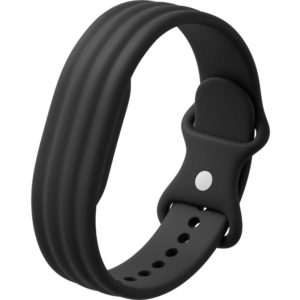 سوار جوجل فيتبيت إير أكتيف باند المصنوع من السيليكون بلون أوبسيديان
1 × 20.900 OMR
-
×
 APPLE IPAD Pro 12.9 Inch 4TH GEN SMART KEYBOARD FOLIO
2 × 94.900 OMR
-
×
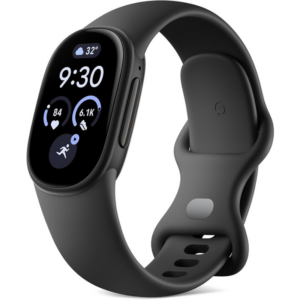 Google Fitbit Edge Fitness & Health Tracking Smart Band Black
3 × 86.900 OMR
-
×
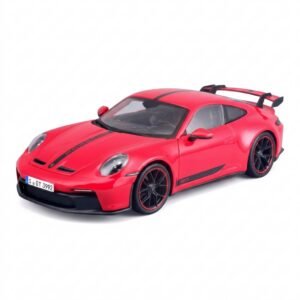 Maisto Metal Car Porsche 911 GT3 Size 1.18 36458
5 × 42.885 OMR
-
×
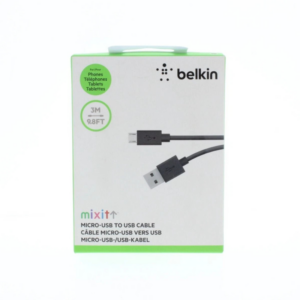 Belkin F2CU012bt Mixit Cable Usb A to Micro 3mtr
2 × 1.900 OMR
-
×
 طقم حلاقة الشعر من سلسلة 300 هوم برو 300 من وال
1 × 15.800 OMR
-
×
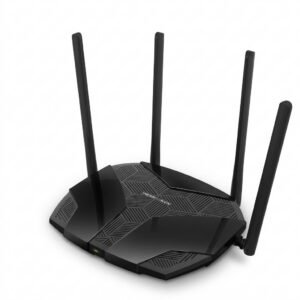 Mercusys AX3000 Dual-Band Wi-Fi 6 Router MR80X
4 × 15.900 OMR
-
×
 HP SOLID STATE DRIVE SSD EX900 PRO M.2 HARDRIVE 512 GB
1 × 35.000 OMR
-
×
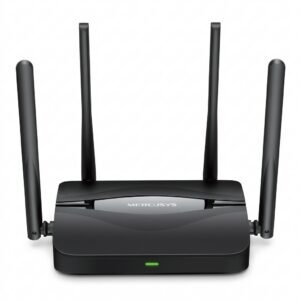 Mercusys BE3600 Dual Band Wi-Fi 7 Router MR25BE
4 × 19.900 OMR
-
×
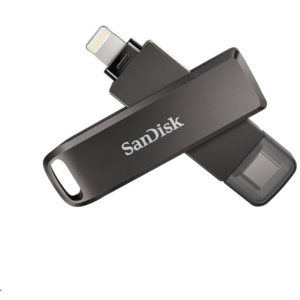 Sandisk Flash Drive i-xpand Dual Luxe 64GB Type-C to Lightning
1 × 11.500 OMR
المجموع: 1,008.525 OMR
 أقل سعر
 الخدمة والإصلاح


 أحدث
لا توجد مراجعات حتى الآن.