
-
×
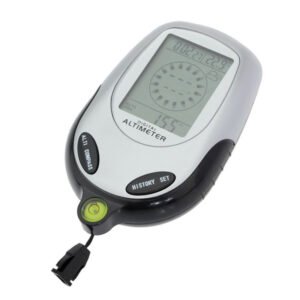 Multifunctional Digital Altimeter
1 × 6.400 OMR
-
×
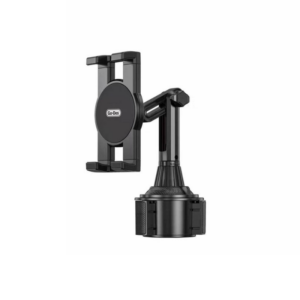 Go-des GD HD313 Car Cup Tablet Holder
1 × 4.500 OMR
-
×
 Dummy product
1 × 952.500 OMR
-
×
 OMNIKEY 3121 CARD READER
1 × 7.900 OMR
-
×
 Boya By Wm4 Pro K3 2.4ghz Wireless Microphone System
1 × 49.900 OMR
-
×
 Boya By Wm8 Pro K2 Uhf Dual Channel Wireless Microphone
1 × 76.800 OMR
-
×
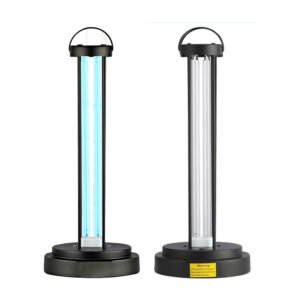 HY 015 Ultraviolet Disinfection Lamp
1 × 3.450 OMR
-
×
 Cleo Plastic Recorder
1 × 0.700 OMR
-
×
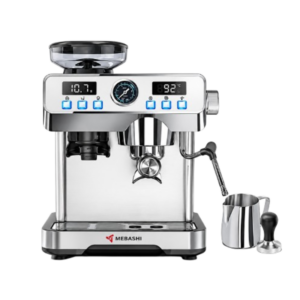 Mebashi Espresso Coffee Machine With Grinder ME-CCM2069
1 × 65.900 OMR
-
×
 Used Sony Ericsson T39
1 × 31.500 OMR
-
×
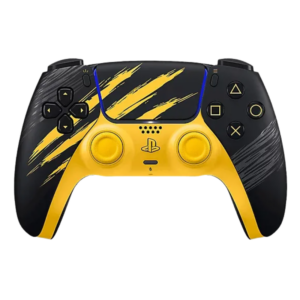 Sony Ps 5 Controller Marvel Wolverine Limited Edition
1 × 42.900 OMR
-
×
 Boya Larger Diaphragm Condenser Microphone By M1000
1 × 38.800 OMR
-
×
 Tovaste Jack To Xlr Cable 5M Cable
1 × 3.000 OMR
-
×
 Lavalier Microphone Lj02
1 × 1.800 OMR
-
×
 Ahuja Utp30 Wired Tie Clip Mic
1 × 10.000 OMR
-
×
 Sony PS4 Shin Megami Tensei III Game CD
1 × 19.800 OMR
-
×
 DOBE PS4 TP4 016 Mobile Phone CLAMP
1 × 1.900 OMR
-
×
 Cpt Guitar 3713c
1 × 3.800 OMR
Subtotal: 1,321.550 OMR
 New Arrivals
 Offers
 Service & Repair



There are no reviews yet.