
-
×
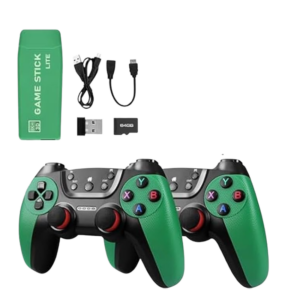 Cleo-GA 2.4G Wireless Game M22 Ultra
1 × 9.900 OMR
-
×
 Cpt Guitar 3713c
1 × 3.800 OMR
-
×
 Cleo Plastic Recorder
1 × 0.700 OMR
-
×
 Used Nokia 6800
1 × 33.500 OMR
-
×
 YH 31 PS4 2 in 1 Charging Heat Sink
1 × 11.900 OMR
-
×
 speck Apple Ipad 7 10.2 Silicon_Case
1 × 3.900 OMR
-
×
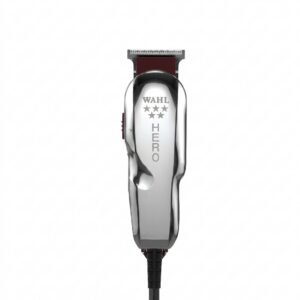 Wahl Hero Professional Trimmer 8991
1 × 32.800 OMR
-
×
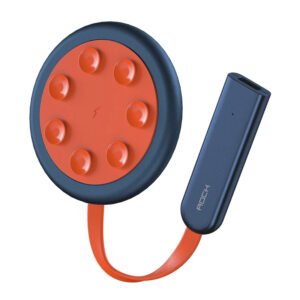 ROCK W24 Double side Quick CHARGER
1 × 5.200 OMR
-
×
 speck TAB A 295 8" Silicon CASE
1 × 3.900 OMR
-
×
 Lavalier Microphone Lj02
1 × 1.800 OMR
-
×
 USAMS Iphone 11 Pro Metal Camera Lens Glass Film
1 × 1.900 OMR
-
×
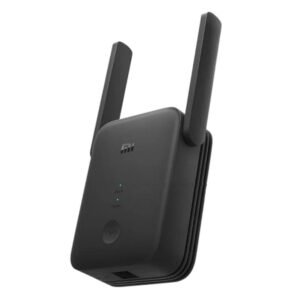 Xiaomi Wifi Range Extender RC04 AC1200
1 × 8.900 OMR
-
×
 HORI PS5 RWA RACING WHEEL APEX
1 × 43.800 OMR
-
×
 Boya By Wm4 Pro K3 2.4ghz Wireless Microphone System
1 × 49.900 OMR
Subtotal: 211.900 OMR
 New Arrivals
 Offers
 Service & Repair




There are no reviews yet.