
-
×
 ONTEN USB to HDMI Adapter
1 × 8.900 OMR
-
×
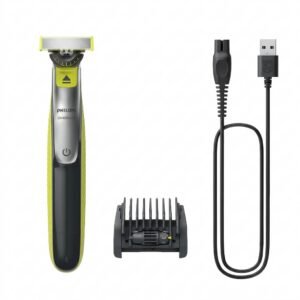 Philips OneBlade 360 Shaver QP2734/23
2 × 22.900 OMR
-
×
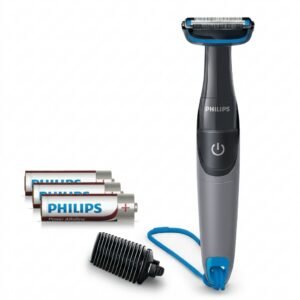 Philips 1000 Series Body Groomer BG1025/15
1 × 10.900 OMR
-
×
 Cleo Plastic Recorder
1 × 0.700 OMR
-
×
 HP TONER 125A BLACK CB540A
1 × 27.000 OMR
-
×
 Boya Larger Diaphragm Condenser Microphone By M1000
1 × 38.800 OMR
-
×
 SONY PS4 Rocket Arena Game CD
1 × 16.800 OMR
-
×
 Candc DC C9 Cardioid Microphone
1 × 3.500 OMR
-
×
 Boya By Wm8 Pro K2 Uhf Dual Channel Wireless Microphone
2 × 76.800 OMR
-
×
 L-1 Professional Streaming Player Stand
1 × 13.900 OMR
-
×
 Cleo-TY Kids Drawing Painting Table HT6886
1 × 2.900 OMR
-
×
 Mackie Powered Mixer Ppm608
1 × 360.000 OMR
-
×
 KAKUSIGA KSC 796 CAR HOLDER
1 × 0.500 OMR
-
×
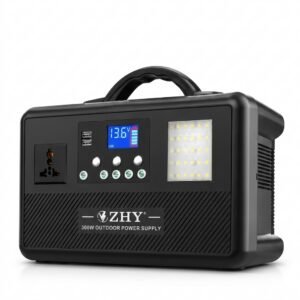 Cleo-EL Portable Power Station 300W ZHY-CN01
1 × 44.900 OMR
-
×
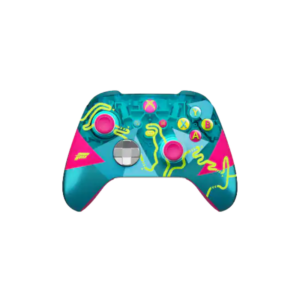 X Box Wireless Controller Forza Horizon 6 Limited Edition
1 × 32.900 OMR
Subtotal: 761.100 OMR
 New Arrivals
 Offers
 Service & Repair



There are no reviews yet.