
 New Arrivals
 Offers
 Service & Repair

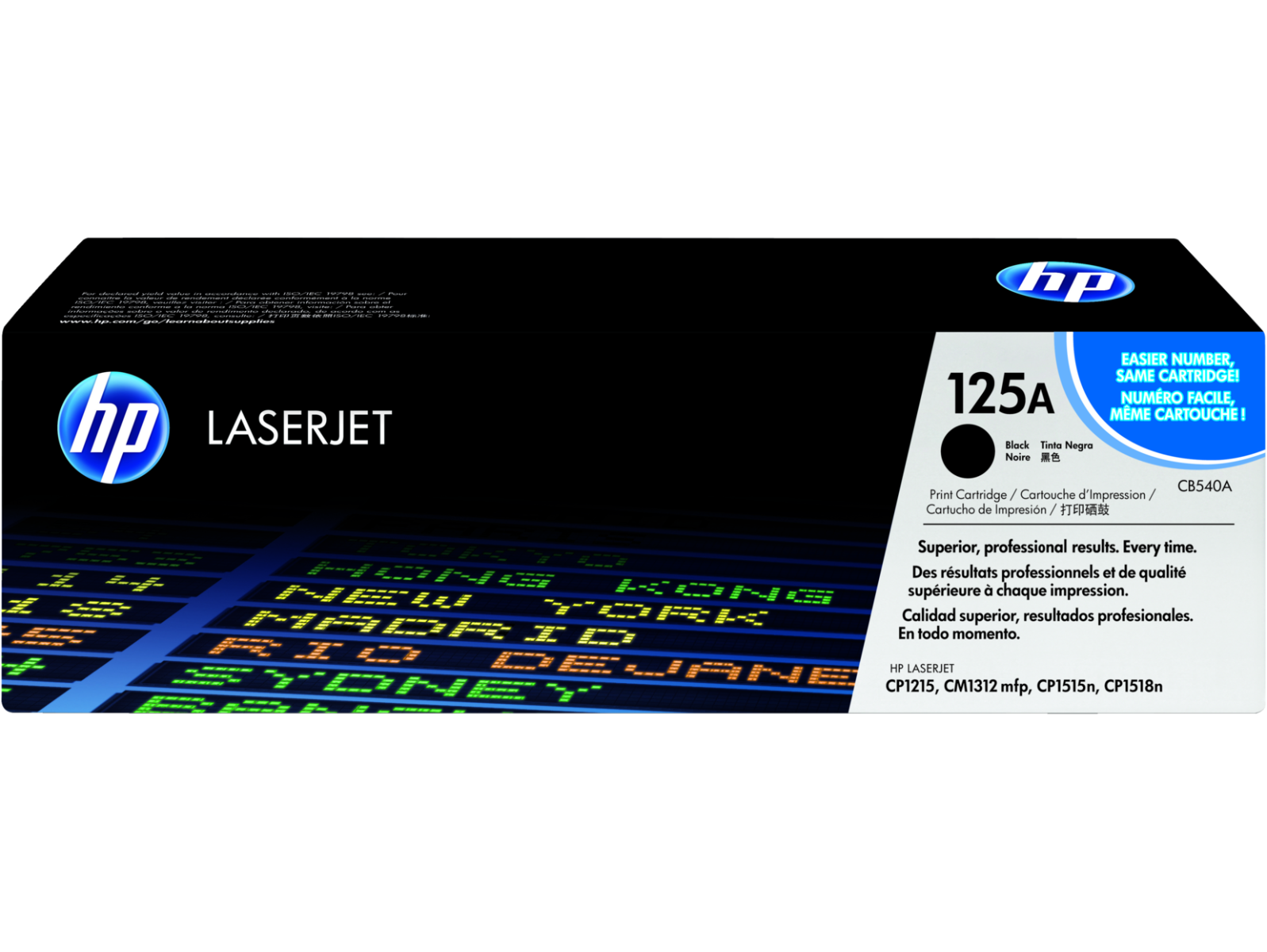
HP TONER 125A BLACK CB540A
SKU: 03070204000054
In stock
The HP Toner 125A Black (CB540A) is a genuine HP product designed for consistent and high-quality printing. Delivering crisp black text and graphics, it ensures reliable performance for a variety of printing needs, making it an ideal choice for both home and office use.
27.000 OMR
In stock
1. Unboxing: Carefully unpack the HP Toner 125A Black (CB540A) from its packaging, ensuring gentle handling to avoid any damage to the toner cartridge.
2. Printer Preparation: Power on your HP LaserJet printer and open the front cover or toner access panel to access the toner cartridge compartment.
3. Cartridge Installation: Remove the old toner cartridge by gently pulling it out of the printer. Then, take the HP Toner 125A Black (CB540A) out of its packaging and shake it gently from side to side to evenly distribute the toner. Insert the new cartridge into the printer, ensuring it is securely seated in the correct slot.
4. Locking: Close the front cover or toner access panel of the printer, ensuring it clicks securely into place to lock the cartridge in position.
5. Test Print: Print a test page to verify that the HP Toner 125A Black (CB540A) is installed correctly and that the printer is functioning properly. If the test page prints successfully, you’re ready to produce crisp black prints with your HP LaserJet printer.
There are no reviews yet.