
-
×
 OMNIKEY 3121 CARD READER
2 × 7.900 OMR
-
×
 Apple Ipad Pro 12.9" 4th Gen Smart Keyboard Folio
1 × 94.900 OMR
-
×
 USB DATA CABLE PS4
1 × 1.900 OMR
-
×
 Boya Wireless Microphone By Wm4 Pro
1 × 47.900 OMR
-
×
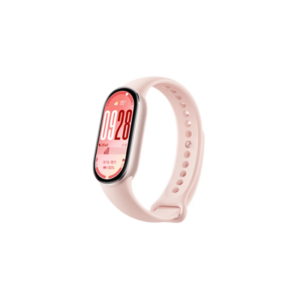 Xiaomi M2459B1 Smart Band 10 Mystic Rose
1 × 14.900 OMR
-
×
 WAHL HOME PRO 300 SERIES HAIRCUT KIT
1 × 15.800 OMR
-
×
 Candc DC C9 Cardioid Microphone
1 × 3.500 OMR
-
×
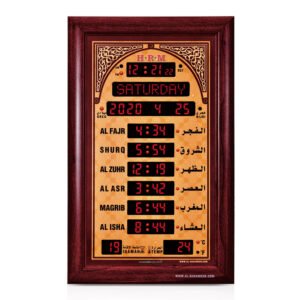 Al-Harameen Azan Clock HA5344
1 × 99.900 OMR
-
×
 Boya Lavalier Microphone By M40d
1 × 20.000 OMR
-
×
 ANKER NEBULA MARS 2PRO D2323211 PORTABLE PROJECTOR
1 × 199.800 OMR
-
×
 Bm 13k Bee Melodica
1 × 5.900 OMR
-
×
 WAHL HERO PROFESSIONAL TRIMMER 8991
1 × 32.800 OMR
-
×
 Boya By Wm4 Pro K3 2.4ghz Wireless Microphone System
1 × 49.900 OMR
-
×
 Proline Vla 2812 Lens
1 × 6.900 OMR
-
×
 Ahuja Utp30 Wired Tie Clip Mic
1 × 10.000 OMR
-
×
 Max Bms 135 Boom Mic Stand
1 × 9.500 OMR
-
×
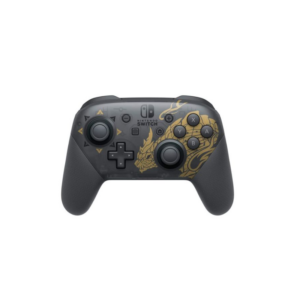
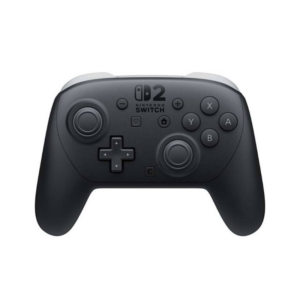 Nintendo Switch 2 Pro Controller
1 × 25.900 OMR
Subtotal: 655.300 OMR
 New Arrivals
 Offers
 Service & Repair


There are no reviews yet.