✅ What You’ll Need:
-
PS5 console (Disc or Digital Edition)
-
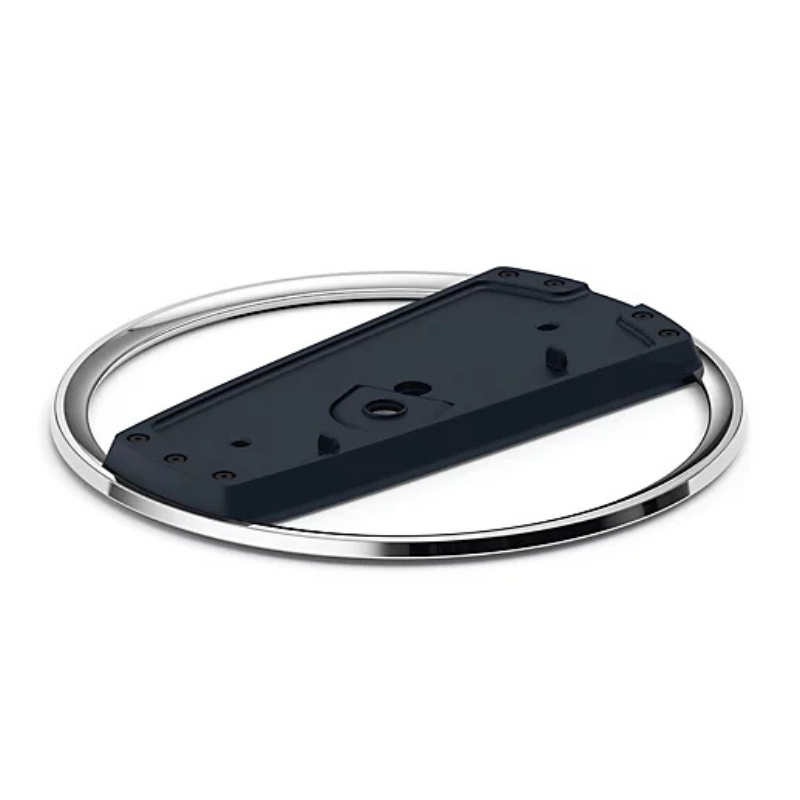
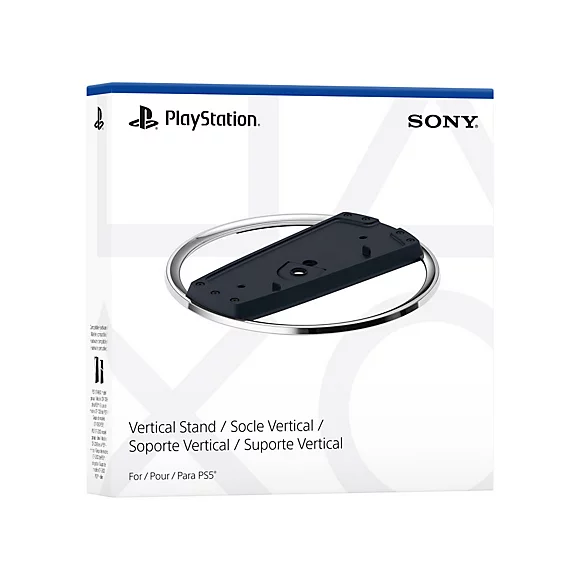
Sony PS5 Vertical Stand (official or compatible)
-
A coin or flathead screwdriver (optional, for screw)
🪛 For PS5 Disc Edition (with a disc drive):
-
Power Off & Unplug
Ensure your PS5 is turned off and unplugged from any cables. -
Locate the Stand & Screw
The stand comes with a screw hidden in the base. Remove it by turning the base to open the hidden compartment. -
Remove the Cap
On the bottom of the PS5 (where the stand goes), you’ll see a circular cap—remove it carefully. -
Align the Stand
Line up the stand with the base of the PS5 where the cap was removed. -
Insert the Screw
Use a coin or flathead screwdriver to secure the stand to the PS5 with the screw. -
Place the Console Upright
Stand the console vertically on a flat surface. Make sure it’s stable.
🪛 For PS5 Digital Edition (no disc drive):
-
No Screw Needed
The stand clips onto the base—no screw required for the Digital Edition. -
Align the Stand
Snap the stand onto the bottom curved part of the console. It should click into place. -
Double-Check Stability
Gently wiggle to ensure it’s securely attached. -
Stand the Console Up
Place it upright in a safe location with room for airflow.
GT Autos Metal Car Bugatti Chiron Size 1.18 GTA-11010MB
WONDER WAX HAIR KIT
OTVO P4 USB DATA CABLE (For P4 Host & Handle)
GO-DES GD HD609 CAR MAGNETIC HOLDER
Tolaye Ks06 Keyboard Stand
Go-des GD HD313 Car Cup Tablet Holder
Redmi M2523 Smart Watch 6 Silver Gray
Candc DC C9 Cardioid Microphone
BK-20 OUD OIL BUKHOOR BURNER
Sony PS4 Spider Man Game CD
Sayona Citrus Juicer SCJ4387
Sony PS5 The Pathless Game CD
Max Al 389 9Mb Spare Speaker
Nintendo Switch Pro Controller Monster Hunter Rise Edition
New Arrivals
Offers
Service & Repair


There are no reviews yet.