
-
×
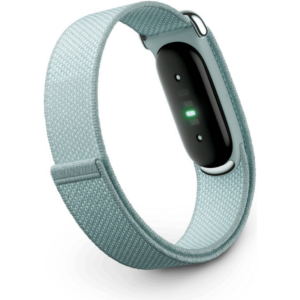 Google Fitbit Air Screen less Fitness & Health Tracking Band Fog
1 × 51.900 OMR
-
×
 YH 25 PS4 Multifunctional Heat Dissipation Charging Bracket
1 × 12.900 OMR
-
×
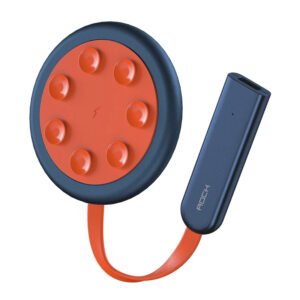 ROCK W24 Double side Quick CHARGER
1 × 5.200 OMR
-
×
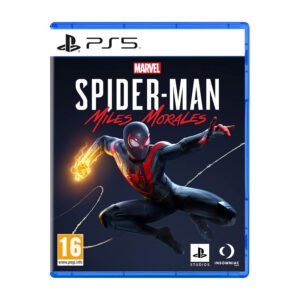 Sony Ps 5 Spider Man Miles Morales CD
1 × 9.900 OMR
-
×
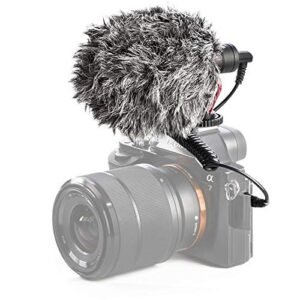 Candc DC C9 Cardioid Microphone
1 × 3.500 OMR
-
×
 Sony PS5 The Pathless Game CD
1 × 15.800 OMR
-
×
 OMNIKEY 3121 CARD READER
1 × 7.900 OMR
-
×
 Sony Ps 4 Mdievil CD
1 × 11.000 OMR
-
×
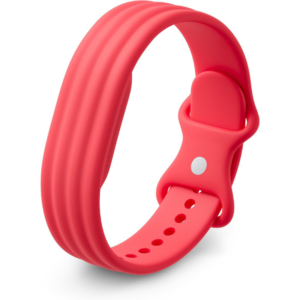 Google Fitbit Air Active Band Berry Silicon Strap
1 × 20.900 OMR
-
×
 SONY PS4 NIOH 2 GAME CD
1 × 9.900 OMR
-
×
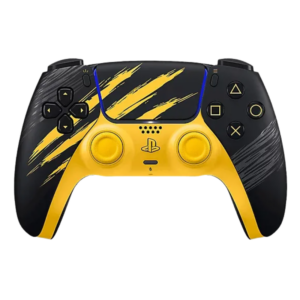 Sony Ps 5 Controller Marvel Wolverine Limited Edition
1 × 42.900 OMR
-
×
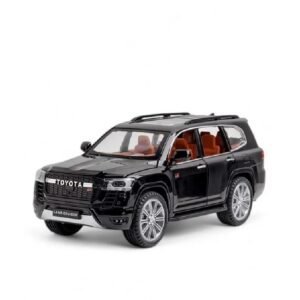 Cleo-TY Toyota Land Cruiser GR Metal Car Ht 1901 202
1 × 6.800 OMR
-
×
 L-1 Professional Streaming Player Stand
1 × 13.900 OMR
-
×
 Logitech Stereo Headset H390 Usb Connector
1 × 10.200 OMR
-
×
 NEWSTAR 35 505K UNIVERSAL CAR HOME LAPTOP ADAPTER
1 × 5.000 OMR
-
×
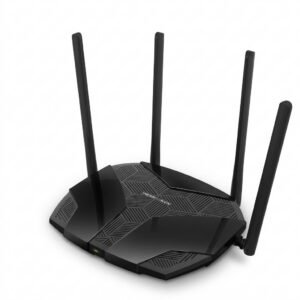 Mercusys AX3000 Dual-Band Wi-Fi 6 Router MR80X
2 × 15.900 OMR
-
×
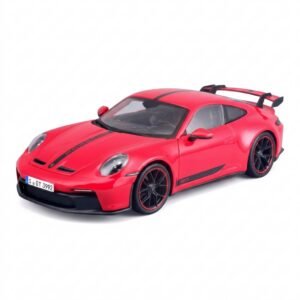 Maisto Metal Car Porsche 911 GT3 Size 1.18 36458
5 × 42.885 OMR
-
×
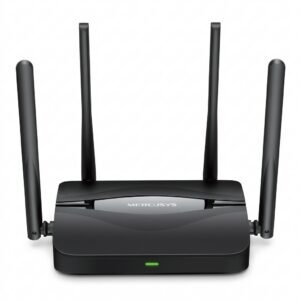 Mercusys BE3600 Dual Band Wi-Fi 7 Router MR25BE
3 × 19.900 OMR
-
×
 Cleo-TY Baby Tricycle HT 4633
1 × 2.900 OMR
-
×
 HORI PS5 RWA RACING WHEEL APEX
1 × 43.800 OMR
-
×
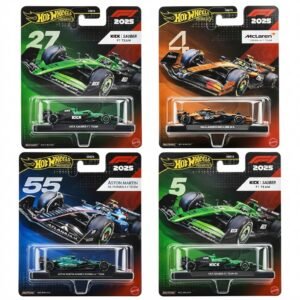 Hot Wheels Formula 1
1 × 7.900 OMR
-
×
 OTVO P4 USB DATA CABLE (For P4 Host & Handle)
1 × 1.900 OMR
Subtotal: 590.125 OMR
 New Arrivals
 Offers
 Service & Repair



There are no reviews yet.