
-
×
 DUDAO AUX 3.5 mm Cable Connector
1 × 3.900 OMR
-
×
 Boya Wireless Microphone By Wm4 Pro
1 × 47.900 OMR
-
×
 DOBE PS4 TP4 016 Mobile Phone CLAMP
1 × 1.900 OMR
-
×
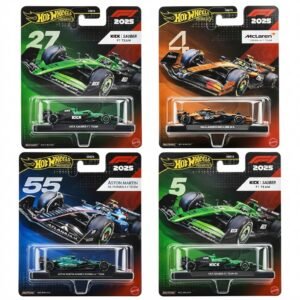 Hot Wheels Formula 1
4 × 7.900 OMR
-
×
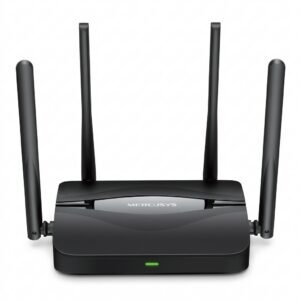 Mercusys BE3600 Dual Band Wi-Fi 7 Router MR25BE
5 × 19.900 OMR
-
×
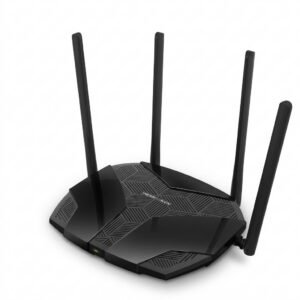 Mercusys AX3000 Dual-Band Wi-Fi 6 Router MR80X
1 × 15.900 OMR
-
×
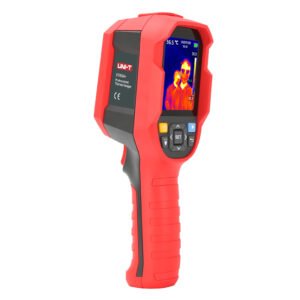 UNI-T UTI65H PROFESSIONAL THERMAL IMAGER
1 × 94.900 OMR
-
×
 Boya By Wm8 Pro K2 Uhf Dual Channel Wireless Microphone
1 × 76.800 OMR
-
×
 DOBE PS4 TP4 023B Charging STAND
1 × 6.900 OMR
-
×
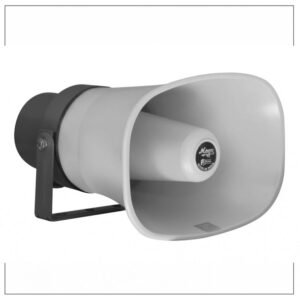 Mega 1m 80 60w Unit Horn
1 × 18.000 OMR
-
×
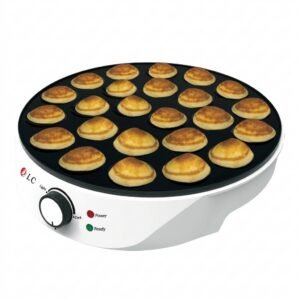 Dlc Pancake Maker 24Pcs 38247
1 × 7.800 OMR
-
×
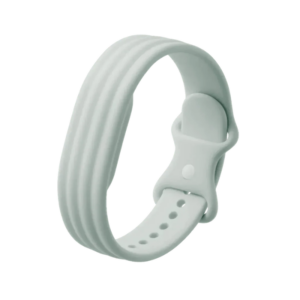 Google Fitbit Air Active Band Fog Silicon Strap
1 × 20.900 OMR
-
×
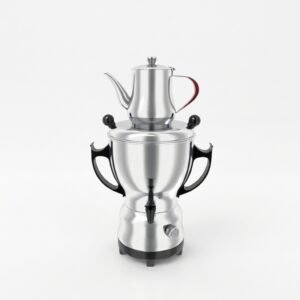 Dlc Electric Kettle Samovar Stainless steel 38135
1 × 15.800 OMR
-
×
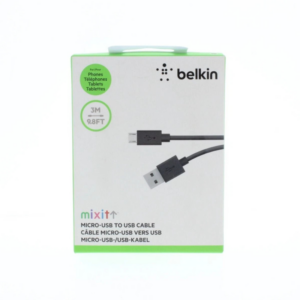 Belkin F2CU012bt Mixit Cable Usb A to Micro 3mtr
1 × 1.900 OMR
-
×
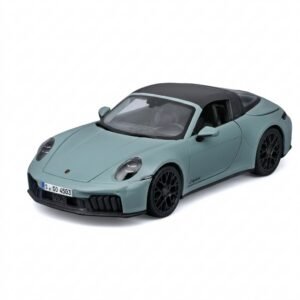 Maisto Metal Car Porsche 911 Targa 4 GTS Size 1.18 31470
1 × 42.885 OMR
-
×
 OMNIKEY 3121 CARD READER
1 × 7.900 OMR
Subtotal: 494.485 OMR
 New Arrivals
 Offers
 Service & Repair




There are no reviews yet.