
-
×
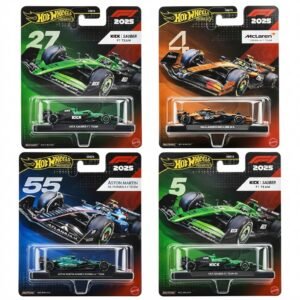 Hot Wheels Formula 1
4 × 7.900 OMR
-
×
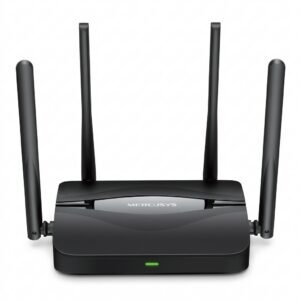 Mercusys BE3600 Dual Band Wi-Fi 7 Router MR25BE
2 × 19.900 OMR
-
×
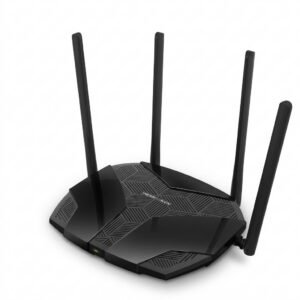 Mercusys AX3000 Dual-Band Wi-Fi 6 Router MR80X
2 × 15.900 OMR
-
×
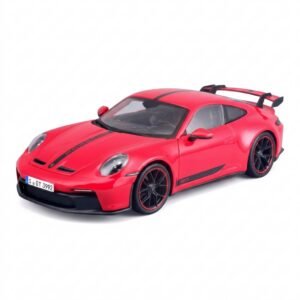 Maisto Metal Car Porsche 911 GT3 Size 1.18 36458
1 × 42.885 OMR
-
×
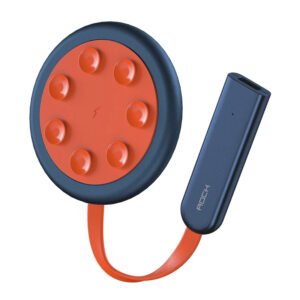 ROCK W24 Double side Quick CHARGER
2 × 5.200 OMR
-
×
 Biba Flute Deluxe
1 × 6.500 OMR
-
×
 Proline Pr 704 Digital Quad
1 × 9.000 OMR
-
×
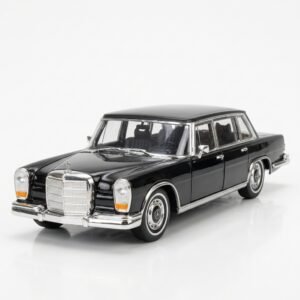 Welly Metal Car Mercedes Benz 600 Size 1.24 WL-24121W
1 × 12.900 OMR
-
×
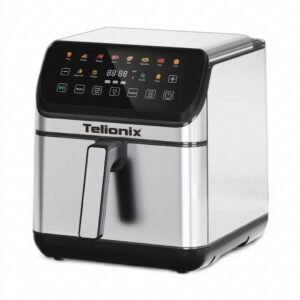 Telionix Electric Air Fryer 9L TAF4424
1 × 34.900 OMR
-
×
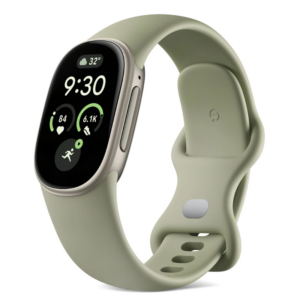 Google Fitbit Edge Fitness & Health Tracking Smart Band Green
4 × 86.900 OMR
-
×
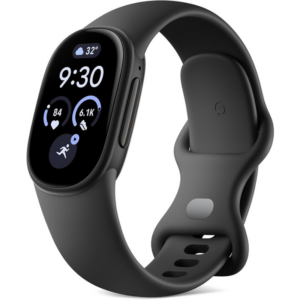 Google Fitbit Edge Fitness & Health Tracking Smart Band Black
1 × 86.900 OMR
-
×
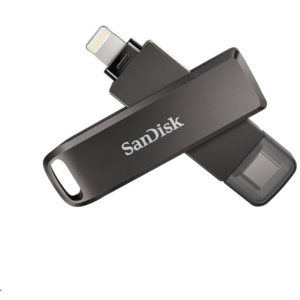 Sandisk Flash Drive i-xpand Dual Luxe 64GB Type-C to Lightning
1 × 11.500 OMR
-
×
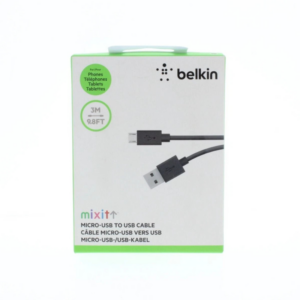 Belkin F2CU012bt Mixit Cable Usb A to Micro 3mtr
1 × 1.900 OMR
-
×
 DOBE PS4 TP4 016 Mobile Phone CLAMP
1 × 1.900 OMR
Subtotal: 669.585 OMR
 New Arrivals
 Offers
 Service & Repair






There are no reviews yet.