
-
×
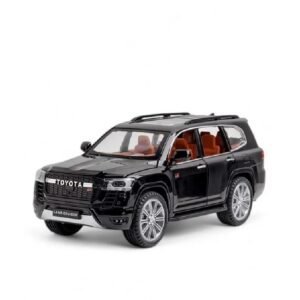 Cleo-TY Toyota Land Cruiser GR Metal Car Ht 1901 202
1 × 6.800 OMR
-
×
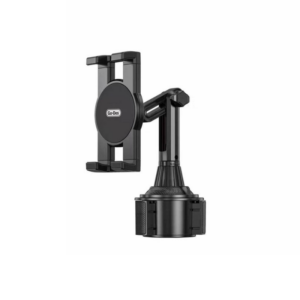 Go-des GD HD313 Car Cup Tablet Holder
1 × 4.500 OMR
-
×
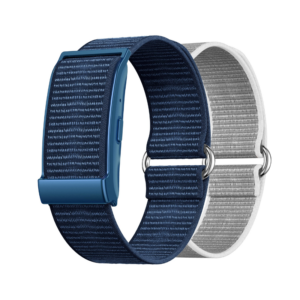 Cleo-MA Smart Bracelet X6 NGB
1 × 5.900 OMR
-
×
 ANKER NEBULA MARS 2PRO D2323211 PORTABLE PROJECTOR
1 × 199.800 OMR
-
×
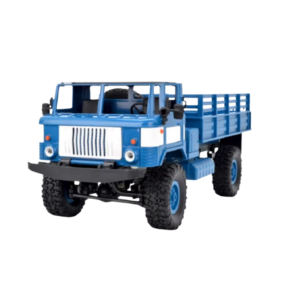 Cleo-TY Remote Control RC Military Truck B-24
1 × 14.900 OMR
-
×
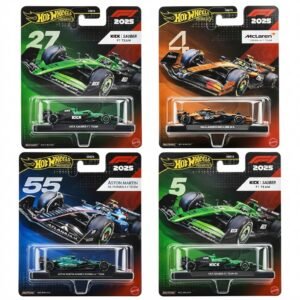 Hot Wheels Formula 1
2 × 7.900 OMR
-
×
 Cleo-EL Portable Clothes Dryer NGB147B
1 × 7.900 OMR
-
×
 Sony PS5 HD Camera
1 × 8.950 OMR
-
×
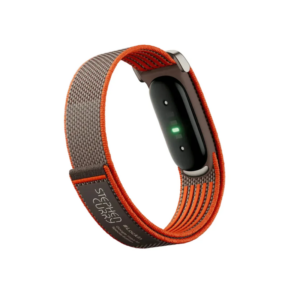 Google Fitbit Air Screen less Fitness & Health Tracking Stephen Curry Edition
1 × 61.900 OMR
-
×
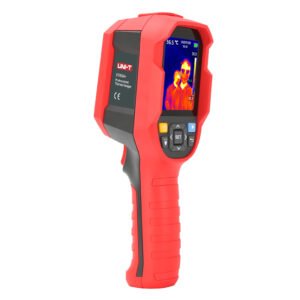 UNI-T UTI65H PROFESSIONAL THERMAL IMAGER
1 × 94.900 OMR
-
×
 SONY PS4 CD DOOM
1 × 10.800 OMR
-
×
 Nescafe Dolce Gusto Genio 2 Coffee Machine 1L-Red (G2RM-A0A2)
1 × 76.200 OMR
-
×
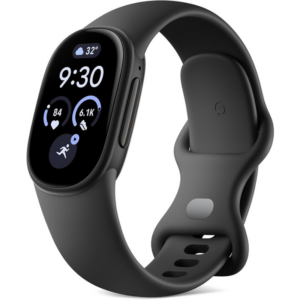 Google Fitbit Edge Fitness & Health Tracking Smart Band Black
2 × 86.900 OMR
-
×
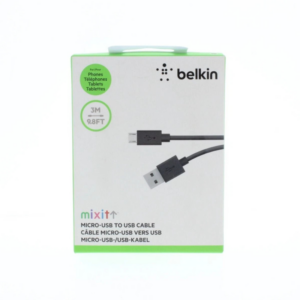 Belkin F2CU012bt Mixit Cable Usb A to Micro 3mtr
4 × 1.900 OMR
-
×
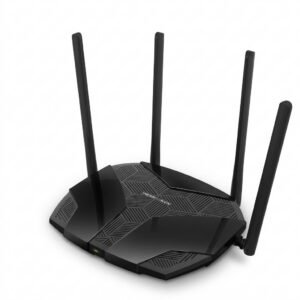 Mercusys AX3000 Dual-Band Wi-Fi 6 Router MR80X
2 × 15.900 OMR
-
×
 Bm 13k Bee Melodica
1 × 5.900 OMR
-
×
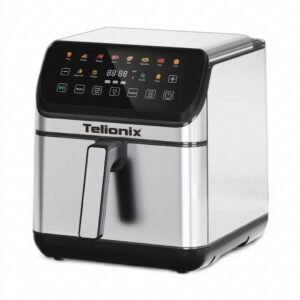 Telionix Electric Air Fryer 9L TAF4424
1 × 34.900 OMR
-
×
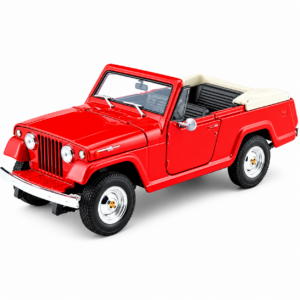 Welly Metal Car Jeep Jeepster Commando Roadster Size 1.24 WL-24117C-W
1 × 12.900 OMR
-
×
 DOBE PS4 TP4 023B Charging STAND
1 × 6.900 OMR
Subtotal: 782.150 OMR
 New Arrivals
 Offers
 Service & Repair



There are no reviews yet.