
-
×
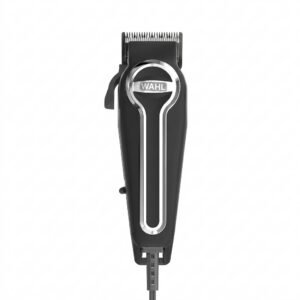 WAHL ELITE PRO HAIRCUTTING KIT
1 × 34.800 OMR
-
×
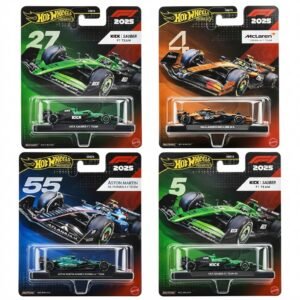 Hot Wheels Formula 1
9 × 7.900 OMR
-
×
 ONTEN USB to HDMI Adapter
1 × 8.900 OMR
-
×
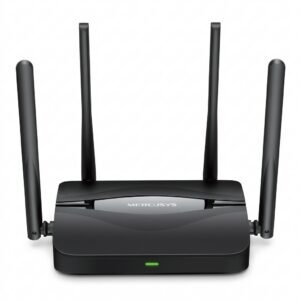 Mercusys BE3600 Dual Band Wi-Fi 7 Router MR25BE
6 × 19.900 OMR
-
×
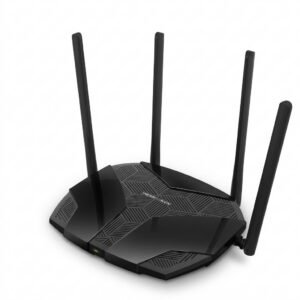 Mercusys AX3000 Dual-Band Wi-Fi 6 Router MR80X
5 × 15.900 OMR
-
×
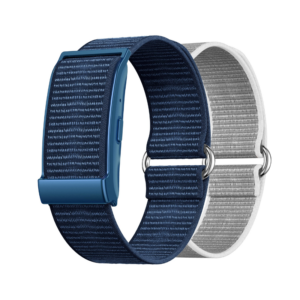 Cleo-MA Smart Bracelet X6 NGB
1 × 5.900 OMR
-
×
 ANNKE DVR DN41R
1 × 10.300 OMR
-
×
 SONY PS4 FINAL FANTASY VII GAME CD
1 × 17.700 OMR
-
×
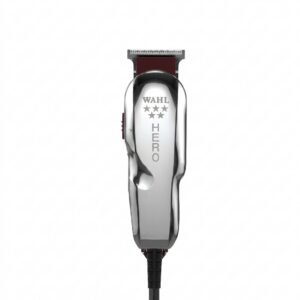 WAHL HERO PROFESSIONAL TRIMMER 8991
1 × 32.800 OMR
-
×
 Candc DC C9 Cardioid Microphone
1 × 3.500 OMR
-
×
 Ahuja Hbm60cc Condenser Headband Microphone
1 × 13.000 OMR
-
×
 Mr Light Double Hot Plate 4903 Grey
1 × 11.900 OMR
-
×
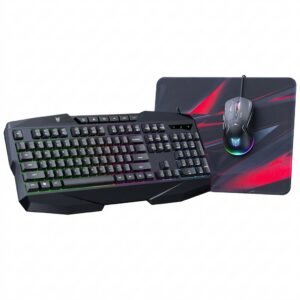 Onikuma 3-in-1 Professional Gaming Combo TZ3006
1 × 8.900 OMR
-
×
 WAHL 3615 Cordless Mobile shaver
1 × 9.800 OMR
-
×
 Philips OneBlade 360 Shaver QP2734/23
1 × 22.900 OMR
-
×
 Philips 1000 Series Body Groomer BG1025/15
1 × 10.900 OMR
-
×
 Belkin F2CU012bt Mixit Cable Usb A to Micro 3mtr
1 × 1.900 OMR
-
×
 Hot Wheels Deutschland Design
1 × 4.900 OMR
-
×
 Cleo-EL Portable Power Station 300W ZHY-CN01
1 × 44.900 OMR
-
×
 DOBE PS4 TP4 016 Mobile Phone CLAMP
1 × 1.900 OMR
Subtotal: 514.900 OMR
 New Arrivals
 Offers
 Service & Repair



There are no reviews yet.