1. **Power Source**: Begin by inserting batteries into the battery compartment of the SONY ICF-19 FM/AM Radio. Ensure you insert them according to the polarity markings. Alternatively, connect the radio to a power source using an AC adapter if available.
2. **Power On and Mode Selection**: Turn on the radio using the power button or switch. Use the mode selector switch or buttons to choose between FM (Frequency Modulation) and AM (Amplitude Modulation) modes, depending on your preferred radio station and frequency range.
3. **Tuning**: Use the tuning dial or buttons to scan through available frequencies and find a clear radio station. Fine-tune the frequency by adjusting the tuning controls until you achieve optimal reception of your desired station.
4. **Volume Adjustment**: Adjust the volume level using the volume knob or buttons to your preferred listening level. Start with a low volume and gradually increase it until you reach the desired sound level.
5. **Listening Experience**: Once you’ve tuned in to a radio station and adjusted the volume, sit back and enjoy your favorite FM or AM broadcasts. You can use headphones for private listening or listen through the built-in speaker for shared enjoyment.
By following these steps, you can easily set up and enjoy the SONY ICF-19 FM/AM Radio for your listening pleasure.
USAMS Iphone 11 Pro Metal Camera Lens Glass Film
Candc DC C9 Cardioid Microphone
OMNIKEY 3121 CARD READER
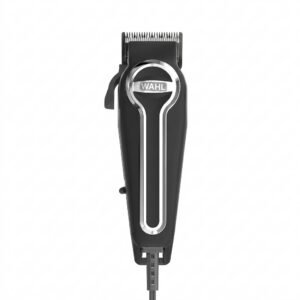
WAHL ELITE PRO HAIRCUTTING KIT
Hot Wheels Formula 1
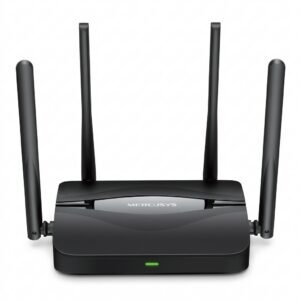
Mercusys BE3600 Dual Band Wi-Fi 7 Router MR25BE
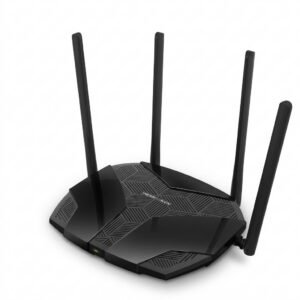
Mercusys AX3000 Dual-Band Wi-Fi 6 Router MR80X
YH 25 PS4 Multifunctional Heat Dissipation Charging Bracket
Bm 13k Bee Melodica
Kalimba 17 Keys Finger Piano
Lavalier Microphone Lj02
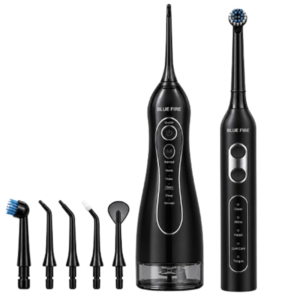
Blue Fire Hydroclean Oral Irrigator And Toothbrush BF-10
WAHL HOME PRO 300 SERIES HAIRCUT KIT
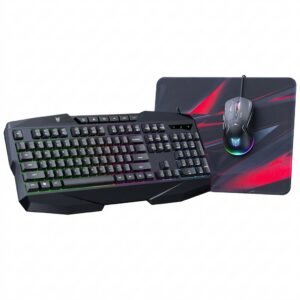
Onikuma 3-in-1 Professional Gaming Combo TZ3006
Geepas GCR13011 Radio Cassette Recorder With USB/SD/MP3/BT
New Arrivals
Offers
Service & Repair


There are no reviews yet.