
-
×
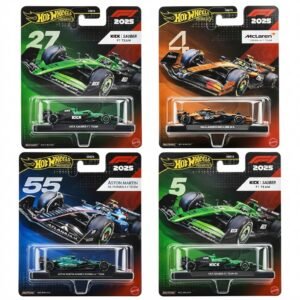 Hot Wheels Formula 1
5 × 7.900 OMR
-
×
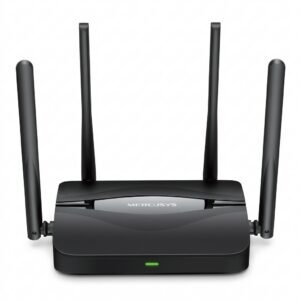 Mercusys BE3600 Dual Band Wi-Fi 7 Router MR25BE
5 × 19.900 OMR
-
×
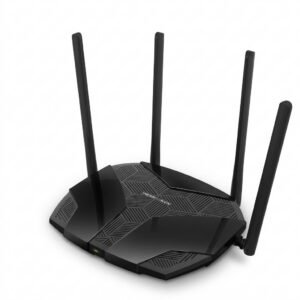 Mercusys AX3000 Dual-Band Wi-Fi 6 Router MR80X
3 × 15.900 OMR
-
×
 Max Cm077r Mega Phone
1 × 13.000 OMR
-
×
 MR. PLUS HAND BLENDER MR HB 0501
1 × 7.900 OMR
-
×
 SONY PS4 Toukiden2 GAME CD
1 × 7.700 OMR
-
×
 Boya Lavalier Microphone By M40d
1 × 20.000 OMR
-
×
 Moulinex Kitchen Machine QA160127 4.8L 800W
1 × 38.800 OMR
-
×
 Ahuja Hbm60cc Condenser Headband Microphone
1 × 13.000 OMR
-
×
 Sayona Electric French Oven 45L 2000W SSM4457
1 × 34.900 OMR
-
×
 Philips OneBlade 360 Shaver QP2734/23
1 × 22.900 OMR
-
×
 Maisto Metal Car Porsche 911 GT3 Size 1.18 36458
1 × 42.885 OMR
-
×
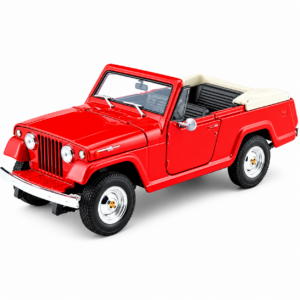 Welly Metal Car Jeep Jeepster Commando Roadster Size 1.24 WL-24117C-W
1 × 12.900 OMR
-
×
 Hot Wheels Deutschland Design
1 × 4.900 OMR
-
×
 Telionix Electric Air Fryer 9L TAF4424
1 × 34.900 OMR
-
×
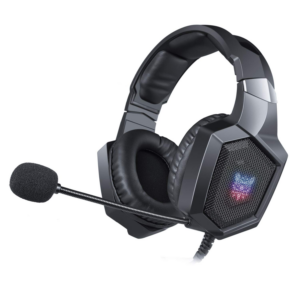 Onikuma Professional Gaming Headset K8
1 × 6.900 OMR
-
×
 Cleo-EL Portable Power Station 300W ZHY-CN01
1 × 44.900 OMR
-
×
 Sanford AM/FM Radio With Usb And Sd Card SF3305PR Radio
1 × 6.450 OMR
Subtotal: 498.735 OMR
 New Arrivals
 Offers
 Service & Repair


There are no reviews yet.