
-
×
 Ahuja Utp30 Wired Tie Clip Mic
1 × 10.000 OMR
-
×
 Biba Flute Deluxe
1 × 6.500 OMR
-
×
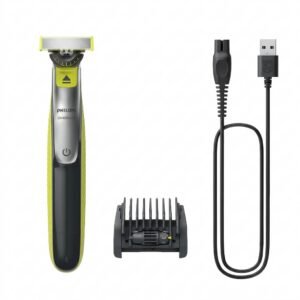 Philips OneBlade 360 Shaver QP2734/23
3 × 22.900 OMR
-
×
 Cpt Guitar 3713c
1 × 3.800 OMR
-
×
 TP Link HD 720P CLOUD CAMERA 300 Mbps WiFi NC 250
1 × 11.900 OMR
-
×
 Sony PS4 Village Resident Evil Game CD
2 × 18.700 OMR
-
×
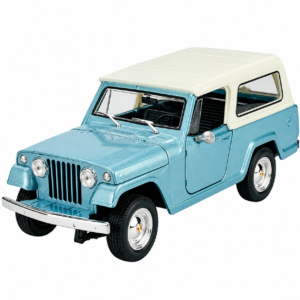 Welly Metal Car Jeep Jeepster Commando Station Wagon Size 1.24 WL-24117H-W
2 × 12.900 OMR
-
×
 BBurago Metal Car Ferrari 499P Size 1.18
1 × 42.900 OMR
-
×
 Ahuja Au35/40 Diaphragm
1 × 2.500 OMR
-
×
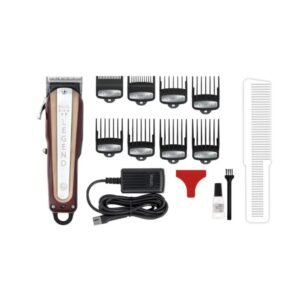 Wahl 8147 Professional 5-Star Legend Hair Clipper
1 × 52.800 OMR
-
×
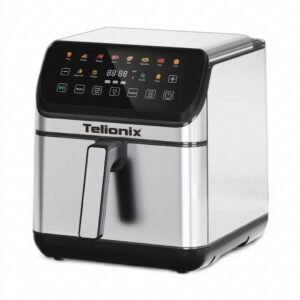 Telionix Electric Air Fryer 9L TAF4424
1 × 34.900 OMR
-
×
 Max Mpa 400 Usb Amplifier
1 × 40.000 OMR
-
×
 DUDAO AUX 3.5 mm Cable Connector
1 × 3.900 OMR
-
×
 Bm 13k Bee Melodica
1 × 5.900 OMR
Subtotal: 347.000 OMR
 New Arrivals
 Offers
 Service & Repair



There are no reviews yet.