
-
×
 Sony PS4 Spider Man Game CD
1 × 12.900 OMR
-
×
 Lavalier Microphone Lj02
1 × 1.800 OMR
-
×
 Max Mu 40 Xt Driver Unit
1 × 18.000 OMR
-
×
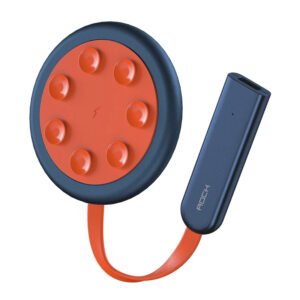 ROCK W24 Double side Quick CHARGER
1 × 5.200 OMR
-
×
 Bm 13k Bee Melodica
1 × 5.900 OMR
-
×
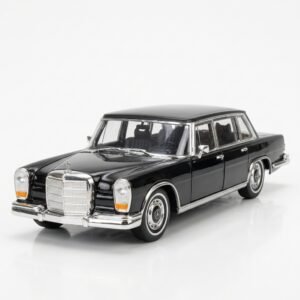 Welly Metal Car Mercedes Benz 600 Size 1.24 WL-24121W
1 × 12.900 OMR
-
×
 DOBE PS4 TP4 016 Mobile Phone CLAMP
1 × 1.900 OMR
-
×
 Sony Ps 5 Crazy Chicken Shooter Edition CD
1 × 11.900 OMR
-
×
 BBurago Metal Car Ferrari 499P Size 1.18
1 × 42.900 OMR
-
×
 Welly Metal Car Jeep Jeepster Commando Roadster Size 1.24 WL-24117C-W
1 × 12.900 OMR
-
×
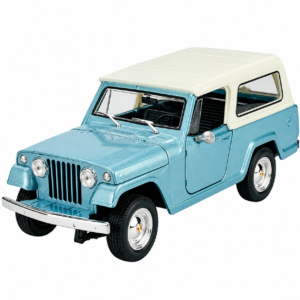 Welly Metal Car Jeep Jeepster Commando Station Wagon Size 1.24 WL-24117H-W
1 × 12.900 OMR
-
×
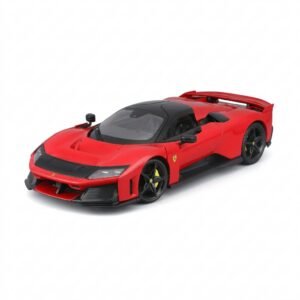 BBurago Metal Car Ferrari F80 Size 1.18 18-16022
1 × 42.900 OMR
-
×
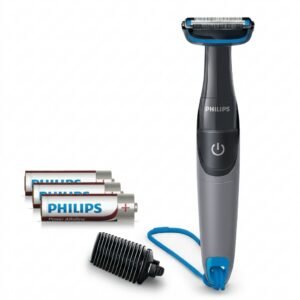 Philips 1000 Series Body Groomer BG1025/15
1 × 10.900 OMR
-
×
 SONY PS4 UFC 4 GAME CD
1 × 16.000 OMR
-
×
 Cpt Guitar 3713c
1 × 3.800 OMR
Subtotal: 212.800 OMR
 New Arrivals
 Offers
 Service & Repair




There are no reviews yet.