
-
×
 Kalimba 17 Keys Finger Piano
1 × 13.800 OMR
Kalimba 17 Keys Finger Piano
1 × 13.800 OMR
Subtotal: 13.800 OMR
SKU: 0141005000089
In stock
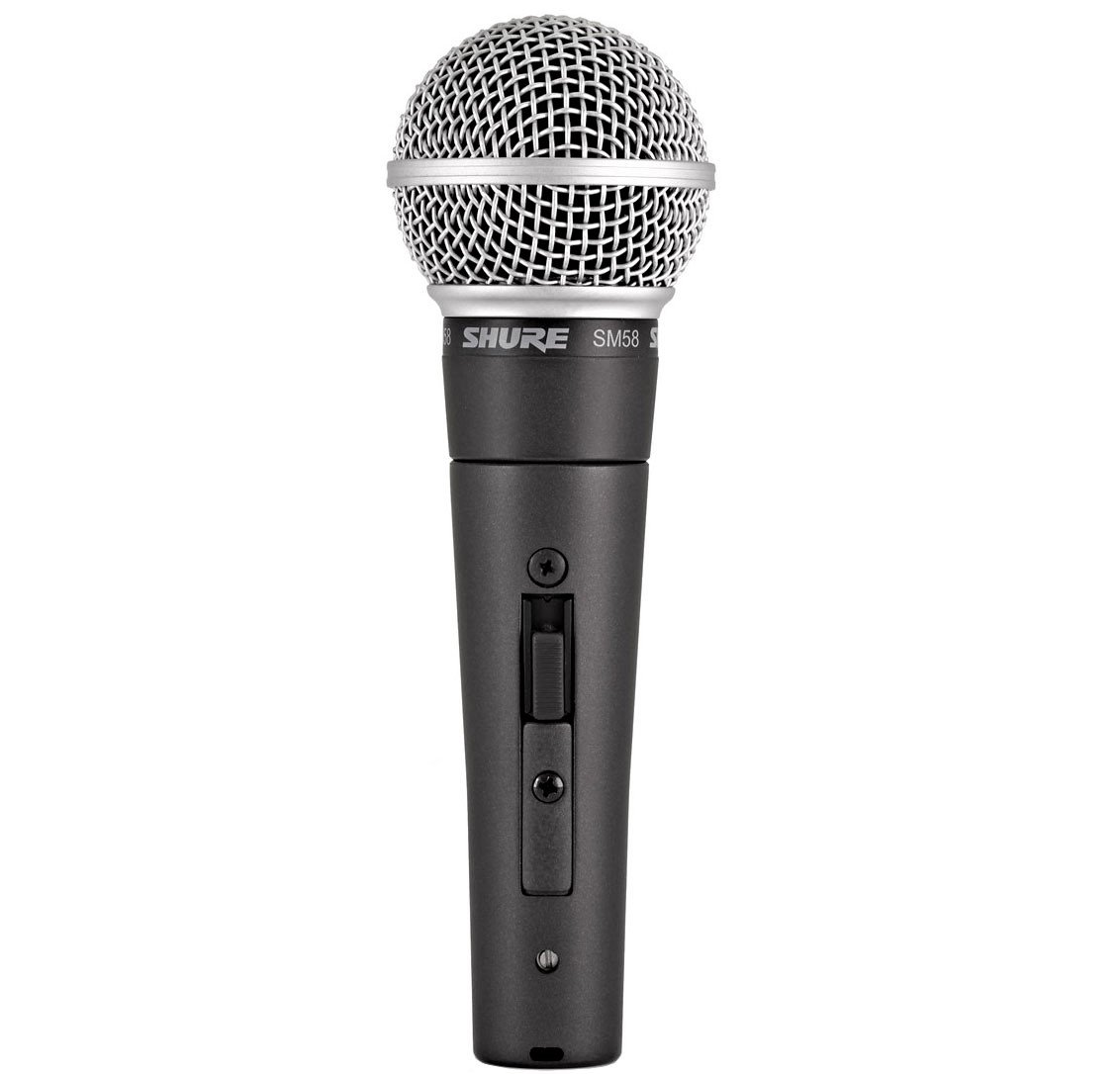
– Directionality: cardioid
– Designed for voices
– Frequency response: 50 Hz – 15 kHz
– Impedance: 300 Ohm
– SPL: 94 dB
– Sensitivity: 54.5 dBV / Pa (1.88 mV)
– Version with on/off button
– Delivered with microphone clamp and kit supplied
– Adapter no screws included
– Dimensions: 23 x 162 x 51 mm
– Weight: 298 g
60.000 OMR
In stock
1. Setup: Position the SHURE SM58SE Wired Mic securely on a microphone stand or hold it comfortably in your hand, ensuring the grille is facing your mouth for optimal sound capture.
2. Cable Connection: Attach one end of the microphone cable (XLR) to the bottom of the SHURE SM58SE Mic. Ensure the connector clicks securely into the microphone’s input port.
3. Mixer Connection: Connect the other end of the microphone cable to an audio mixer or amplifier. Insert the cable into the appropriate input channel on the mixer or amplifier.
4. Check Levels: Prior to use, adjust the microphone input level on the mixer or amplifier to ensure optimal audio quality without clipping or distortion. Test the microphone by speaking or singing into it while monitoring the level meters.
5. Performance: Once levels are set, you’re prepared to utilize the SHURE SM58SE Mic for your speaking or singing needs. Speak or sing directly into the microphone at an appropriate distance to achieve clear and professional sound reproduction. Modify the microphone position or mixer settings as necessary for optimal performance.
 New Arrivals
 Offers
 Service & Repair


There are no reviews yet.