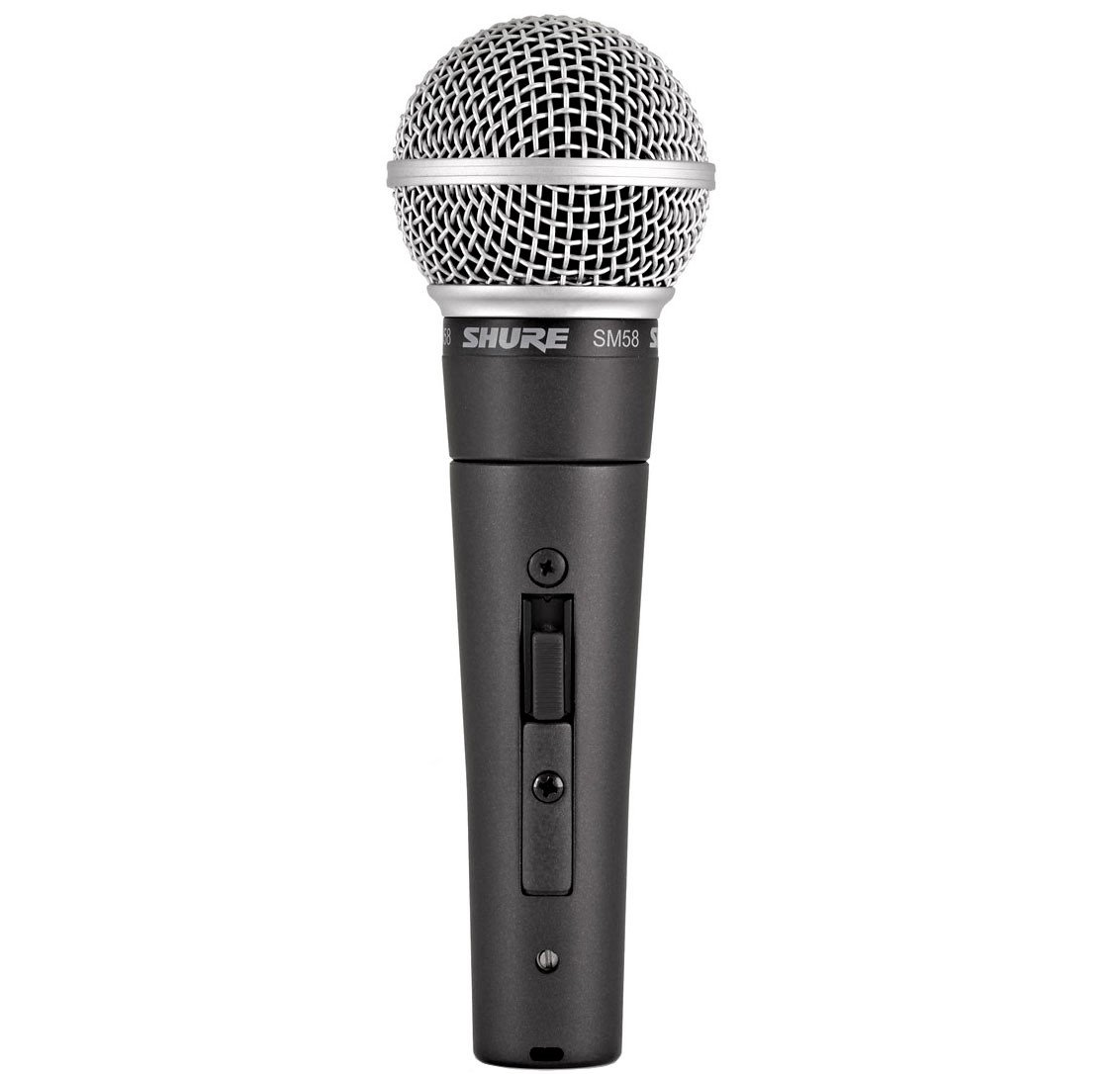
1. Setup: Position the SHURE SM58SE Wired Mic securely on a microphone stand or hold it comfortably in your hand, ensuring the grille is facing your mouth for optimal sound capture.
2. Cable Connection: Attach one end of the microphone cable (XLR) to the bottom of the SHURE SM58SE Mic. Ensure the connector clicks securely into the microphone’s input port.
3. Mixer Connection: Connect the other end of the microphone cable to an audio mixer or amplifier. Insert the cable into the appropriate input channel on the mixer or amplifier.
4. Check Levels: Prior to use, adjust the microphone input level on the mixer or amplifier to ensure optimal audio quality without clipping or distortion. Test the microphone by speaking or singing into it while monitoring the level meters.
5. Performance: Once levels are set, you’re prepared to utilize the SHURE SM58SE Mic for your speaking or singing needs. Speak or sing directly into the microphone at an appropriate distance to achieve clear and professional sound reproduction. Modify the microphone position or mixer settings as necessary for optimal performance.

 USB DATA CABLE PS4
1 × 1.900 OMR
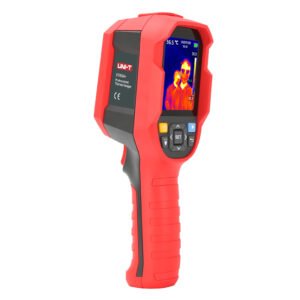 UNI-T UTI65H PROFESSIONAL THERMAL IMAGER
1 × 94.900 OMR
 SONY PS4 TOM CLANCY'S RAINBOW SIX SIEGE GAME CD
1 × 17.700 OMR
 Cleo-EL Digital Quran Speaker SQ168
1 × 8.800 OMR
 Bm 13k Bee Melodica
1 × 5.900 OMR
 New Arrivals
 Offers
 Service & Repair


There are no reviews yet.