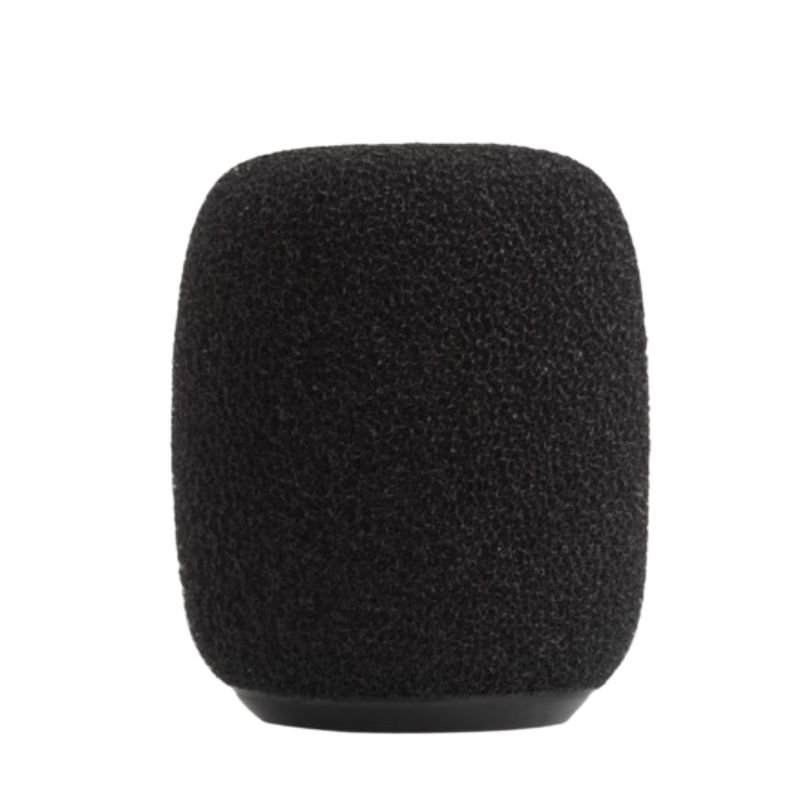
The Shure RK183WS is a windscreen accessory designed to reduce wind noise and plosive sounds during vocal recording with Shure microphones. Here’s a five-step description for its usage:
1. **Select Microphone**: Choose a compatible Shure microphone, such as the SM58 or Beta 58A, that the RK183WS windscreen will fit onto.
2. **Mount Windscreen**: Carefully slide the RK183WS windscreen onto the microphone’s grille, ensuring a snug fit without obstructing the microphone’s pickup pattern.
3. **Position**: Adjust the position of the windscreen so that it covers the microphone’s grille completely. Ensure that the microphone’s sound inlet is not blocked by the windscreen.
4. **Test**: Perform a test recording to assess the reduction in wind noise and plosive sounds with the RK183WS windscreen in place.
5. **Maintenance**: After use, remove the windscreen from the microphone and clean it if necessary. Store the windscreen in a dry and safe place to maintain its integrity for future use.

 Max Bms 135 Boom Mic Stand
1 × 9.500 OMR
Max Bms 135 Boom Mic Stand
1 × 9.500 OMR  Boya Wireless Microphone By Wm4 Pro
1 × 47.900 OMR
Boya Wireless Microphone By Wm4 Pro
1 × 47.900 OMR  Logitech Driving Force Shifter for G29/G920 941-000130
1 × 19.800 OMR
Logitech Driving Force Shifter for G29/G920 941-000130
1 × 19.800 OMR  Boya Lavalier Microphone By M40d
1 × 20.000 OMR
Boya Lavalier Microphone By M40d
1 × 20.000 OMR  New Arrivals
 Offers
 Service & Repair



There are no reviews yet.