
-
×
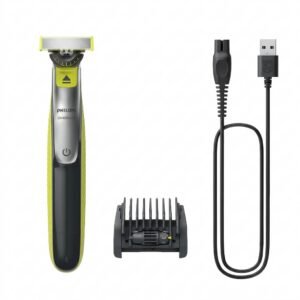 Philips OneBlade 360 Shaver QP2734/23
2 × 22.900 OMR
-
×
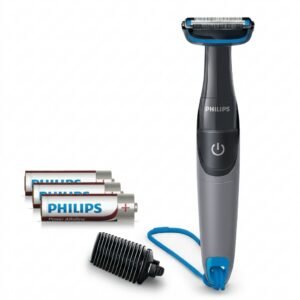 Philips 1000 Series Body Groomer BG1025/15
1 × 10.900 OMR
-
×
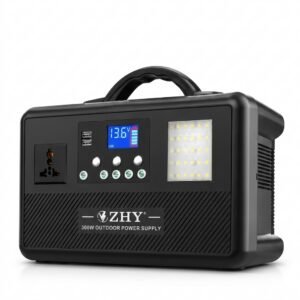 Cleo-EL Portable Power Station 300W ZHY-CN01
2 × 44.900 OMR
-
×
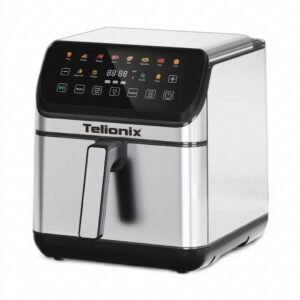 Telionix Electric Air Fryer 9L TAF4424
1 × 34.900 OMR
-
×
 SONY PS4 Rock of Ages 3 Game CD
1 × 13.800 OMR
-
×
 Welly Metal Car Jeep Jeepster Commando Roadster Size 1.24 WL-24117C-W
1 × 12.900 OMR
-
×
 BBurago Metal Car Ferrari 499P Size 1.18
1 × 42.900 OMR
-
×
 Cpt Guitar 3713c
1 × 3.800 OMR
-
×
 DOBE PS4 TP4 023B Charging STAND
1 × 6.900 OMR
-
×
 MOHA P30 Universal 30W Adapter
1 × 4.800 OMR
-
×
 Boya By Wm8 Pro K2 Uhf Dual Channel Wireless Microphone
1 × 76.800 OMR
-
×
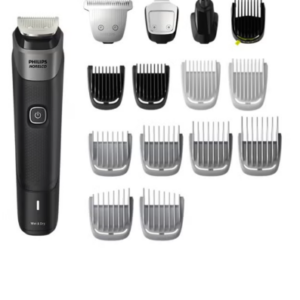 Philips 5000 Series Norelco All In One Trimmer MG5910/49
1 × 24.900 OMR
-
×
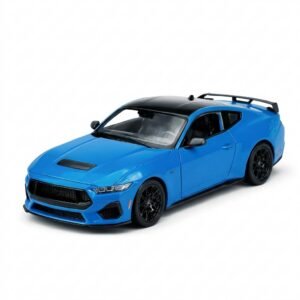 Welly Metal Car Ford Mustang GT Size 1.24 WL-24123W
1 × 12.900 OMR
-
×
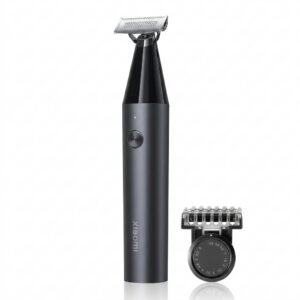 Xiaomi UniBlade Trimmer X300
1 × 9.900 OMR
-
×
 Used Nokia e72 (Only Mobile)
1 × 35.000 OMR
-
×
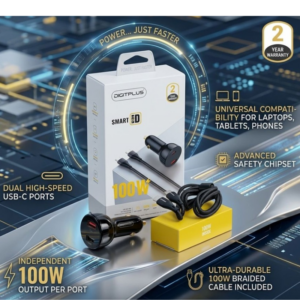 DigitPlus Car Charger 100w CC-DP-C101
1 × 8.900 OMR
-
×
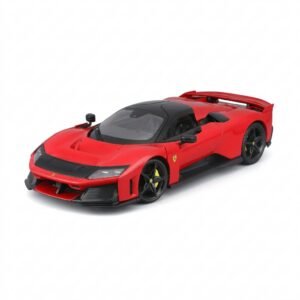 BBurago Metal Car Ferrari F80 Size 1.18 18-16022
1 × 42.900 OMR
-
×
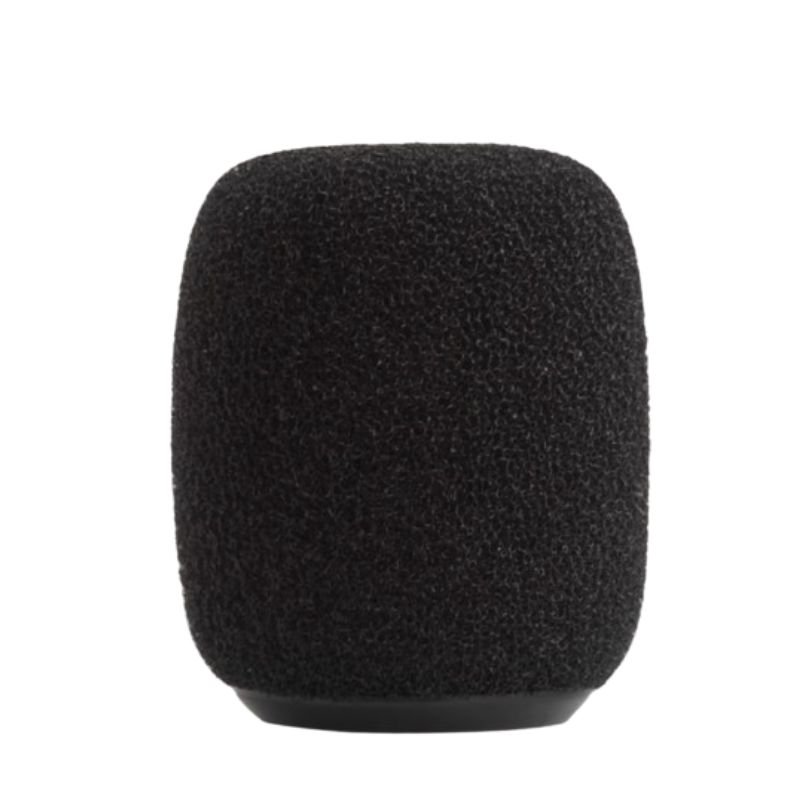
 Lavalier Microphone Lj02
1 × 1.800 OMR
Subtotal: 479.600 OMR
 New Arrivals
 Offers
 Service & Repair



There are no reviews yet.