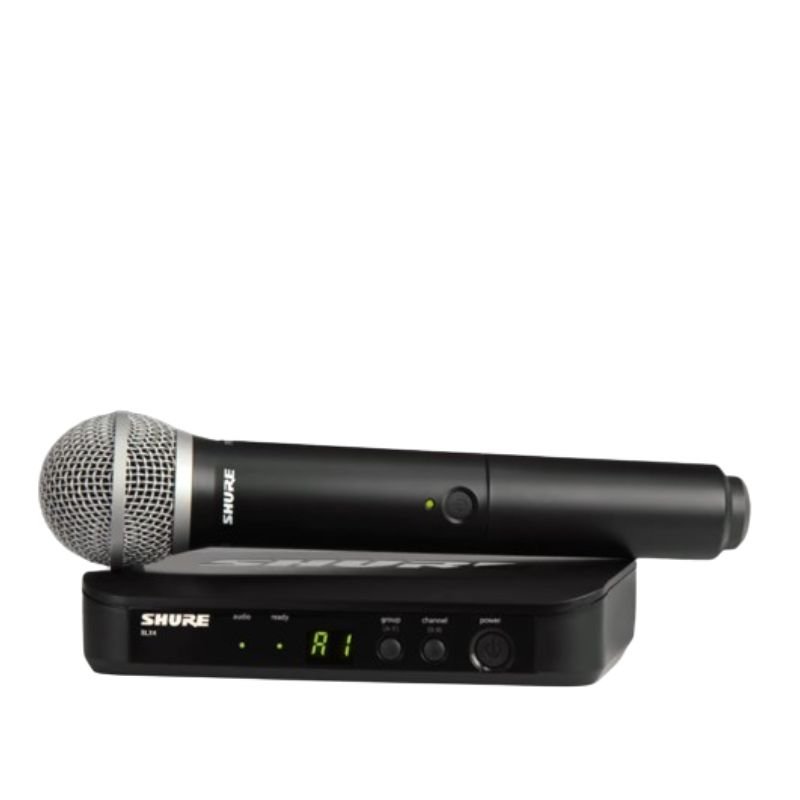
1. **Power On**: Begin by inserting fresh batteries into both the microphone transmitter and the receiver unit. Power on both devices by pressing their respective power buttons. Ensure that the transmitter and receiver are set to the same frequency band for proper communication.
2. **Frequency Selection**: Use the frequency selection feature on the receiver to choose a clear and interference-free frequency. This helps to avoid signal dropouts and ensures stable wireless performance.
3. **Syncing Transmitter and Receiver**: Press the sync button on the receiver unit and hold it down until the sync LED starts blinking. Then, press the sync button on the microphone transmitter. The two devices will communicate and sync automatically, establishing a secure connection.
4. **Microphone Setup**: Attach the PG58 microphone capsule to the transmitter by securely screwing it onto the top of the unit. Ensure that the microphone is positioned correctly for optimal sound pickup and clarity.
5. **Sound Check**: With the microphone turned on and properly connected, perform a sound check to adjust volume levels and equalization settings as needed. Monitor the audio output from the receiver unit to confirm that the microphone is functioning correctly and delivering clear sound.

 YH 31 PS4 2 in 1 Charging Heat Sink
1 × 11.900 OMR
YH 31 PS4 2 in 1 Charging Heat Sink
1 × 11.900 OMR  Boya By Wm4 Pro K3 2.4ghz Wireless Microphone System
1 × 49.900 OMR
Boya By Wm4 Pro K3 2.4ghz Wireless Microphone System
1 × 49.900 OMR 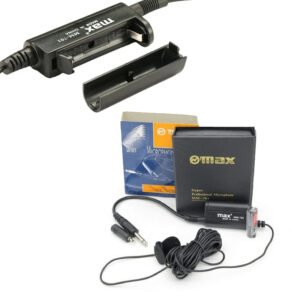 Max Mm 701 Microphone
1 × 6.000 OMR
Max Mm 701 Microphone
1 × 6.000 OMR  New Arrivals
 Offers
 Service & Repair



There are no reviews yet.