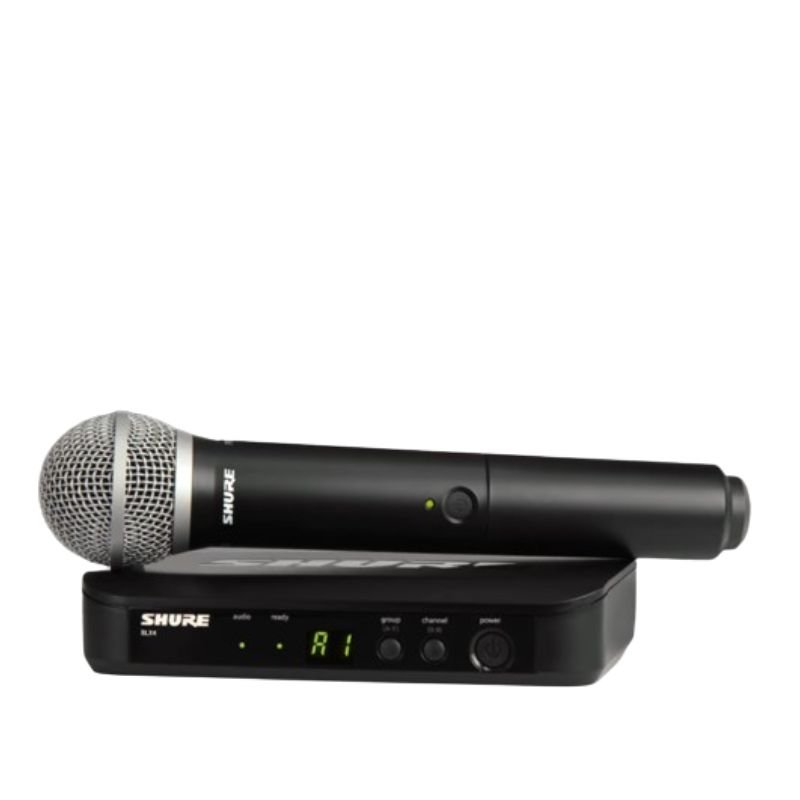
1. **Power On**: Begin by inserting fresh batteries into both the microphone transmitter and the receiver unit. Power on both devices by pressing their respective power buttons. Ensure that the transmitter and receiver are set to the same frequency band for proper communication.
2. **Frequency Selection**: Use the frequency selection feature on the receiver to choose a clear and interference-free frequency. This helps to avoid signal dropouts and ensures stable wireless performance.
3. **Syncing Transmitter and Receiver**: Press the sync button on the receiver unit and hold it down until the sync LED starts blinking. Then, press the sync button on the microphone transmitter. The two devices will communicate and sync automatically, establishing a secure connection.
4. **Microphone Setup**: Attach the PG58 microphone capsule to the transmitter by securely screwing it onto the top of the unit. Ensure that the microphone is positioned correctly for optimal sound pickup and clarity.
5. **Sound Check**: With the microphone turned on and properly connected, perform a sound check to adjust volume levels and equalization settings as needed. Monitor the audio output from the receiver unit to confirm that the microphone is functioning correctly and delivering clear sound.
OMNIKEY 3121 CARD READER
Boya Lavalier Microphone By M40d
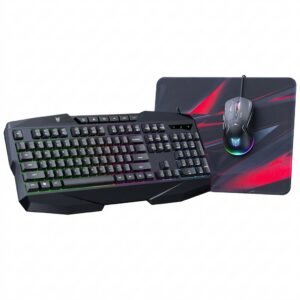
Onikuma 3-in-1 Professional Gaming Combo TZ3006
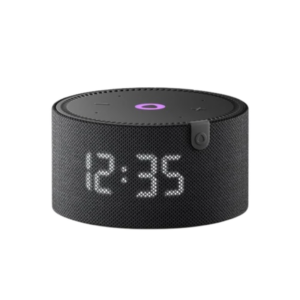
Yasmina Mini Smart Portable Bluetooth Speaker Black
Lavalier Microphone Lj02
Sony Ericsson W995 (Only Mobiles)
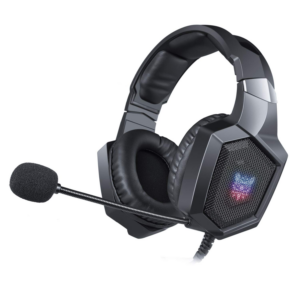
Onikuma Professional Gaming Headset K8
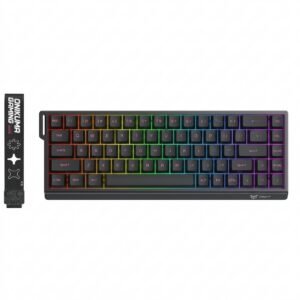
Onikuma Gaming Keyboard MT603
Welly Metal Car Ford Mustang GT Size 1.24 WL-24123W
Wharfedale X18b Mk11 Subwoofer
Yesido C96 Desktop Mobile & Tablet Holder
BBurago Metal Car Ferrari 499P Size 1.18
Panasonic-rf-p150dba-fm-am-2-band-receiver
Tm1 Tny Large Diaphragm Condenser Microphone With Recording Package
New Arrivals
Offers
Service & Repair


There are no reviews yet.