
-
×
 Max Bms 135 Boom Mic Stand
1 × 9.500 OMR
-
×
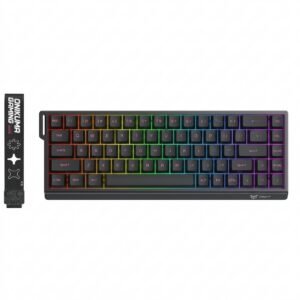 Onikuma Gaming Keyboard MT603
3 × 12.900 OMR
-
×
 TP-Link TL-WA850RE WiFi Extender
1 × 6.200 OMR
-
×
 Behringer Ma400 Ultra Monitor Amp
1 × 18.000 OMR
-
×
 Mega Uhc 30xt 30w Unit Horn
1 × 25.000 OMR
-
×
 X BOX WIRELESS CONTROLLER ELECTRIC VOLT YELLOW
1 × 20.900 OMR
-
×
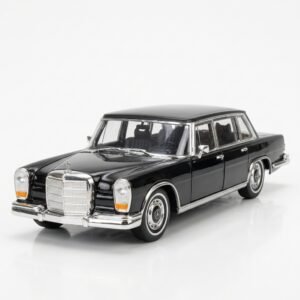 Welly Metal Car Mercedes Benz 600 Size 1.24 WL-24121W
1 × 12.900 OMR
-
×
 Ahuja Awm 700u2 Wireless Mic
1 × 60.000 OMR
-
×
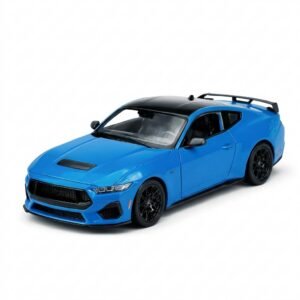 Welly Metal Car Ford Mustang GT Size 1.24 WL-24123W
1 × 12.900 OMR
-
×
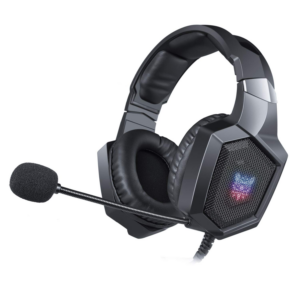 Onikuma Professional Gaming Headset K8
1 × 6.900 OMR
-
×
 Ahuja Gm605 Gooseneck Mic
1 × 18.000 OMR
-
×
 G3 Pro Handsfree Infrared Thermometer
1 × 5.400 OMR
-
×
 BBurago Metal Car Ferrari 499P Size 1.18
1 × 42.900 OMR
-
×
 Boya By Wm8 Pro K2 Uhf Dual Channel Wireless Microphone
1 × 76.800 OMR
Subtotal: 354.100 OMR
 New Arrivals
 Offers
 Service & Repair




There are no reviews yet.