
-
×
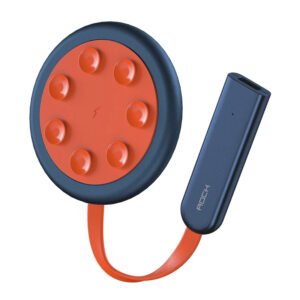 ROCK W24 Double side Quick CHARGER
1 × 5.200 OMR
-
×
 Ahuja Wsx 551t Speaker
1 × 15.000 OMR
-
×
 Bm 13k Bee Melodica
3 × 5.900 OMR
-
×
 Cpt Guitar 3713c
1 × 3.800 OMR
-
×
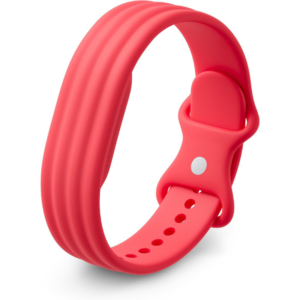 Google Fitbit Air Active Band Berry Silicon Strap
1 × 20.900 OMR
-
×
 BBurago Metal Car Ferrari 499P Size 1.18
1 × 42.900 OMR
-
×
 Apple Ipad Pro 12.9" 4th Gen Smart Keyboard Folio
1 × 94.900 OMR
-
×
 CPT 73331 1-24 Chrysles Metal Car
1 × 7.800 OMR
-
×
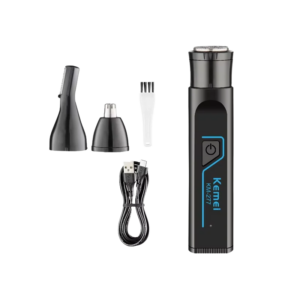 Kemei Multifunctional Shaving Kit KM-277
1 × 2.900 OMR
-
×
 Sanford AM/FM Radio With Usb And Sd Card SF3305PR Radio
1 × 6.450 OMR
-
×
 Boya Wireless Microphone By Wm4 Pro
1 × 47.900 OMR
-
×
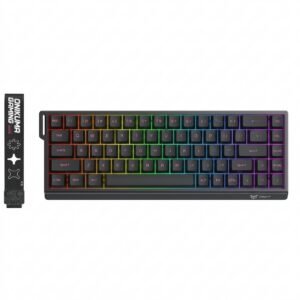 Onikuma Gaming Keyboard MT603
1 × 12.900 OMR
Subtotal: 278.350 OMR
 New Arrivals
 Offers
 Service & Repair


There are no reviews yet.