
-
×
 Itc T710K Outdoor Music Horn Speaker
1 × 45.000 OMR
-
×
 Canon GI-490 Black Ink Bottle
1 × 4.900 OMR
-
×
 ROCK Universal Tab Desktop Stand
1 × 6.500 OMR
-
×
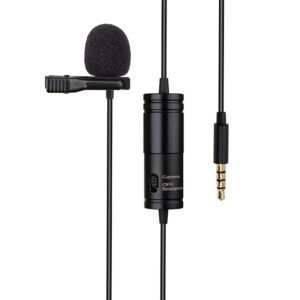 Atn1 Cable Condenser Lavalier Studio Clip
1 × 4.900 OMR
-
×
 BOYA BY MM1 MICROPHONE
1 × 3.500 OMR
-
×
 Honor ERC-T00 Wireless Erabuds X10 Play Black
1 × 4.500 OMR
-
×
 Ahuja Cs662 T Ceiling Speaker
1 × 15.000 OMR
-
×
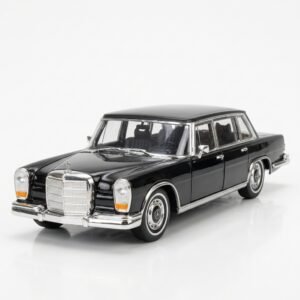 Welly Metal Car Mercedes Benz 600 Size 1.24 WL-24121W
1 × 12.900 OMR
-
×
 ARTECH ACS-988 CAR STEREO CASSETTE PLAYER WITH AM FM-MPX RADIO
1 × 4.000 OMR
-
×
 Next Level F Gt Lite Gaming Racing Simulator Cockpit F Gt Lite
1 × 104.800 OMR
-
×
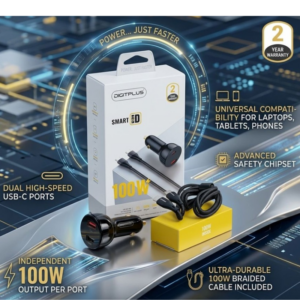 DigitPlus Car Charger 100w CC-DP-C101
1 × 8.900 OMR
-
×
 Sony PS4 Dungeons & Dragons Dark Alliance-Day One Edition Game CD
1 × 9.900 OMR
-
×
 Max Bms 135 Boom Mic Stand
1 × 9.500 OMR
Subtotal: 234.300 OMR
 New Arrivals
 Offers
 Service & Repair




There are no reviews yet.