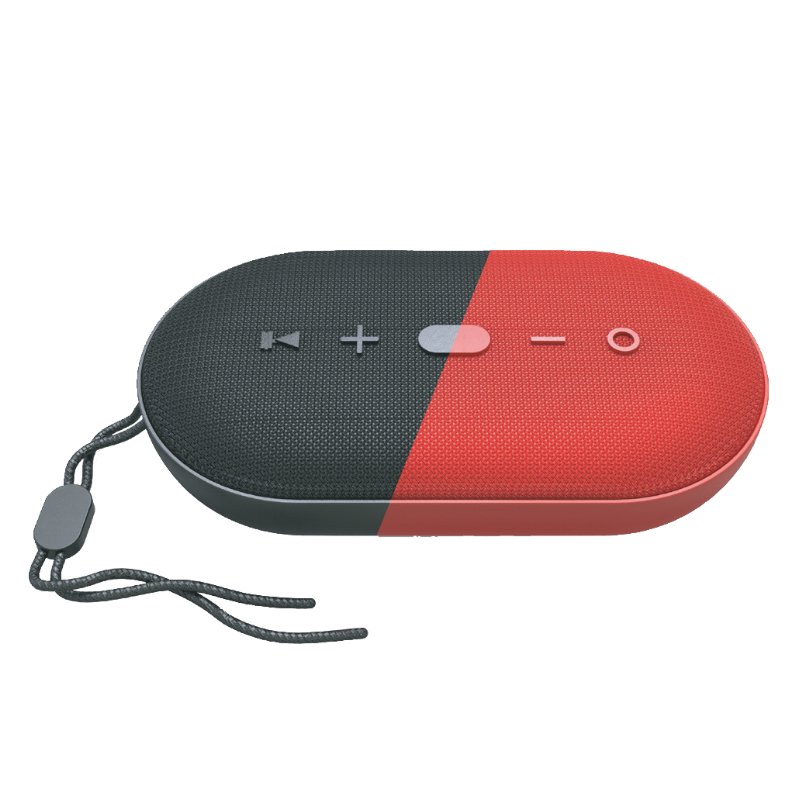
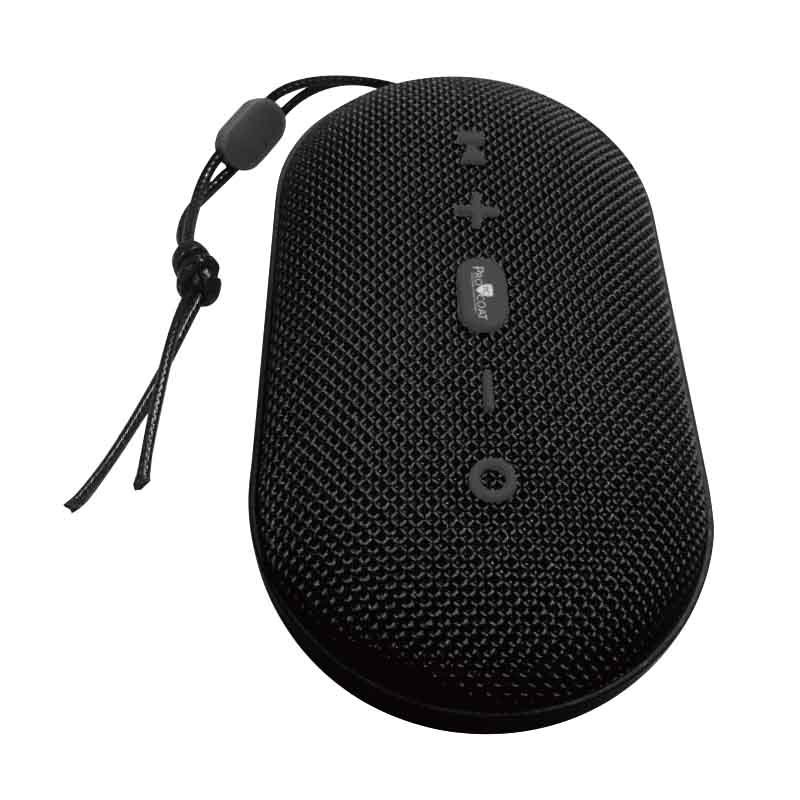
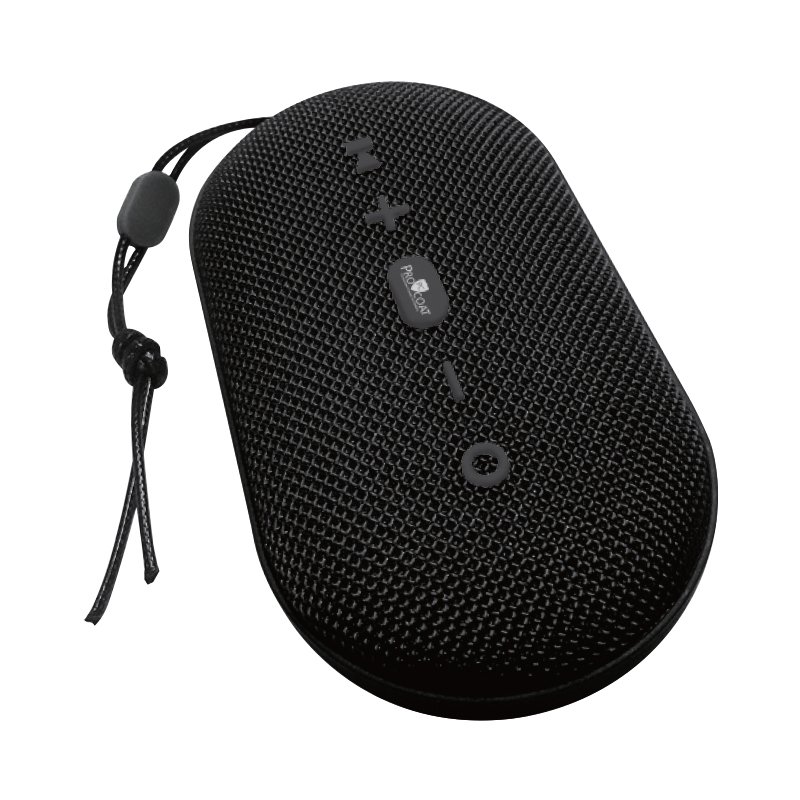
1. **Power On**: Press and hold the power button on the Pro-Coat S-802 Bluetooth Speaker to turn it on. You should see an indicator light illuminate, indicating that the speaker is powered on and ready to pair.
2. **Activate Bluetooth**: Enable Bluetooth on your smartphone, tablet, or other compatible device. Access your device’s Bluetooth settings and search for available devices. The Pro-Coat S-802 should appear in the list of available devices.
3. **Pairing**: Select the Pro-Coat S-802 from the list of available Bluetooth devices on your device. Once selected, you should hear a confirmation sound from the speaker, indicating that it has successfully paired with your device.
4. **Play Music**: Once paired, play your favorite music or audio on your device. The sound will be wirelessly streamed to the Pro-Coat S-802 Bluetooth Speaker, providing you with high-quality audio playback.
5. **Adjust Settings**: Utilize any additional features or settings available on the Pro-Coat S-802 Bluetooth Speaker, such as volume control, EQ settings, or playback controls. These may be accessible either directly on the speaker or through a companion app on your device.

 Earldom Extension Socket ES SC24 6Usb C+3Usb A 55w
1 × 5.900 OMR
Earldom Extension Socket ES SC24 6Usb C+3Usb A 55w
1 × 5.900 OMR  Used Nokia X3 02 Touch
1 × 20.500 OMR
Used Nokia X3 02 Touch
1 × 20.500 OMR  L-1 Professional Streaming Player Stand
1 × 13.900 OMR
L-1 Professional Streaming Player Stand
1 × 13.900 OMR  New Arrivals
 Offers
 Service & Repair



There are no reviews yet.