
 New Arrivals
 Offers
 Service & Repair


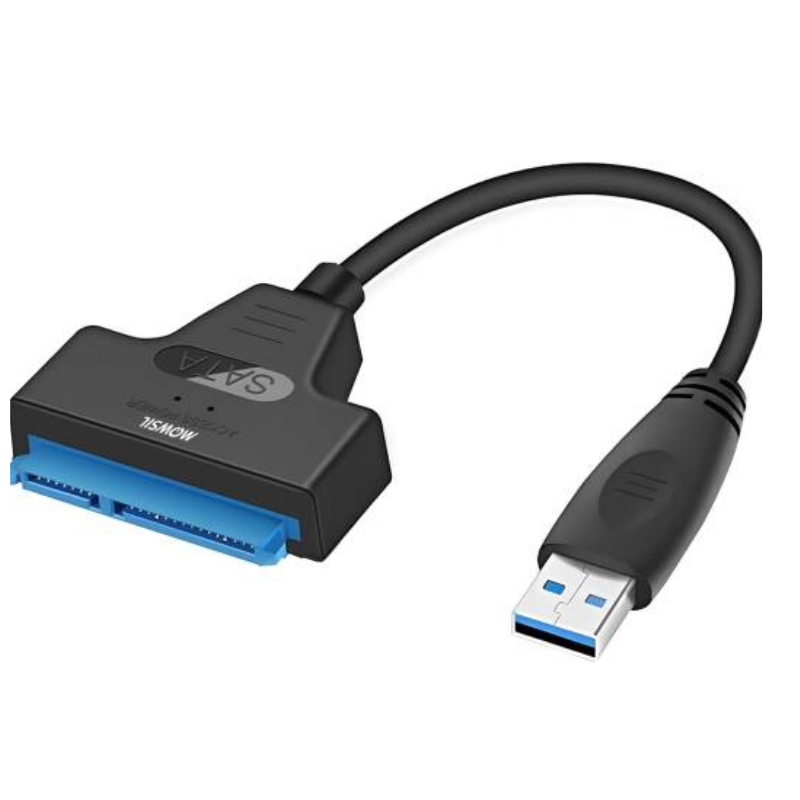
Miicam Sata 3.0 Connector
SKU: 0301000110
Out of stock
The Miicam SATA 3.0 Connector enables high-speed data transfer between SATA devices and motherboards or other components. Designed for SATA 3.0 interfaces, it supports transfer rates up to 6 Gbps, ensuring fast and efficient data access. Its robust design provides secure connections for hard drives, SSDs, and other storage devices, making it ideal for both upgrades and new installations.
Out of stock
1. **Identify Ports**: Locate the SATA 3.0 ports on your motherboard and storage device (such as an SSD or HDD).
2. **Attach Connector**: Plug the Miicam SATA 3.0 Connector into the SATA port on your storage device, ensuring a snug fit.
3. **Secure Connection**: Connect the other end of the SATA 3.0 Connector to the SATA port on your motherboard or SATA controller card.
4. **Power Up**: Ensure all connections are secure, then power on your computer to initialize the drive.
5. **Verify Functionality**: Check your operating system to confirm that the connected storage device is recognized and functioning properly.

There are no reviews yet.