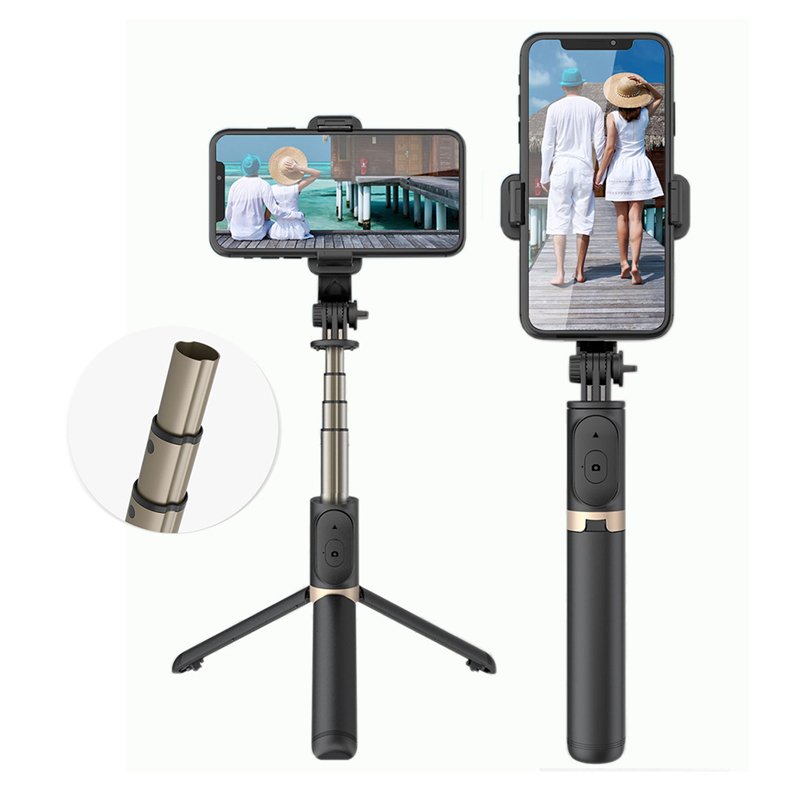
1. **Unboxing**: Open the package containing the MAGIC Q03 Wireless Selfie Stick. Inside, you’ll find the selfie stick itself, any additional accessories, and the user manual.
2. **Charging**: Before first use, ensure that the selfie stick is fully charged. Use the provided charging cable to connect the selfie stick to a power source such as a USB adapter or computer. The LED indicator on the selfie stick will show the charging status.
3. **Pairing with Smartphone**: Turn on the selfie stick by pressing the power button. Activate Bluetooth on your smartphone and search for available devices. Select the MAGIC Q03 from the list of available devices to pair them.
4. **Adjusting Length**: Extend the selfie stick to your desired length by pulling the telescopic rod outward. Ensure that it locks securely into place to prevent accidental retraction.
5. **Mounting Smartphone**: Attach your smartphone to the adjustable phone holder on the selfie stick. Adjust the holder’s width to accommodate your device, then secure it in place. Ensure that your smartphone is firmly held to prevent it from falling.
6. **Positioning**: Position the selfie stick and smartphone to frame your shot. Use the selfie stick’s tilting and rotating features to adjust the angle and orientation of your smartphone for the perfect shot.
7. **Capturing Photos or Videos**: Open your smartphone’s camera app and select the desired photo or video mode. Use the shutter button on the selfie stick handle to capture photos or start/stop video recording.
8. **Remote Shutter Control**: Some models of the MAGIC Q03 Wireless Selfie Stick come with a remote control. Pair the remote with your smartphone via Bluetooth and use it to remotely capture photos or videos, providing greater flexibility and convenience.
9. **Folding and Storage**: After use, fold the selfie stick back to its compact size for easy storage and portability. Secure any adjustable parts or locks to prevent damage during storage.
10. **Maintenance**: Keep the selfie stick clean by wiping it with a soft, dry cloth after each use. Avoid exposing it to liquids or extreme temperatures, as this may damage the components.
Following these steps will help you effectively set up and use the MAGIC Q03 Wireless Selfie Stick to capture memorable moments with ease.

 Bodycare Massage Chair BC 018
1 × 59.900 OMR
Bodycare Massage Chair BC 018
1 × 59.900 OMR  Boya Lavalier Microphone By M40d
1 × 20.000 OMR
Boya Lavalier Microphone By M40d
1 × 20.000 OMR  Cleo-SFO i Shoulder Massager
1 × 7.800 OMR
Cleo-SFO i Shoulder Massager
1 × 7.800 OMR  Cleo Plastic Recorder
1 × 0.700 OMR
Cleo Plastic Recorder
1 × 0.700 OMR  Cleo-SFO Fascial Gun Massage ZC-2025
1 × 5.600 OMR
Cleo-SFO Fascial Gun Massage ZC-2025
1 × 5.600 OMR 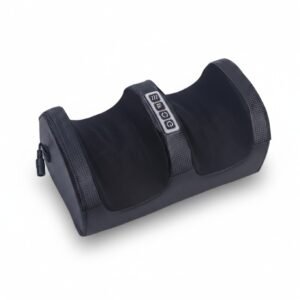 Dlc Foot Massager 6408
1 × 8.900 OMR
Dlc Foot Massager 6408
1 × 8.900 OMR  PROFESSIONAL STREAMING PLAYER STAND L1
1 × 13.900 OMR
PROFESSIONAL STREAMING PLAYER STAND L1
1 × 13.900 OMR  Cleo-SFO Mini Fascial Massage Gun JKQ167
1 × 8.800 OMR
Cleo-SFO Mini Fascial Massage Gun JKQ167
1 × 8.800 OMR 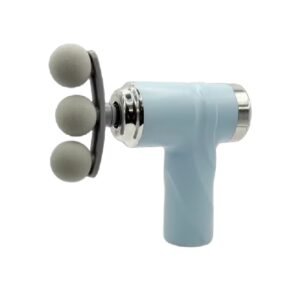 Cleo-HB Fascial Massage Gun LM810T
1 × 7.900 OMR
Cleo-HB Fascial Massage Gun LM810T
1 × 7.900 OMR  RING SUPPLEMENTARY LAMP 36W + STAND
1 × 13.900 OMR
RING SUPPLEMENTARY LAMP 36W + STAND
1 × 13.900 OMR  New Arrivals
 Offers
 Service & Repair

There are no reviews yet.