1. **Unboxing**: Open the packaging of the Coopic SU 101 Lighting Kit Studio and carefully remove all components, including light stands, light bulbs, softboxes, and any other included accessories.
2. **Assembly**: Begin by setting up the light stands. Extend the legs and adjust the height of each stand to your desired level, ensuring stability on a flat surface. Attach the softboxes to the stands according to the provided instructions, typically by inserting the metal rods into the designated slots.
3. **Mounting Lights**: Screw the light bulbs into the sockets located within the softboxes. Ensure they are securely tightened to prevent any accidental loosening during use. Position the softboxes facing your subject or scene, angling them as needed for optimal lighting.
4. **Power Connection**: Plug the power cords of the softboxes into a nearby power outlet. Make sure the cords are untangled and not stretched to prevent any damage. Check that the power switch on each softbox is in the “Off” position before connecting to power.
5. **Adjusting Light Intensity**: Turn on the power switches of the softboxes to activate the lights. Depending on the model, you may have options to adjust the brightness levels using built-in dimmer switches or external controls. Experiment with different settings to achieve the desired lighting effect for your photography or videography needs.
Following these steps will help you set up and utilize the Coopic SU 101 Lighting Kit Studio effectively, providing professional lighting solutions for your studio or creative projects.
Cpt Guitar 3713c
Kemei Professional Men's Grooming Kit KM 2241
Cleo Plastic Recorder
OCULUS QUEST2 ELITE STRAP with BATTERY and CARRYING CASE
OMNIKEY 3121 CARD READER
Used Nokia 6124
Kalimba 17 Keys Finger Piano
SONY PS4 CD DOOM
Candc DC C9 Cardioid Microphone
DOBE PS4 TP4 023B Charging STAND
BBurago Metal Car Ferrari 499P Size 1.18
Used NOKIA 7370
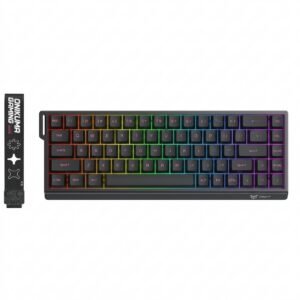
Onikuma Gaming Keyboard MT603
Meind 35 CB200 Car Power Adaptor
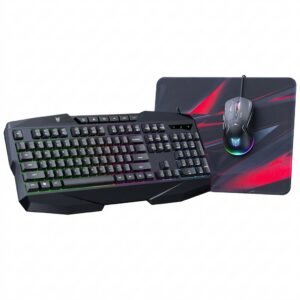
Onikuma 3-in-1 Professional Gaming Combo TZ3006
OTVO P4 USB DATA CABLE (For P4 Host & Handle)
New Arrivals
Offers
Service & Repair


There are no reviews yet.