
-
×
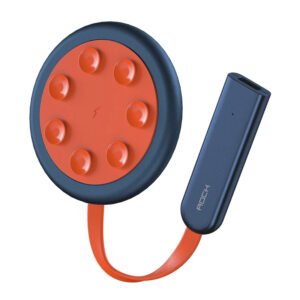 ROCK W24 Double side Quick CHARGER
1 × 5.200 OMR
-
×
 L-1 Professional Streaming Player Stand
2 × 13.900 OMR
-
×
 WAHL HOME PRO 300 SERIES HAIRCUT KIT
1 × 15.800 OMR
-
×
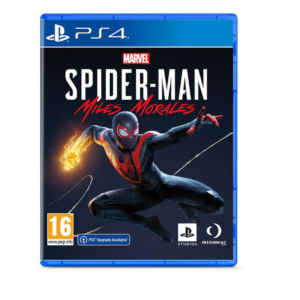 Sony PS4 Spider Man Game CD
2 × 12.900 OMR
-
×
 Used Nokia 6124
2 × 24.500 OMR
-
×
 New Eggplant Mask Stick 40g
1 × 0.400 OMR
-
×
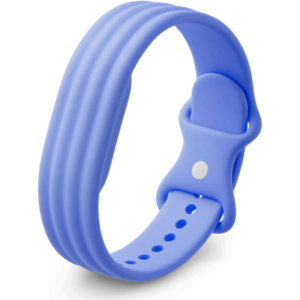 Google Fitbit Air Active Band Lavender Silicon Strap
1 × 20.900 OMR
-
×
 Boya By Wm8 Pro K2 Uhf Dual Channel Wireless Microphone
1 × 76.800 OMR
-
×
 Lavalier Microphone Lj02
1 × 1.800 OMR
-
×
 Used Nokia 5310 Express Music
1 × 25.800 OMR
-
×
 Boya By Wm4 Pro K3 2.4ghz Wireless Microphone System
1 × 49.900 OMR
-
×
 OMNIKEY 3121 CARD READER
2 × 7.900 OMR
-
×
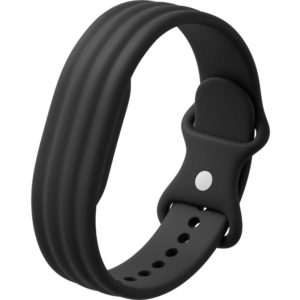 Google Fitbit Air Active Band Obsidian Silicon Strap
1 × 20.900 OMR
-
×
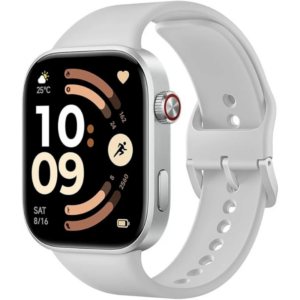 Redmi M2523 Smart Watch 6 Silver Gray
1 × 34.900 OMR
-
×
 Apple Ipad Pro 12.9" 4th Gen Smart Keyboard Folio
1 × 94.900 OMR
-
×
 Bm 13k Bee Melodica
1 × 5.900 OMR
-
×
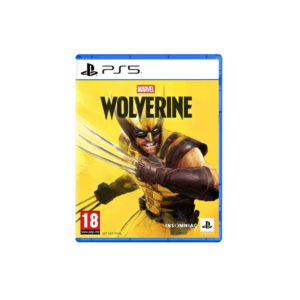 Sony PS 5 Marvel Wolverine CD
1 × 23.900 OMR
-
×
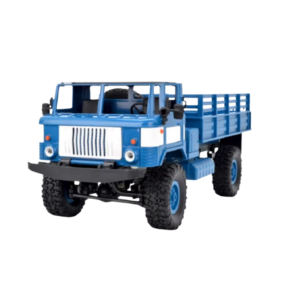 Cleo-TY Remote Control RC Military Truck B-24
2 × 14.900 OMR
-
×
 Candc DC C9 Cardioid Microphone
1 × 3.500 OMR
-
×
 Boya Lavalier Microphone By M40d
1 × 20.000 OMR
-
×
 Cle Usb Fridge
3 × 5.900 OMR
-
×
 Max Bms 135 Boom Mic Stand
1 × 9.500 OMR
-
×
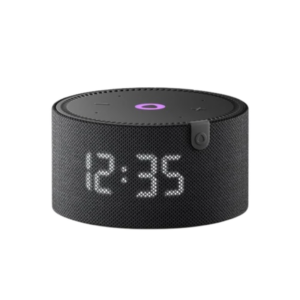 Yasmina Mini Smart Portable Bluetooth Speaker Black
1 × 24.900 OMR
-
×
 V9000 Gaming HEADSET
1 × 7.900 OMR
-
×
 used Nokia 3109
1 × 17.900 OMR
-
×
 X BOX WIRELESS CONTROLLER ELECTRIC VOLT YELLOW
1 × 20.900 OMR
-
×
 Sony PS5 The Pathless Game CD
1 × 15.800 OMR
-
×
 DOBE PS4 TP4 023B Charging STAND
2 × 6.900 OMR
-
×
 BK-20 OUD OIL BUKHOOR BURNER
1 × 6.400 OMR
-
×
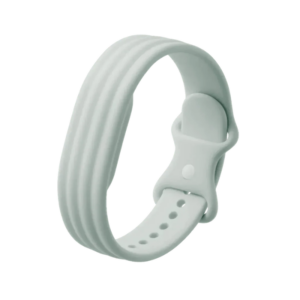 Google Fitbit Air Active Band Fog Silicon Strap
1 × 20.900 OMR
-
×
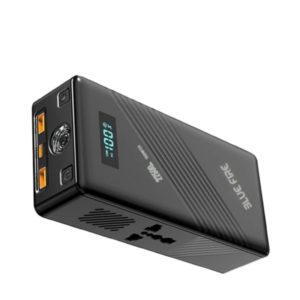 Blue Fire 22500MAh 150W Portable Power Bank
1 × 24.900 OMR
-
×
 Tolaye Ks06 Keyboard Stand
1 × 14.000 OMR
Subtotal: 743.400 OMR
 New Arrivals
 Offers
 Service & Repair


There are no reviews yet.