
 أقل سعر
 الخدمة والإصلاح

 أحدث
أحدث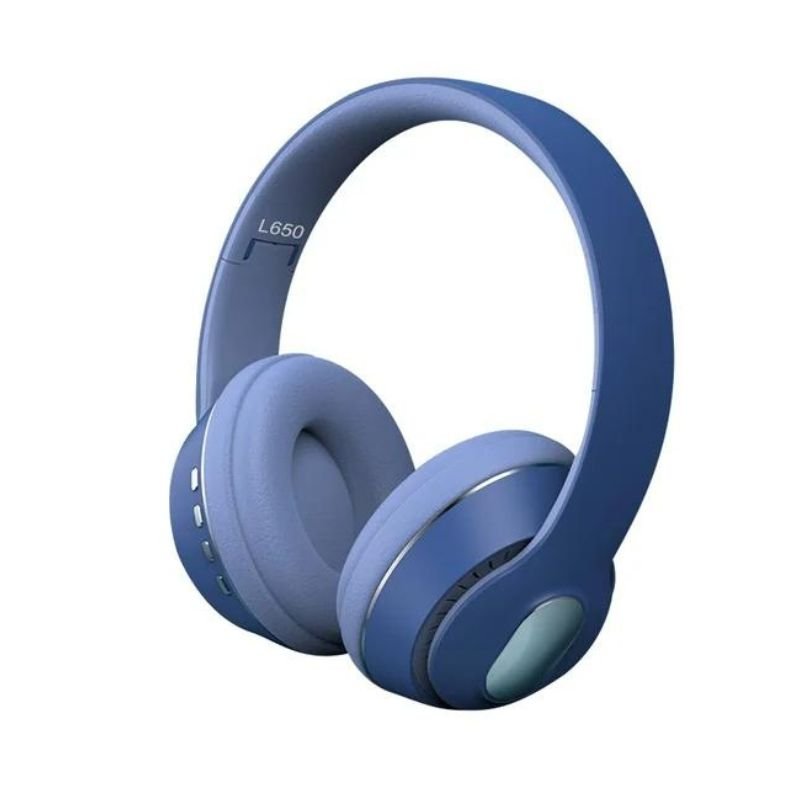
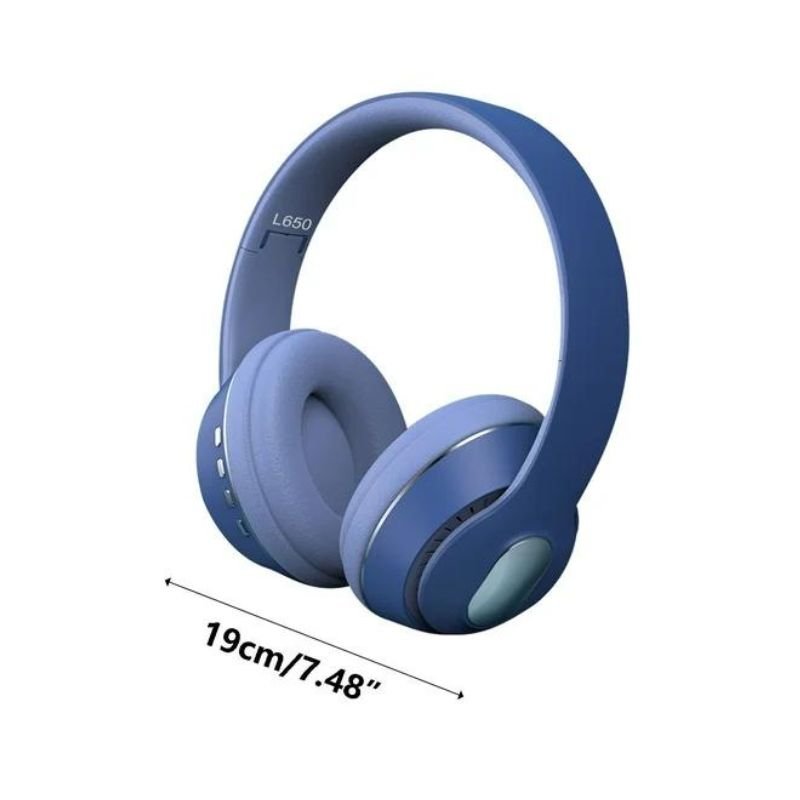
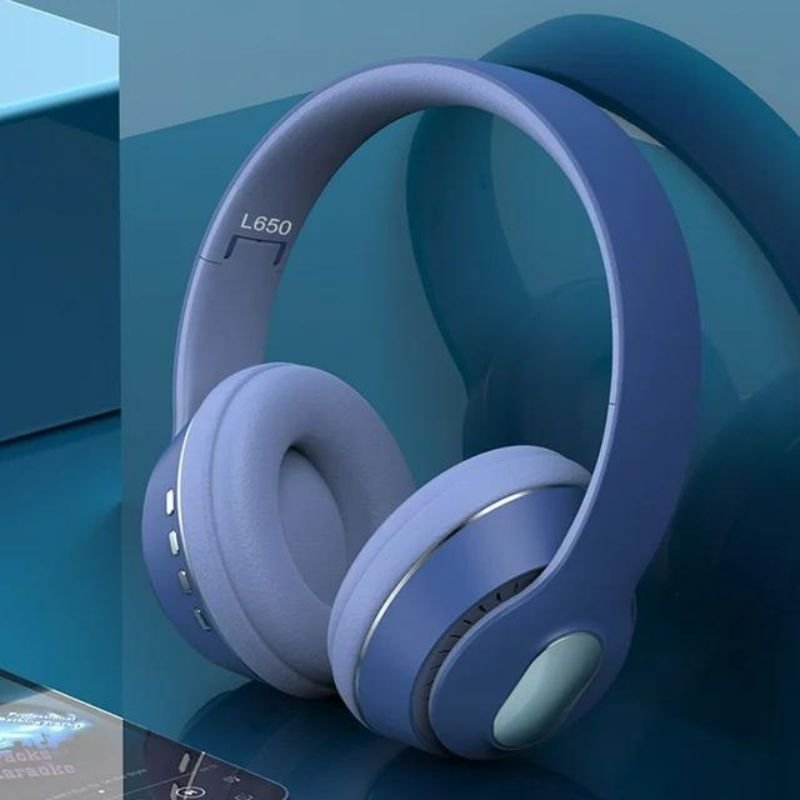
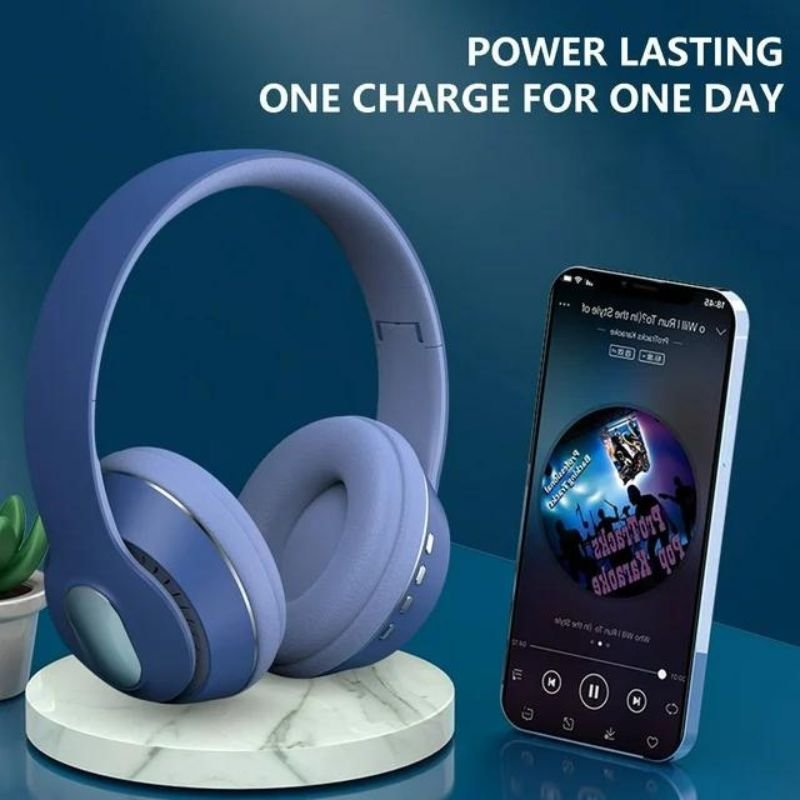
L650 Wireless Headphone
SKU: 020206000120
غير متوفر في المخزون
The L650 Wireless Headphones offer a blend of style, comfort, and high-quality audio performance. With their sleek design and ergonomic fit, they provide long-lasting comfort for extended listening sessions. Featuring advanced wireless technology, these headphones deliver clear and immersive sound without the hassle of cords. Additionally, they boast convenient controls for easy playback and call management. Whether you’re enjoying music, movies, or gaming, the L650 Wireless Headphones elevate your audio experience to new heights.
غير متوفر في المخزون
Step 1: Unboxing – Start by carefully opening the box containing the L650 Wireless Headphones. Remove all the packaging materials and accessories.
Step 2: Charging – Before using the headphones for the first time, ensure they are fully charged. Connect the included USB charging cable to the headphones and a power source, such as a computer or USB wall adapter. Allow them to charge until the indicator light shows they are fully charged.
Step 3: Powering On – Once charged, power on the headphones by pressing and holding the power button until the indicator light flashes, indicating they are ready to pair.
Step 4: Pairing – Activate the Bluetooth function on your desired device (phone, tablet, computer, etc.). Locate the L650 Wireless Headphones in the list of available Bluetooth devices and select them to pair. Follow any on-screen prompts to complete the pairing process.
Step 5: Adjusting Fit – Put the headphones on and adjust the headband and ear cups for a comfortable fit. Ensure the ear cups seal properly around your ears to maximize sound quality and passive noise isolation.
Step 6: Playback Controls – Familiarize yourself with the playback controls located on the headphones. These typically include buttons for volume adjustment, play/pause, skipping tracks, and answering calls.
Step 7: Testing – Play some music or audio from your connected device to test the sound quality and ensure everything is functioning correctly. Adjust the volume to your preference using the headphone controls or the device’s volume settings.
Step 8: Additional Features – Explore any additional features or functionalities offered by the L650 Wireless Headphones, such as built-in microphone for hands-free calling, active noise cancellation, or companion app integration.
Step 9: Maintenance – Regularly clean the headphones and ear cushions with a soft, dry cloth to remove any dirt or debris. Avoid using harsh chemicals or solvents, as these can damage the materials.
Step 10: Charging and Storage – When not in use, store the headphones in a safe and dry place. If the battery is low, recharge them using the included USB cable to ensure they’re ready for your next listening session.
لا توجد مراجعات حتى الآن.