
-
×
 Ahuja Utp30 Wired Tie Clip Mic
1 × 10.000 OMR
Ahuja Utp30 Wired Tie Clip Mic
1 × 10.000 OMR
Subtotal: 10.000 OMR
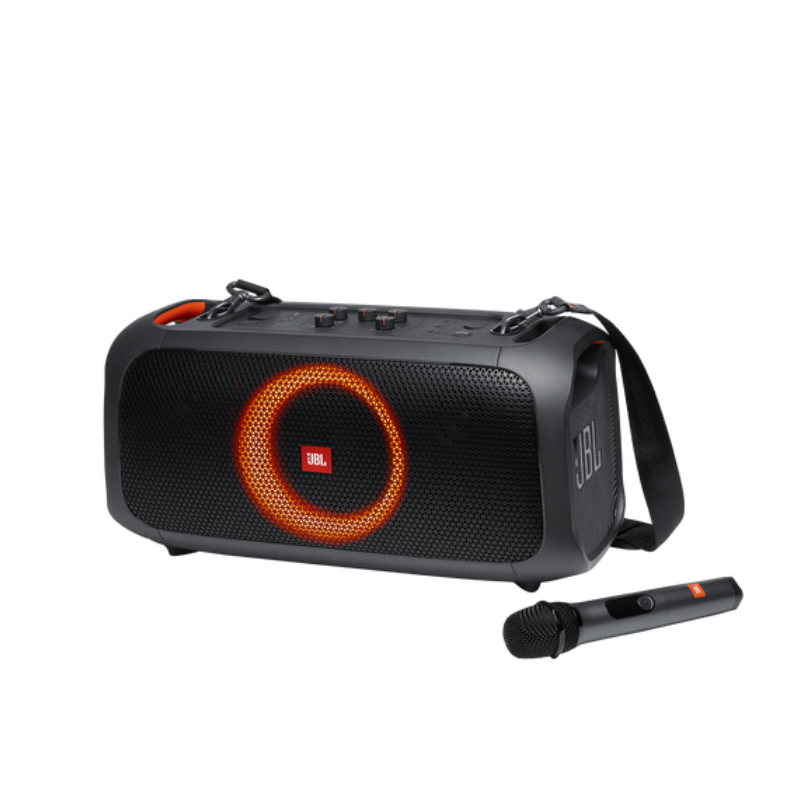
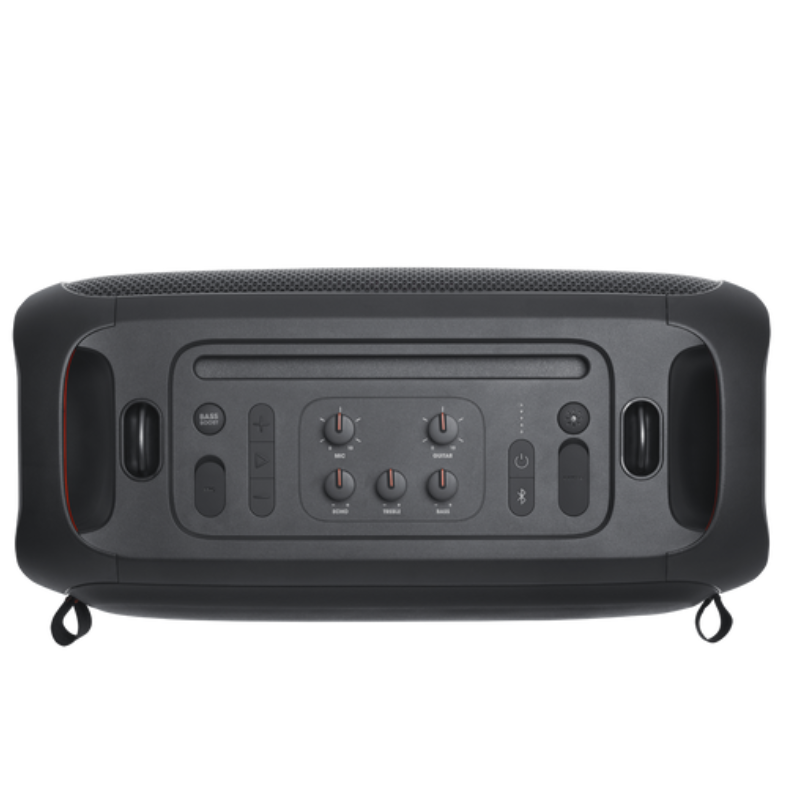
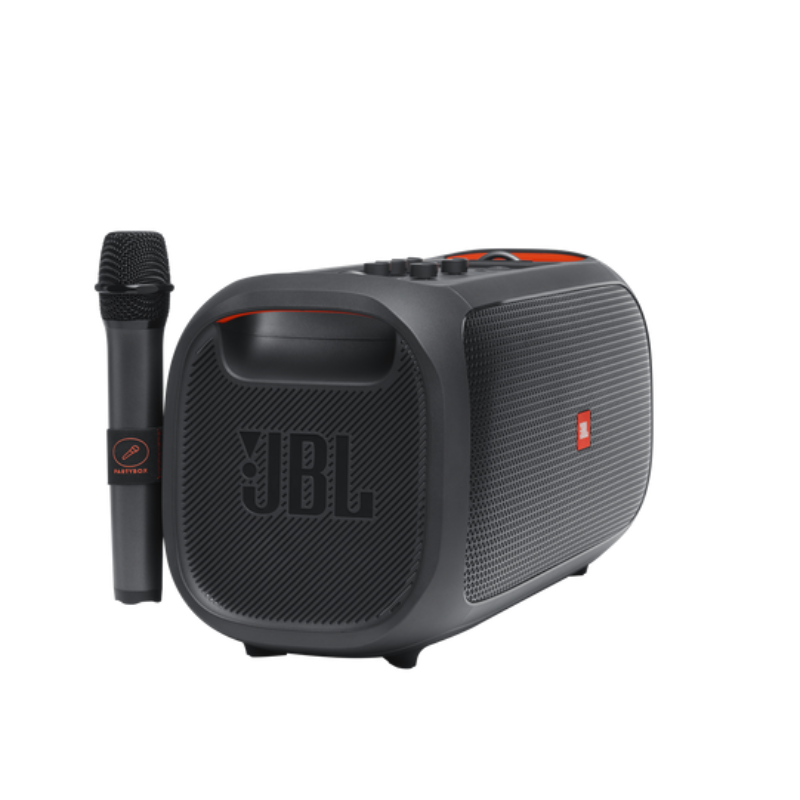
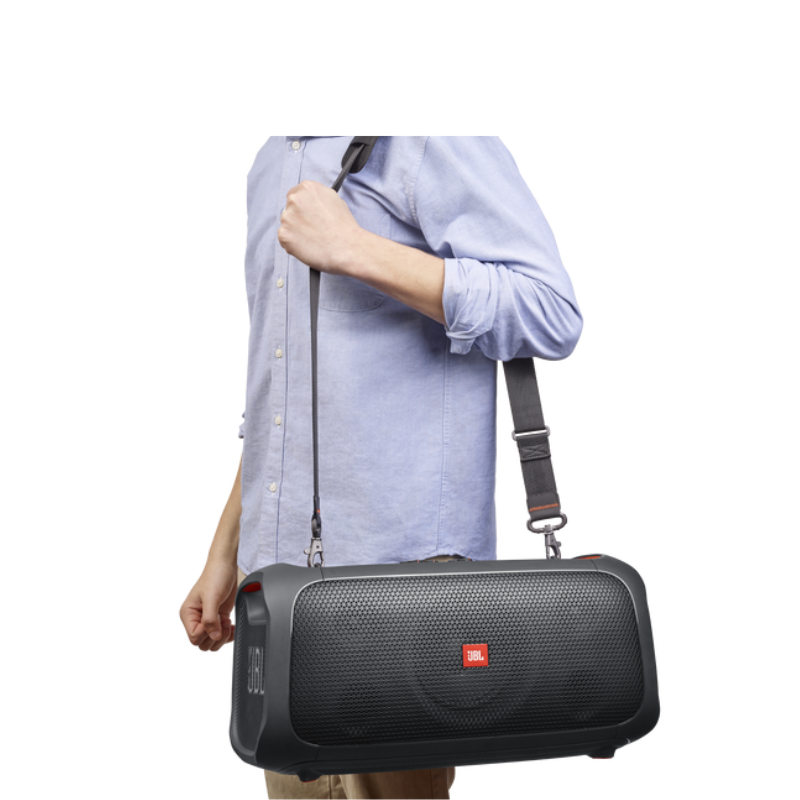
SKU: 1408000059
Out of stock
The JBL PartyBox On The Go is a portable Bluetooth speaker system designed for lively gatherings and outdoor events. It features powerful sound with dynamic JBL Pro Sound and a light show with customizable LED lights, enhancing the party atmosphere. It includes a rechargeable battery for extended playtime, microphone and guitar inputs for karaoke or performances, and Bluetooth connectivity for wireless music streaming. The PartyBox On The Go is built for durability and convenience, making it an ideal choice for parties on the move.
Out of stock
1. **Power On and Pairing**: Press and hold the power button to turn on the PartyBox On The Go. It will automatically enter pairing mode, indicated by flashing Bluetooth lights.
2. **Connect via Bluetooth**: On your Bluetooth-enabled device (phone, tablet, etc.), enable Bluetooth and search for available devices. Select “JBL PartyBox On The Go” from the list to pair.
3. **Adjust Settings**: Use the control panel on the speaker to adjust volume, bass, treble, and activate different light show modes. You can also connect a microphone or guitar to the dedicated inputs for karaoke or live performances.
4. **Play Music**: Once connected, play music from your preferred streaming service or local library. The PartyBox On The Go supports Bluetooth streaming and also has a USB port for playing music directly from a USB flash drive.
5. **Enjoy the Party**: With its powerful JBL Pro Sound and dynamic LED light show, the PartyBox On The Go creates a lively atmosphere. Move the speaker around easily thanks to its built-in handles and rechargeable battery, ensuring the party can continue anywhere.
 New Arrivals
 Offers
 Service & Repair


There are no reviews yet.