
-
×
 BBurago Metal Car Ferrari 296 GTB Size 1.18 18-16018
4 × 42.900 OMR
-
×
 Hot Wheels Deutschland Design
5 × 4.900 OMR
-
×
 Boya By Wm8 Pro K2 Uhf Dual Channel Wireless Microphone
1 × 76.800 OMR
-
×
 LK87 Fingertip Pulse Oximeter
1 × 0.900 OMR
-
×
 Yamaha Mg20xu Mixer
1 × 344.000 OMR
-
×
 SANDISK ULTRA 64GB DUAL DRIVE GO USB TYPE-C FLASH DRIVE
1 × 4.500 OMR
-
×
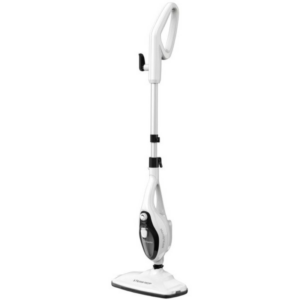 Telionix Steam Mop Cleaner TSM4961
1 × 14.900 OMR
-
×
 Behringer Hpx 2000 Headphone
1 × 14.000 OMR
-
×
 Cleo-TY Connect 4 Board Game HT33887
1 × 1.900 OMR
-
×
 Brother Ink Cartridge BT5000 Magenta
1 × 2.800 OMR
-
×
 Kalimba 17 Keys Finger Piano
1 × 13.800 OMR
-
×
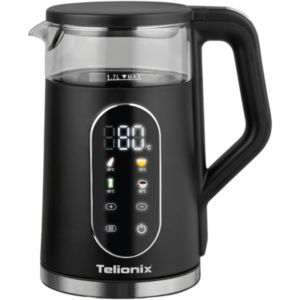 Telionix Electric Kettle TEK1401
1 × 5.900 OMR
-
×
 Cle Usb Fridge
1 × 5.900 OMR
-
×
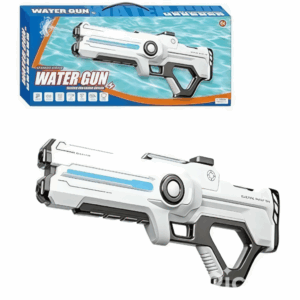 Cleo-TY Kids Water Gun 8899A 3
1 × 7.800 OMR
-
×
 Ahuja Au 40xt 40w White Driver Unit
1 × 20.000 OMR
-
×
 Max Bms 135 Boom Mic Stand
1 × 9.500 OMR
-
×
 BK-20 OUD OIL BUKHOOR BURNER
1 × 6.400 OMR
-
×
 Boya Wireless Microphone By Wm4 Pro
1 × 47.900 OMR
Subtotal: 773.100 OMR
 New Arrivals
 Offers
 Service & Repair



There are no reviews yet.