
 New Arrivals
 Offers
 Service & Repair

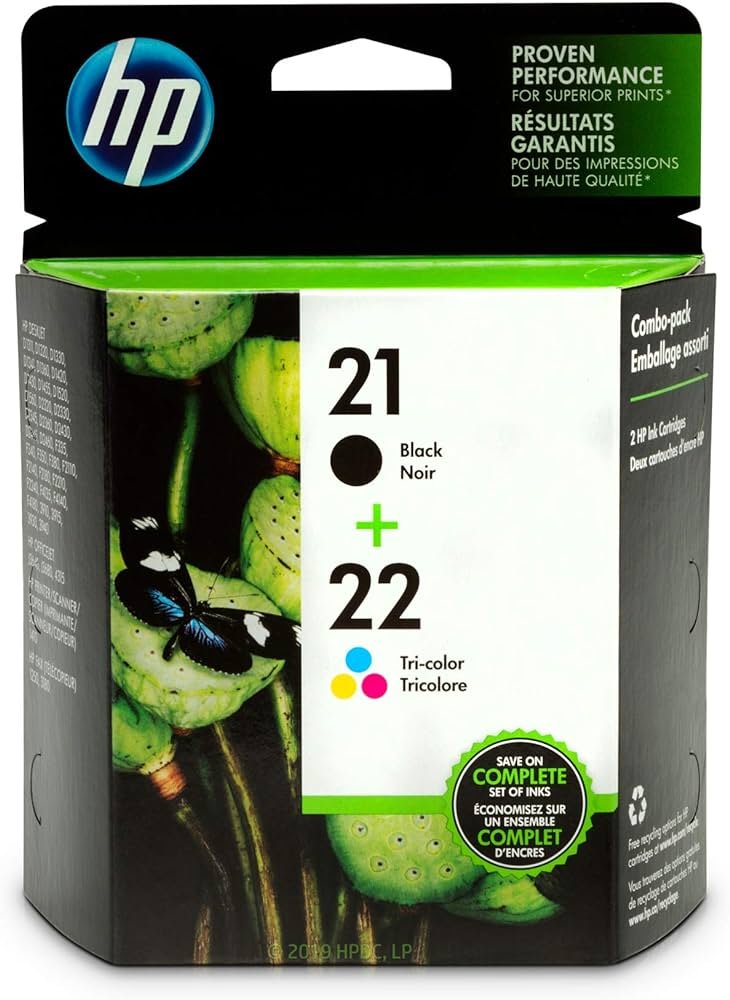
HP INK CARTRIDGE 21+22 COMBO PACK
SKU: 03070204000007
Out of stock
The HP Ink Cartridge 21+22 Combo Pack is a convenient solution for your printing needs, containing both black and color cartridges. Designed for HP printers, this pack ensures vibrant and long-lasting prints for documents, photos, and more, providing reliable performance and excellent value.
Out of stock
1. Unboxing: Start by carefully unpacking the HP Ink Cartridge 21+22 Combo Pack, ensuring to handle the cartridges gently to avoid any damage.
2. Printer Preparation: Turn on your HP printer and open the cartridge access door or lid to reveal the cartridge slots.
3. Cartridge Installation: Remove the old cartridges from the printer by gently pressing down on them and pulling them out. Then, take the black (HP 21) and color (HP 22) cartridges from the combo pack and remove their protective tapes. Insert them into their corresponding slots in the printer until they click securely into place.
4. Alignment: Follow the on-screen prompts on your printer’s display or use the printer’s control panel to initiate the cartridge alignment process. This ensures optimal print quality by aligning the printheads for precise ink delivery.
5. Test Print: Once the alignment process is complete, print a test page to verify that the HP Ink Cartridge 21+22 Combo Pack is installed correctly and that the printer is functioning properly. If the test page prints successfully, you’re ready to produce high-quality prints with both black and color ink.
Based on 0 reviews
Be the first to review “HP INK CARTRIDGE 21+22 COMBO PACK”
Related products
-
Computer Accessories, Headphones, Wired Headphones
Logitech Stereo Headset H390 Usb Connector
“TECHNICAL SPECIFICATIONS
Input Impedance: 32 Ohms
Sensitivity (headphone): 94dBV/Pa +/- 3 dB
Sensitivity (microphone): -17 dBV/Pa +/- 4 dB
Frequency response (Headset): 20 Hz – 20 kHz
Frequency response (Microphone): 100 Hz -10 kHz
Cable length: 7.64 ft (2.33m )
Connections: USB-A compatible (1.1, 2.0, 3.0)
SYSTEM REQUIREMENTS
Works with Common calling applications across almost all platforms and operating systems.
Windows® or macOS®
Chrome OS™
USB port (Type A port or adapter)
DIMENSIONS
Height x Width x Depth:
7.87 in (200 mm) x 9.65 in (245 mm) x 2.83 in (72 mm)
Weight: 6.9 oz (0.197 Kg)”
SKU: 020211000001 -


There are no reviews yet.