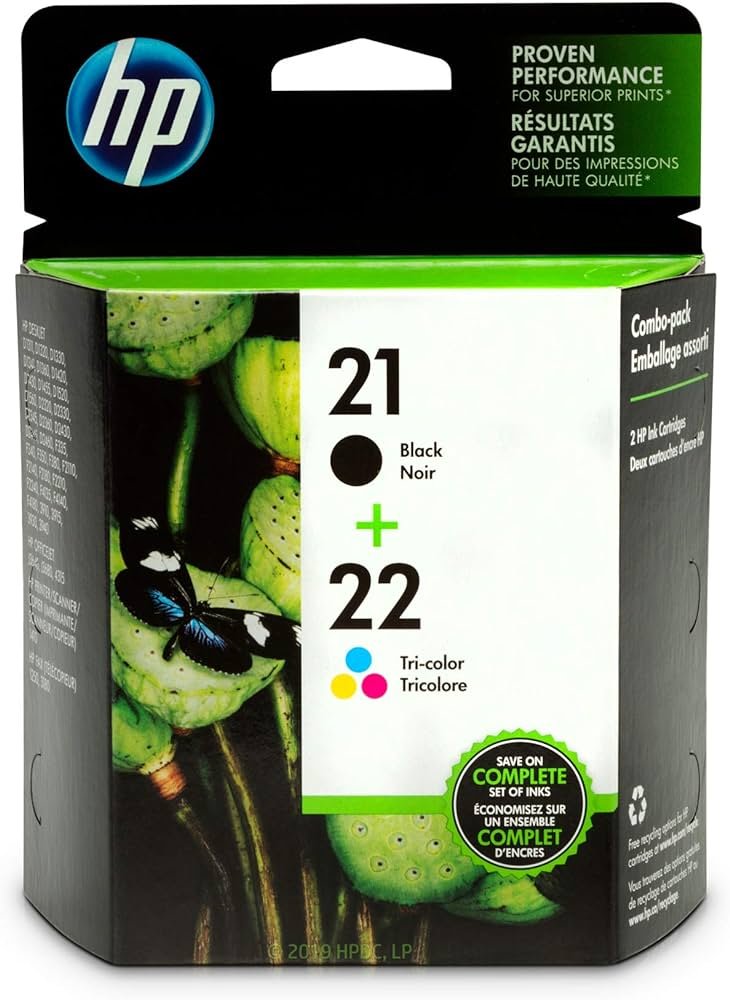
1. Unboxing: Start by carefully unpacking the HP Ink Cartridge 21+22 Combo Pack, ensuring to handle the cartridges gently to avoid any damage.
2. Printer Preparation: Turn on your HP printer and open the cartridge access door or lid to reveal the cartridge slots.
3. Cartridge Installation: Remove the old cartridges from the printer by gently pressing down on them and pulling them out. Then, take the black (HP 21) and color (HP 22) cartridges from the combo pack and remove their protective tapes. Insert them into their corresponding slots in the printer until they click securely into place.
4. Alignment: Follow the on-screen prompts on your printer’s display or use the printer’s control panel to initiate the cartridge alignment process. This ensures optimal print quality by aligning the printheads for precise ink delivery.
5. Test Print: Once the alignment process is complete, print a test page to verify that the HP Ink Cartridge 21+22 Combo Pack is installed correctly and that the printer is functioning properly. If the test page prints successfully, you’re ready to produce high-quality prints with both black and color ink.
NOKIA Used 3310 (Old Model)
Ahuja At 40 Controller
Cleo-TY Metal Car Hongqi H9 Size 1.24
Kalimba 17 Keys Finger Piano
Cleo-TY Metal Car BMW Manhart MH8-800 1901-171 Size 1.24
Kodak Digital Camera PIXPRO FZ55
Telionix Electric Air Fryer 9L TAF4424
Hot Wheels Deutschland Design
Cleo-EL Portable Electronic Bakhoor BQ-19
Logitech Stereo Headset H390 Usb Connector
New Arrivals
Offers
Service & Repair

There are no reviews yet.