
 New Arrivals
 Offers
 Service & Repair

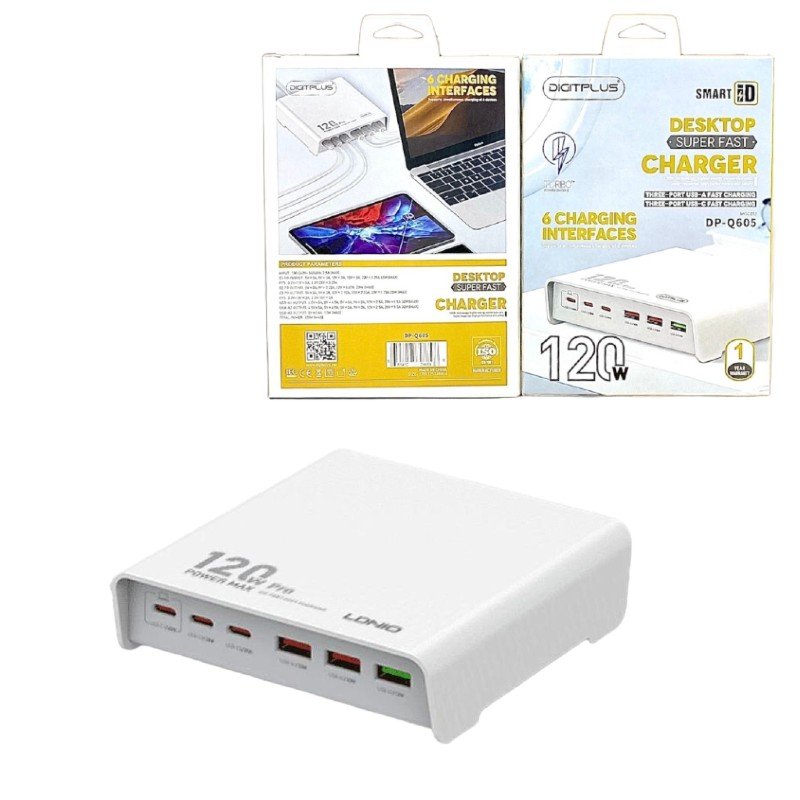
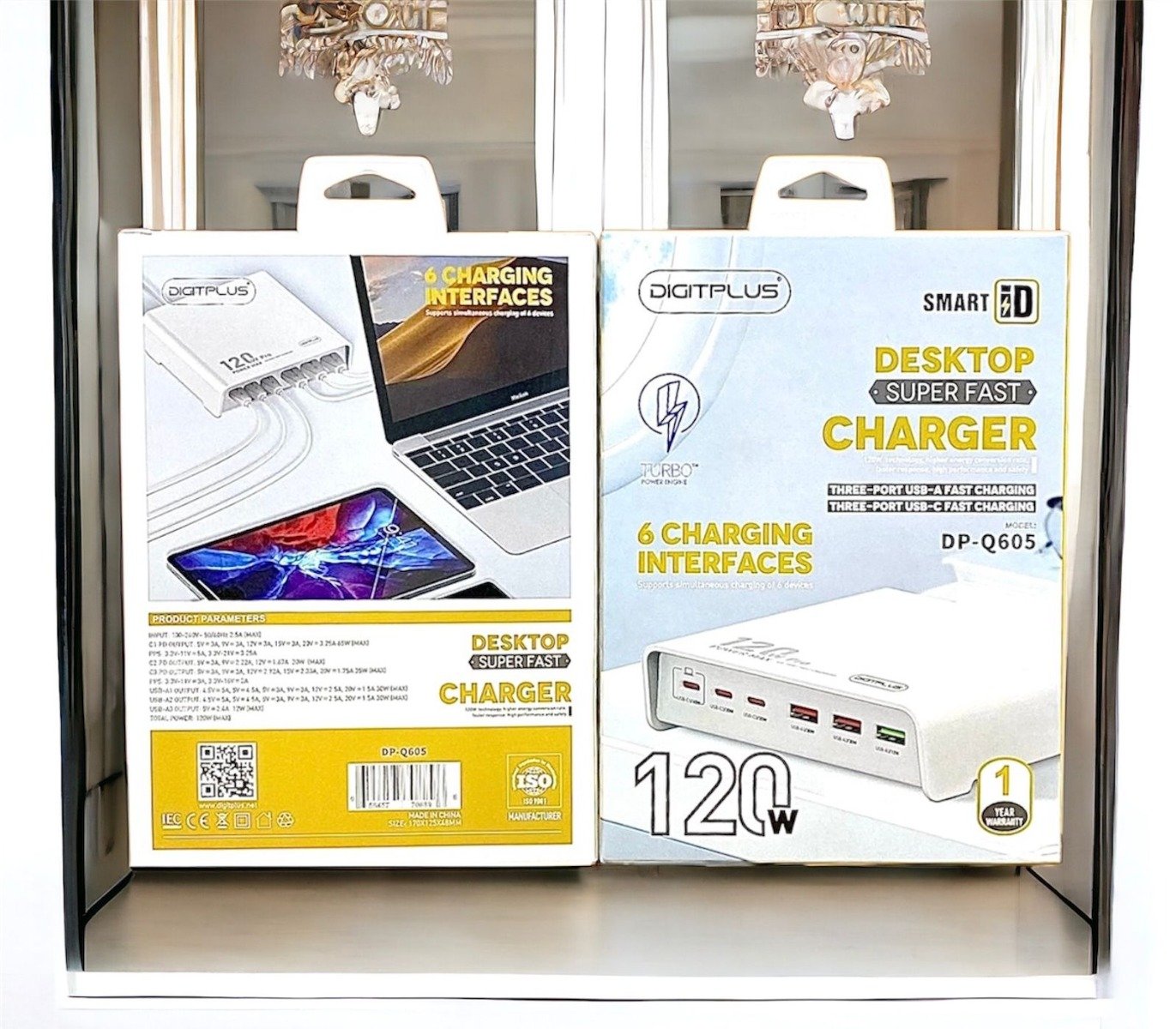
DigitPlus DP-Q605 120W 6-Port (3USB-A/3USB-C) Desktop Charger
SKU: DigitPlus DP-Q605 120W 6-Port (3USB-A/3USB-C) Desktop Charger
In stock
The DigitPlus DP-Q605 120W 6-Port (3USB-A/3USB-C) Desktop Charger is a versatile charging solution designed to power up multiple devices simultaneously. With three USB-A and three USB-C ports, it offers flexibility to charge a variety of devices such as smartphones, tablets, laptops, and more. Its 120W power output ensures fast and efficient charging, while its compact desktop design saves space and keeps your charging area organized. Whether at home, in the office, or while traveling, the DP-Q605 provides convenient and reliable charging for all your devices.
8.900 OMR
In stock
1. **Setup Power Source**: Connect the charger to a power outlet using the provided power cable. Ensure the outlet is compatible with the charger’s input voltage and that the charger is placed on a stable surface.
2. **Identify Ports**: Determine which devices you want to charge and which ports on the charger you’ll use for each device. The DP-Q605 features three USB-A and three USB-C ports, providing versatility for charging a variety of devices.
3. **Connect Devices**: Plug the USB-A or USB-C charging cables into the corresponding ports on the DP-Q605 charger. Ensure the cables are securely inserted to initiate charging.
4. **Monitor Charging**: Once the devices are connected, monitor the charging status to ensure they are receiving power. Many devices display a charging indicator when connected to a power source.
5. **Optimize Charging**: To optimize charging efficiency, prioritize higher-power devices like laptops or tablets by connecting them to the USB-C ports, as they support higher power output. You can simultaneously charge multiple devices, taking advantage of the charger’s six-port design for added convenience.
| Weight | 1 kg |
|---|


There are no reviews yet.